Handle model loading and performance as a product constraint from the beginning.
All case studiesFlagship case study
Revit IFC Web Viewer Implementation
The Revit IFC Viewer is useful because it shows the practical foundation behind browser-based BIM review. Rendering the model matters, but the product value comes from making geometry, metadata, and inspection workflows usable outside a heavy desktop environment.
Business problem
The operating problem behind the build
AEC teams often need more people to inspect and understand model context than desktop BIM tools can comfortably support. A web viewer has to make model access lighter while preserving performance, metadata, permissions, and review purpose.
Implementation decisions
What mattered in the system design
Expose model context in ways that help review, not just visual navigation.
Plan browser-based interaction around real project inspection workflows.
Keep future AI, reporting, or coordination workflows possible by preserving useful model metadata.
Build vs buy
When to buy a tool and when to build
Buy when
The team only needs standard desktop BIM review.
Users are already trained and licensed inside existing model tools.
There is no need for custom web access, metadata workflows, or product integration.
Build when
Project stakeholders need controlled browser access to models.
The viewer must connect to dashboards, RFQs, AI, client portals, or custom review workflows.
The product needs ownership over model presentation, data, and downstream actions.
Mistakes to avoid
Practical risks this case study helps prevent
Testing only with small sample models instead of representative project files.
Treating the viewer as a visual demo without metadata or review workflow.
Ignoring permission and project data boundaries.
Adding AI before the model data and inspection flow are reliable.
Planning assets
Use the guide and checklist before scoping a similar build
Internal proof cluster
Related proof and next steps
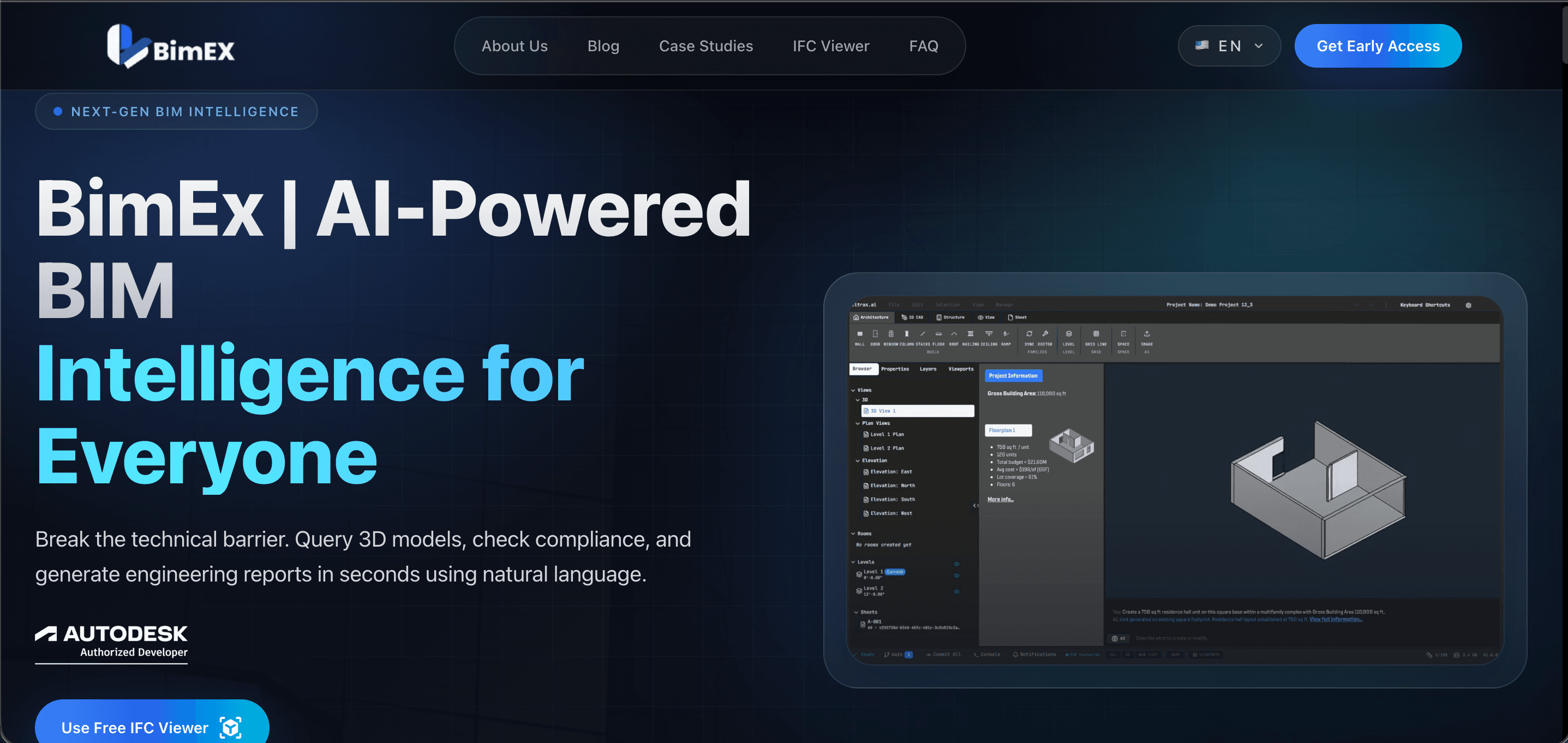
BimEx
BimEx is an AI-driven BIM intelligence platform website with a built-in browser IFC/Revit viewer.
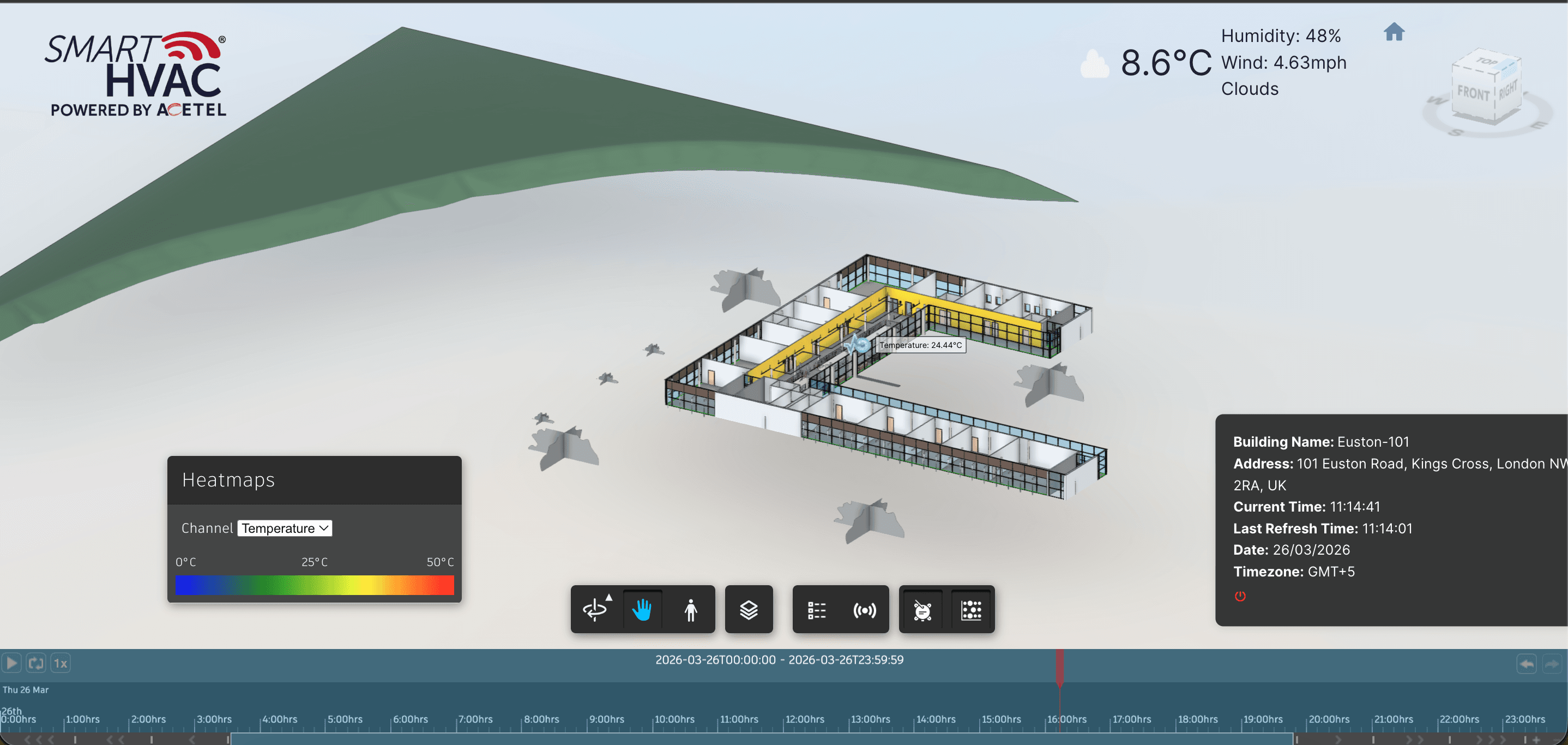
BIM IoT
BIM IoT is a smart building dashboard that connects BIM models with live and historical IoT sensor data.
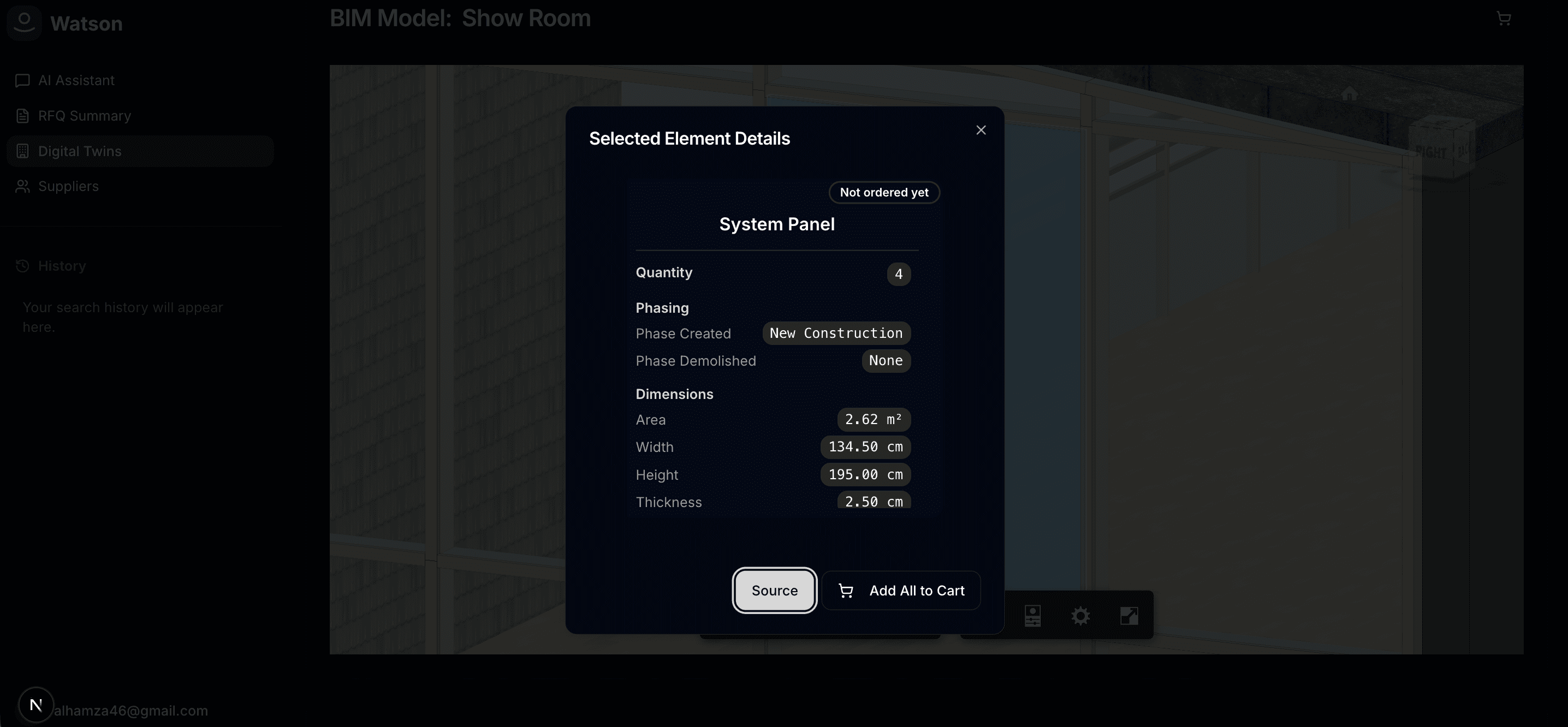
Watson Studio / TechSource AI
Watson Studio is an AI-powered procurement workspace that connects product sourcing, supplier outreach, RFQ management, and BIM-linked digital twin review in one workflow.
Search questions
Questions this page helps answer
Can Revit or IFC models be viewed in a browser?
Yes, but model size, geometry handling, metadata access, browser performance, and user workflow need to be planned carefully.
When should a BIM viewer be custom built?
A custom BIM viewer makes sense when model review needs to connect with dashboards, AI, portals, procurement, reporting, or controlled stakeholder access.
What is the hardest part of IFC viewer development?
The hard parts are performance, metadata handling, permission design, and making the viewer support an actual review workflow.
Can AI be layered onto an IFC viewer?
Yes. AI is most useful when it supports search, explanation, issue review, summaries, detection support, or reporting tied to model context.