Web application development

Build the web app your workflow needs.

Turn portals, dashboards, admin tools, or SaaS ideas into a scoped product with roles, data, integrations, and launch path defined upfront.

See web app proof
Web app proof

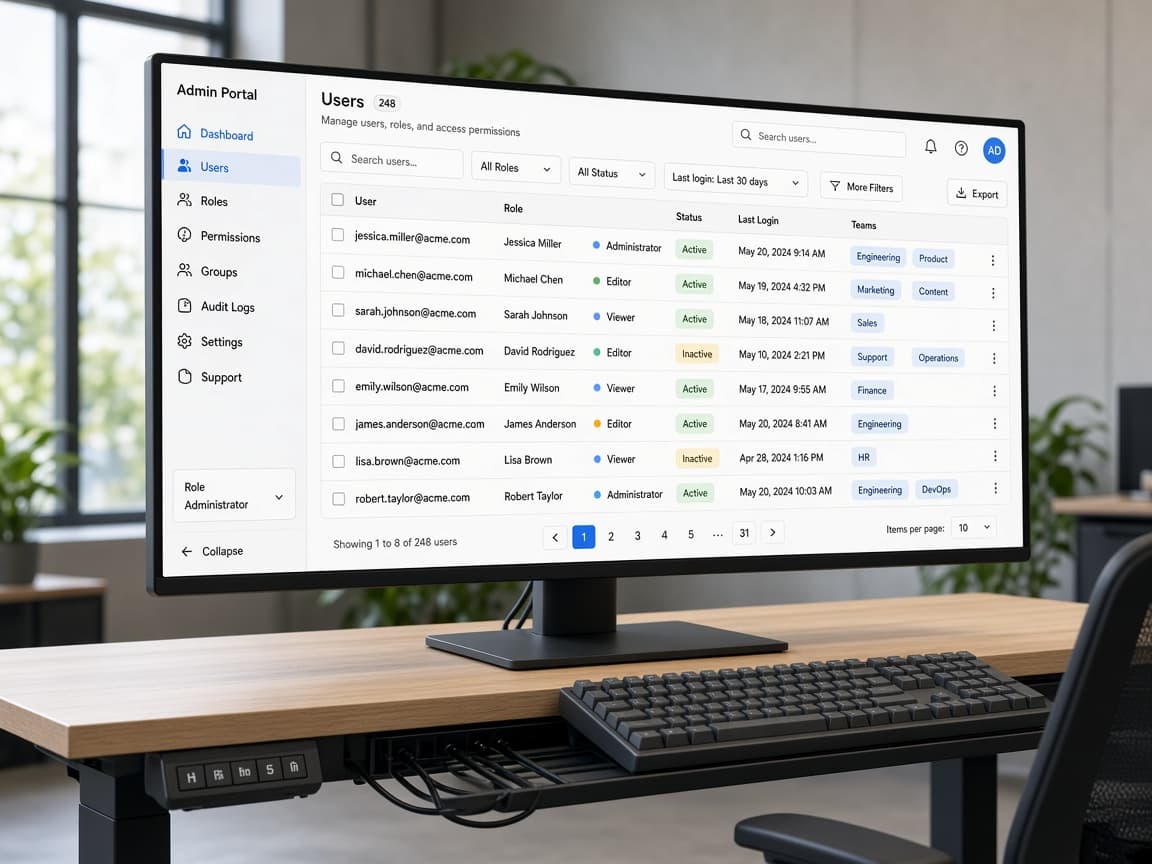
Dashboards, portals, CRM, and admin workflows shipped around real operating rules.

View SaaS and internal-tool proof
Outcome
One operating surface for the workflow
Mechanism
Workflow map, UX, build, and release
Risk reducer
Roles, records, and integrations clarified before code
Portals
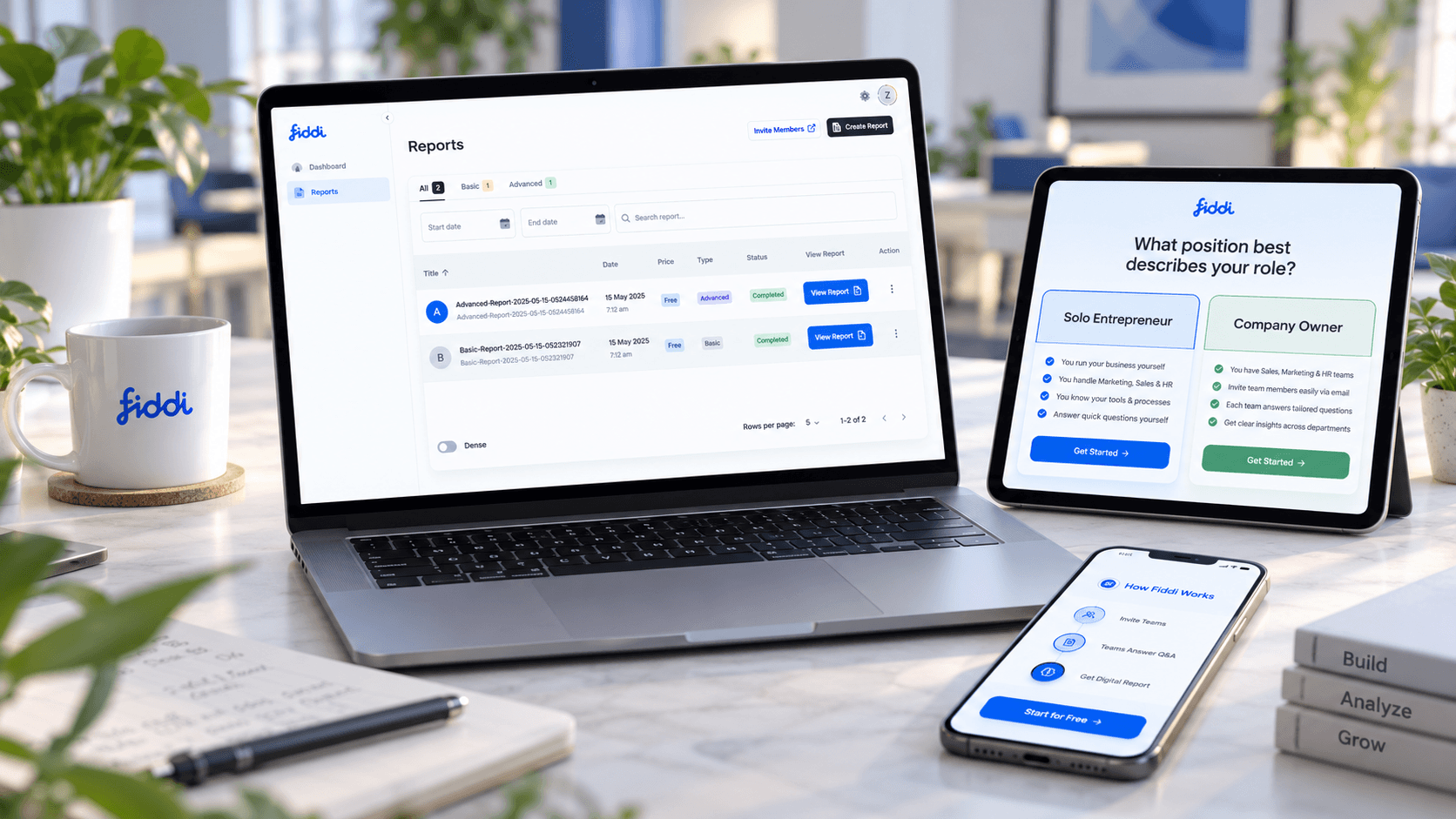
Customer and partner access
Dashboards
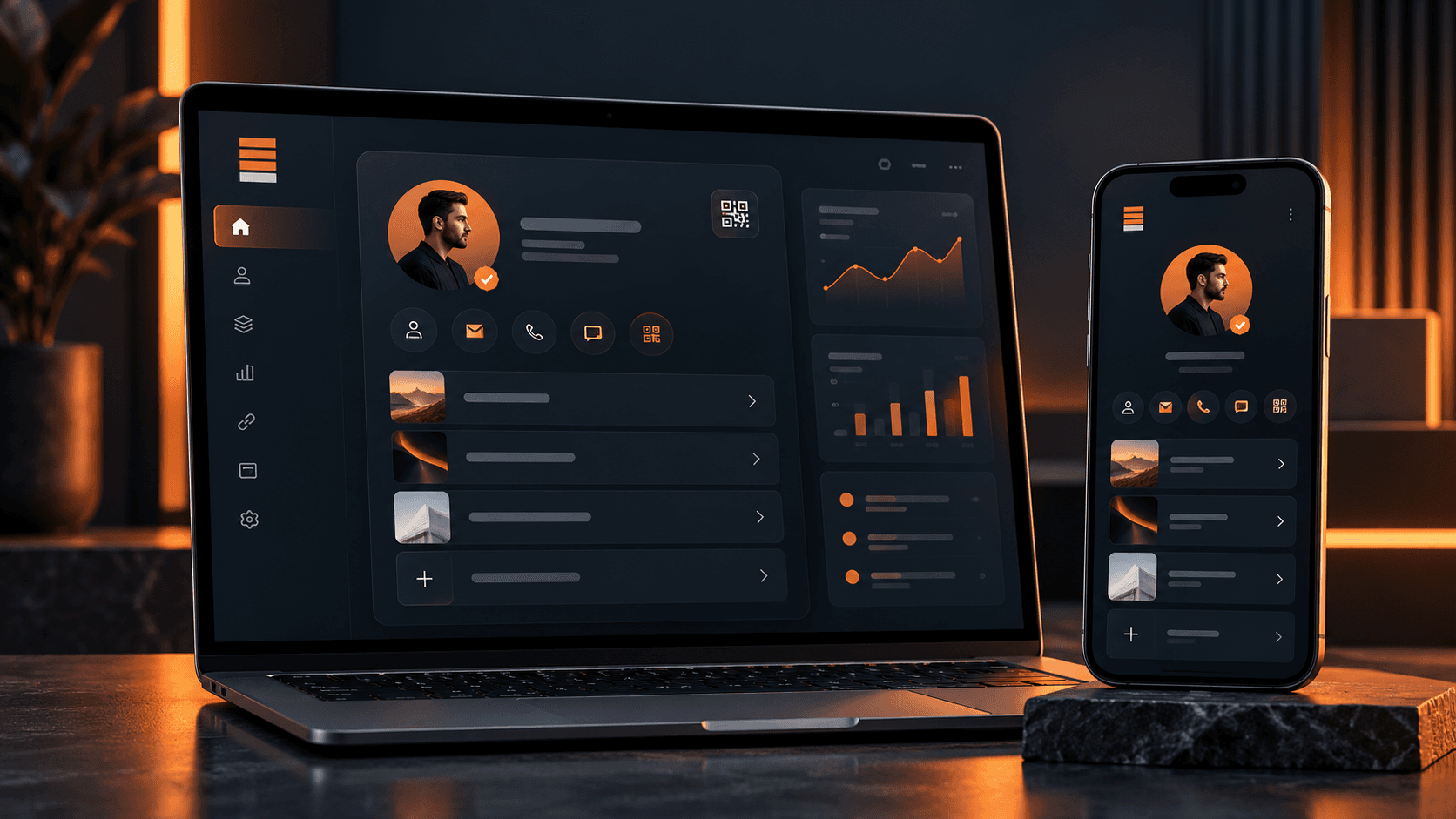
Operational visibility
Admin
Control surfaces
APIs
Connected systems
Strategy call

Leave with the first move mapped.

The call is useful even if we do not build together. We use it to clarify what should happen next, what can wait, and what could make the project expensive.

Scope map
Users, systems, first release
Risk list
Unknowns to resolve early
Build path
Milestones and ownership
Range
Timeline and budget signals
Free checklist

Web App Workflow Scope Checklist

Turn a portal, dashboard, or internal tool idea into roles, records, permissions, integrations, and release decisions.

  • User roles
  • Data model
  • Admin controls
Open web app checklist
Problems and use cases

Built for workflows that cannot stay inside spreadsheets.

A custom web app makes sense when the process is valuable enough to need clearer roles, records, statuses, permissions, integrations, and reporting than generic tools can provide.

Manual ops

Spreadsheets run the workflow

Approvals, status updates, customer records, or reports depend on copy-paste work and informal follow-up.

Portal

Customers need self-service

Users need accounts, documents, payments, messages, tasks, statuses, bookings, or dashboards in one place.

Dashboard

Teams lack visibility

The business needs real-time views, filters, exports, alerts, or decision-support screens.

Admin

Staff need control panels

Operators need to manage users, content, records, workflows, pricing, permissions, or exceptions.

SaaS

The business idea needs a product layer

A paid product needs onboarding, billing hooks, roles, usage, and admin control.

Modernization

An old system is limiting growth

The current app is hard to maintain, hard to scale, or painful for users.

Desired transformation

Move from scattered work to one reliable operating surface.

The outcome is a web platform that matches the workflow, gives users a clear place to act, and gives the business better visibility into what is happening.

01

Fewer manual handoffs

02

Clearer user roles

03

Centralized data

04

Better reporting

05

A maintainable release path

Service offer

A complete web application delivery team, from scope to launch.

The engagement can include discovery, UX, architecture, frontend, backend, database, integrations, QA, deployment, documentation, and support.

Scoped offer

A custom app should reduce operational drag.

We scope web applications around who uses them, what records matter, which decisions must be visible, and which integrations remove repeated work.

01

Strategy

Turn the workflow or product idea into a buildable roadmap.

View phase checklist
  • Discovery
  • Workflow mapping
  • MVP scope
  • Acceptance criteria
02

Design

Shape screens around tasks, roles, and decisions.

View phase checklist
  • User flows
  • Wireframes
  • Interface design
  • Prototype support
03

Development

Build the interface, logic, data, and integrations together.

View phase checklist
  • Frontend
  • Backend
  • Database
  • APIs and integrations
04

Launch

Move from working build to production with clear ownership.

View phase checklist
  • QA
  • Deployment
  • Documentation
  • Post-launch support
Capabilities

The web app functions teams usually need underneath the UI.

A serious web app needs more than pages. It needs workflow logic, access control, data handling, integration behavior, and a release plan.

Product and UX

Planning and design decisions before engineering gets expensive.

View capabilities
  • Discovery
  • User flows
  • Wireframes
  • Design systems

Application build

Frontend, backend, database, APIs, and admin workflows.

View capabilities
  • Next.js
  • React
  • Node.js
  • Python
  • PostgreSQL

Business features

Common product infrastructure for real use.

View capabilities
  • Auth
  • Roles
  • Payments
  • Files
  • Notifications

Operational layer

The parts that make the app useful to the business.

View capabilities
  • Dashboards
  • Reports
  • Exports
  • Audit logs
  • Integrations
Types of web apps

What a custom web app can become.

The build path adapts to the operating model. A portal, dashboard, SaaS product, and internal tool each need different defaults.

01

Client portals

Accounts, documents, payments, support, booking, and status visibility.

02

Internal tools

Queues, approvals, reports, admin views, and operational workflows.

03

SaaS platforms

Onboarding, plans, billing hooks, permissions, dashboards, and product workflows.

04

Dashboards

Filtered views, KPIs, exports, alerts, and decision-support screens.

05

Workflow systems

Custom tools for teams whose business rules do not fit off-the-shelf software.

Process

A web app process designed for product clarity.

The workflow, architecture, UX, and integration behavior are shaped together so the final product does not feel stitched together.

01

Fit and workflow discovery

We clarify the users, business workflow, systems, constraints, and success criteria before recommending a build path.

02

Roadmap and architecture

The first release, integration boundaries, technical risks, milestones, and acceptance criteria are turned into a practical plan.

03

Design and build iterations

UX, frontend, backend, data, integrations, and QA move in visible increments with working demos at key checkpoints.

04

Launch and handover

Deployment, monitoring guidance, documentation, source-code access, and post-launch stabilization are handled before the work is closed.

Risk reducers

Controls that make custom software easier to trust.

Custom web app risk usually comes from vague scope, hidden business rules, weak handoff, and unclear support. The engagement is designed to reduce those risks.

Technology stack

Modern stack choices without stack-first selling.

Common options include Next.js, React, TypeScript, Node.js, Python, PostgreSQL, Supabase, Firebase, Stripe, Clerk/Auth.js, serverless infrastructure, OpenAI APIs, CRM integrations, and ERP connections.

Next.js and React for fast web product surfaces.

TypeScript where maintainability and product scale matter.

Managed databases and auth where they reduce risk.

Custom APIs when workflow control and integration depth require it.

Performance, accessibility, and analytics checks before launch.

Milestone-based delivery

The project is broken into decision checkpoints so scope, cost, and quality stay visible while the product is still adjustable.

Staging access

You can review working flows in a controlled environment before they reach customers, staff, or production systems.

Acceptance criteria

Important user flows, integration behavior, edge cases, and handover expectations are agreed before final sign-off.

Source-code access

Repository access and handover expectations are clarified so the product does not become trapped with the delivery team.

QA and release support

Functional testing, responsive checks, deployment support, and post-launch defect handling are treated as part of delivery.

Founder-led scoping

Senior product and engineering judgment stays close to the engagement instead of disappearing after the sales conversation.

Comparison

Why not force this into no-code or another SaaS subscription?

No-code and off-the-shelf tools are useful until the workflow, permissions, reporting, or integration logic becomes the actual advantage.

Workflow fit

Built around your roles, statuses, records, and business rules.

VS

Workflow fit

The team works around the tool's assumptions.

Integration depth

APIs, webhooks, data models, and system boundaries are planned deliberately.

VS

Integration depth

Exports, zaps, and manual patching become the operating model.

Long-term control

Architecture and handover are part of delivery.

VS

Long-term control

The business becomes dependent on fragile workarounds.

Before you build

Pressure-test the workflow before screens multiply.

Custom web apps work best when the operating model is clear before the interface and code get heavy.

01

How do we avoid building a prettier spreadsheet?

We map roles, records, status changes, permissions, and reporting decisions before choosing screens.

02

Can this connect to our current tools?

Integration boundaries, source-of-truth rules, and handoff behavior are part of the first scope conversation.

03

Will the app be maintainable after launch?

Source access, deployment notes, admin controls, and next-release priorities are planned before handover.

FAQ

Questions buyers ask about web application development.

These answers reduce the practical uncertainty that usually appears before a serious service conversation.

01

What types of web applications can TkTurners build?

We can build portals, dashboards, SaaS products, admin systems, internal tools, booking systems, workflow platforms, and AI-enabled web applications.

02

Can you connect the web app to existing systems?

Yes. CRM, ERP, payment, accounting, email, AI, file storage, and other third-party integrations can be part of the build.

03

Do you handle design and development?

Yes. Discovery, UX, interface design, frontend, backend, integrations, QA, deployment, and handover can be covered in one engagement.

04

Can you modernize an existing web app?

Yes. We can review the current app, identify UX, architecture, performance, or maintainability risks, and scope a repair or version-two path.

05

How is cost estimated?

Cost depends on the number of roles, workflows, integrations, data models, screens, QA requirements, and launch support. Discovery comes before an estimate.

06

Will we own the source code?

Source-code access, repository ownership, deployment access, and handover expectations are clarified during scoping.

07

Can AI be included in the web app?

Yes. AI search, summaries, classification, copilots, report generation, and workflow automation can be included when the use case is clear.

Next step

Bring the project, workflow gap, or current system to one strategy call.

We will use the conversation to understand fit, scope, risk, required systems, and the first useful release before recommending a delivery path.

Useful call inputs

  • What outcome you need
  • What systems or users are involved
  • What has already been tried