ERP and CRM development

Make CRM and ERP data easier to trust.

Unify customer, finance, inventory, service, and reporting workflows with custom CRM/ERP logic, integrations, and dashboards.

See operations proof
Ops system proof

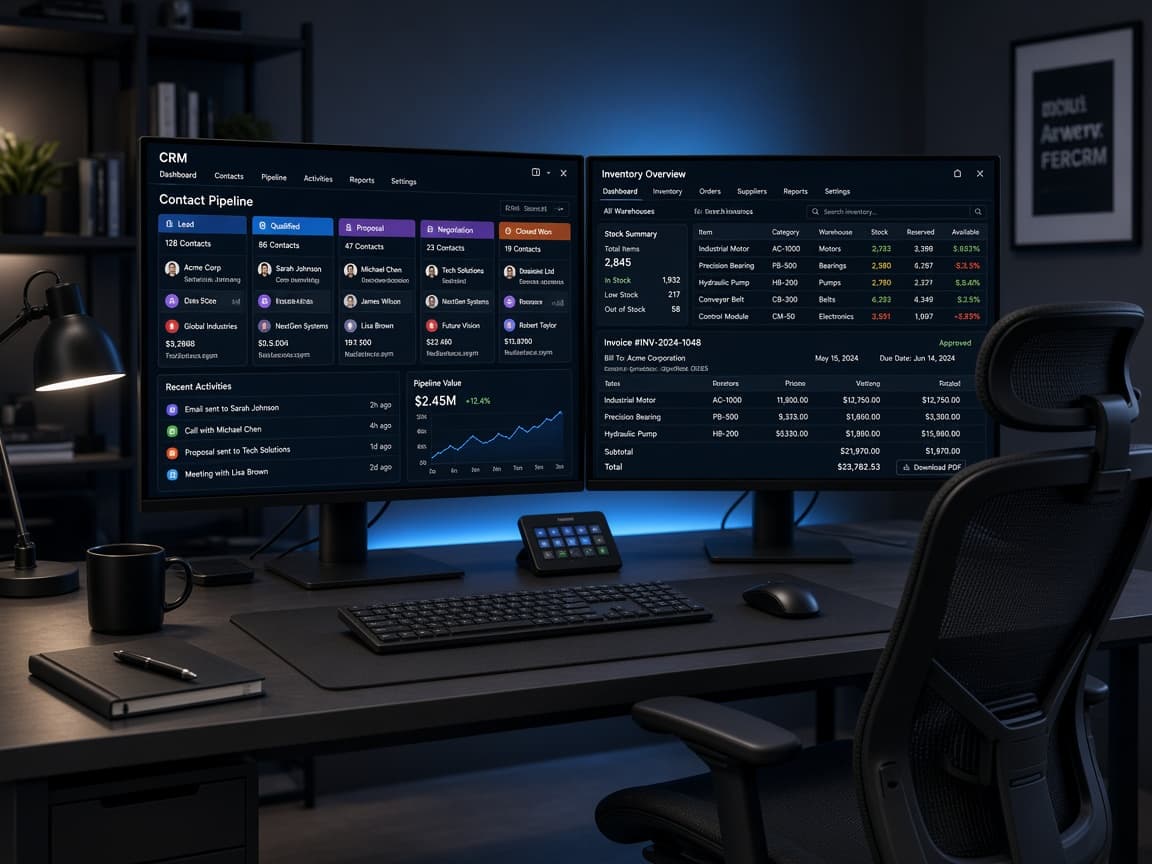
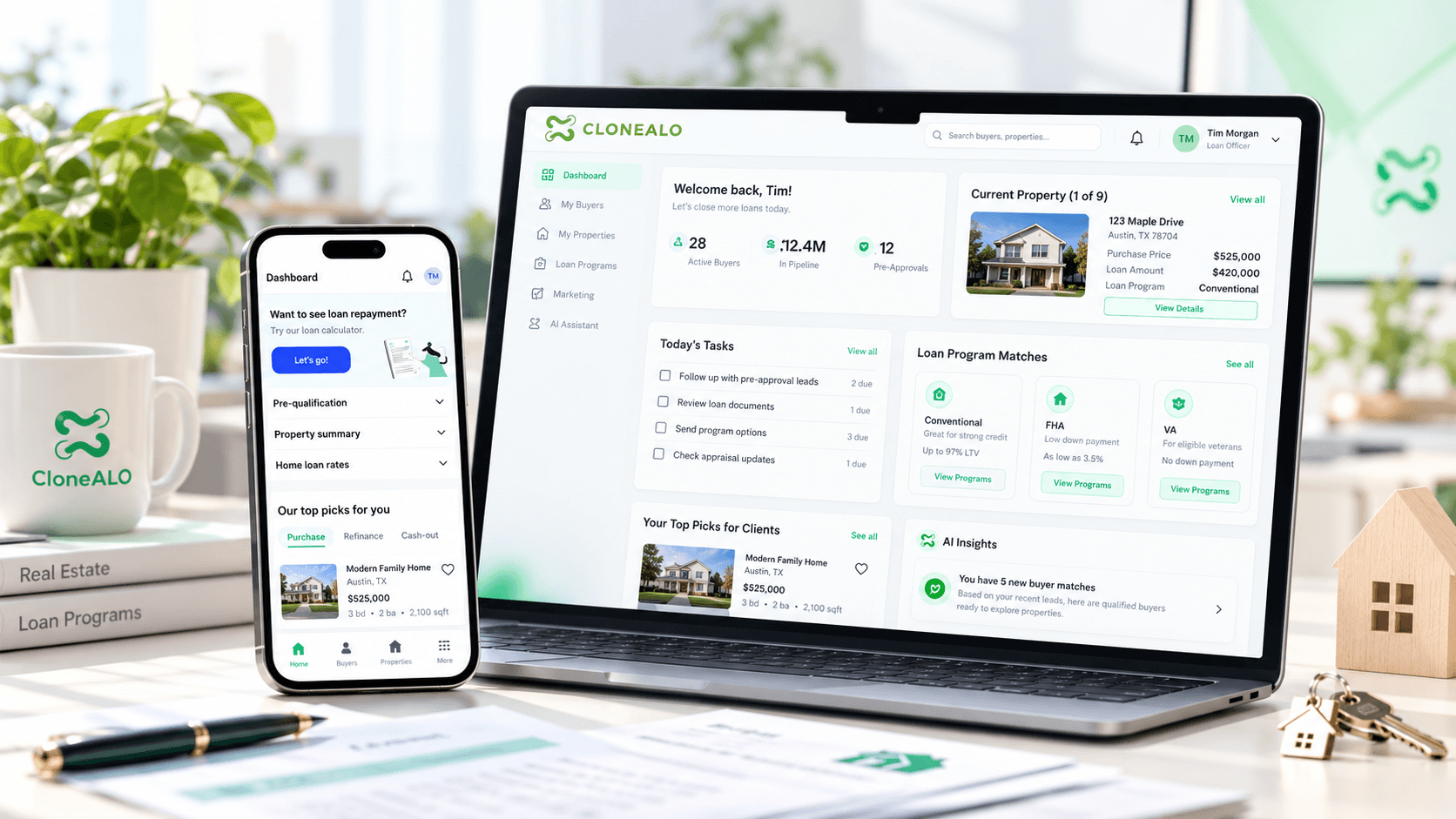
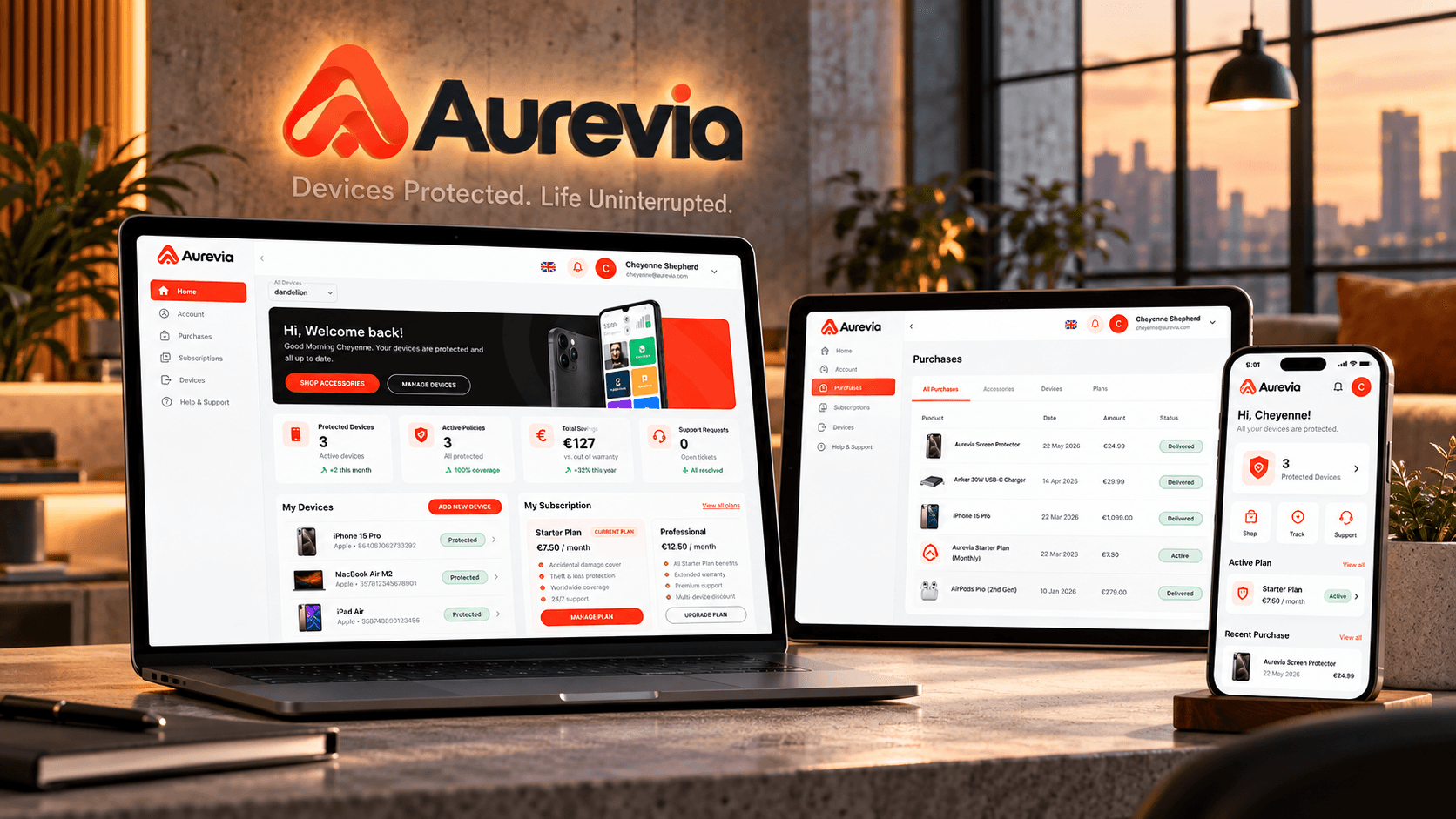
CRM, portal, service, inventory, and reporting workflows built around roles and trusted records.

View operations proof
Outcome
Cleaner truth across sales and operations
Mechanism
CRM, ERP, dashboards, sync, and automation
Risk reducer
Ownership, fields, and handoffs defined before build
CRM
Lead and customer workflows
ERP
Finance and operations
Dashboards
Decision visibility
Automation
Less manual follow-up
Strategy call

Leave with the first move mapped.

The call is useful even if we do not build together. We use it to clarify what should happen next, what can wait, and what could make the project expensive.

Scope map
Users, systems, first release
Risk list
Unknowns to resolve early
Build path
Milestones and ownership
Range
Timeline and budget signals
Free checklist

ERP and CRM Workflow Map Checklist

Map records, statuses, permissions, reporting, integrations, and exceptions before changing the operating system.

  • Source truth
  • Role access
  • Reporting rules
Open CRM/ERP checklist
Problems and use cases

Built for teams where customer and operating data does not agree.

CRM and ERP work is valuable when it makes the workflow easier to operate, not when it simply adds fields to another system.

CRM

Leads and follow-up are inconsistent

Pipeline, contacts, appointments, messages, tasks, and handoffs are scattered or unreliable.

ERP

Finance and operations do not reconcile

Orders, invoices, payments, inventory, fulfillment, and reporting show different versions of truth.

Portal

Customers or staff need self-service

Users need account status, documents, approvals, tasks, invoices, tickets, or workflow updates.

Automation

Teams repeat the same admin work

Routing, updates, reminders, enrichment, checks, exports, or reporting can move into controlled workflows.

Migration

The current system is hard to change

Legacy tools, messy fields, duplicate records, and weak process ownership slow down every improvement.

Visibility

Leaders do not trust the numbers

Dashboards show late, inconsistent, or unexplained metrics because the source workflows are not aligned.

Desired transformation

Move from scattered records to a cleaner operating backbone.

The outcome is clearer data ownership, fewer manual exceptions, better customer visibility, and reporting that reflects how the business actually works.

01

Unified customer records

02

Cleaner handoffs

03

More reliable reporting

04

Automated follow-up

05

Fewer manual reconciliations

Service offer

An ERP and CRM implementation lane for custom workflows.

The engagement can include workflow mapping, data model design, custom portal or dashboard development, CRM automation, ERP integration, migration support, QA, deployment, and handover.

Scoped offer

The system is scoped around the handoff that keeps breaking.

We identify whether the issue is data ownership, workflow state, integration timing, reporting logic, or team behavior before building.

01

Workflow map

Identify records, statuses, roles, and handoffs.

View phase checklist
  • CRM flow
  • ERP flow
  • Data ownership
  • Exception map
02

System design

Shape the data model and operating surface.

View phase checklist
  • Fields
  • Permissions
  • Portal UX
  • Reporting plan
03

Build and connect

Implement workflows, integrations, dashboards, and automation.

View phase checklist
  • APIs
  • Webhooks
  • Automation
  • Dashboards
04

Launch and clean up

Test the handoffs and support adoption.

View phase checklist
  • QA
  • Migration support
  • Documentation
  • Support
Capabilities

CRM and ERP capabilities that clean up operations.

The work can support both custom systems and integrations around existing platforms.

CRM workflows

Customer, lead, pipeline, appointment, and follow-up systems.

View capabilities
  • Lead routing
  • Pipelines
  • Tasks
  • Appointments
  • Messaging

ERP workflows

Operational records tied to finance, inventory, fulfillment, and reporting.

View capabilities
  • Orders
  • Invoices
  • Inventory
  • Approvals
  • Reconciliation

Custom portals

User-facing surfaces around records and status.

View capabilities
  • Customer portal
  • Staff portal
  • Vendor portal
  • Admin dashboards

Automation and reporting

The operating layer that reduces repeated work.

View capabilities
  • Webhooks
  • Data sync
  • Alerts
  • Reports
  • Exports
System types

What ERP and CRM work can turn into.

The right delivery shape depends on whether you need to fix an existing platform, build a custom layer, or connect multiple systems.

01

Custom CRM workflows

Lead, client, appointment, pipeline, messaging, and follow-up systems.

02

ERP integration layers

Orders, inventory, invoices, payments, accounting, and reporting sync.

03

Operations portals

Customer, staff, vendor, or partner portals tied to workflow state.

04

Reporting dashboards

Decision-ready views across CRM, ERP, ecommerce, payment, and support data.

05

Automation systems

Routing, reminders, enrichment, exception handling, and approval workflows.

Process

A systems process that starts with the data handoff.

ERP and CRM work is scoped by tracing how records move, where truth breaks, and what workflow state users need to trust.

01

Fit and workflow discovery

We clarify the users, business workflow, systems, constraints, and success criteria before recommending a build path.

02

Roadmap and architecture

The first release, integration boundaries, technical risks, milestones, and acceptance criteria are turned into a practical plan.

03

Design and build iterations

UX, frontend, backend, data, integrations, and QA move in visible increments with working demos at key checkpoints.

04

Launch and handover

Deployment, monitoring guidance, documentation, source-code access, and post-launch stabilization are handled before the work is closed.

Risk reducers

Controls that reduce system-change risk.

CRM and ERP projects can disrupt operations if data, permissions, automation, migration, and reporting assumptions are not tested early.

Technology stack

Platform choices around existing systems and ownership.

Common options include GoHighLevel, HubSpot, Salesforce, Odoo, NetSuite, QuickBooks, Shopify, Stripe, REST APIs, webhooks, Next.js, Node.js, Python, PostgreSQL, and reporting tools.

Use existing CRM or ERP platforms when they fit the process.

Build custom layers when workflow or UX needs more control.

Normalize records before automating unreliable data.

Plan migrations around risk and rollback, not optimism.

Create dashboards from trusted workflow events.

Milestone-based delivery

The project is broken into decision checkpoints so scope, cost, and quality stay visible while the product is still adjustable.

Staging access

You can review working flows in a controlled environment before they reach customers, staff, or production systems.

Acceptance criteria

Important user flows, integration behavior, edge cases, and handover expectations are agreed before final sign-off.

Source-code access

Repository access and handover expectations are clarified so the product does not become trapped with the delivery team.

QA and release support

Functional testing, responsive checks, deployment support, and post-launch defect handling are treated as part of delivery.

Founder-led scoping

Senior product and engineering judgment stays close to the engagement instead of disappearing after the sales conversation.

Comparison

Why not just configure a CRM or ERP tool?

Configuration helps when the process fits the platform. Development and integration become necessary when the business workflow crosses systems or requires custom logic.

Workflow fit

The process, roles, and data ownership shape the implementation.

VS

Workflow fit

The team bends the process around available settings.

Integration truth

Records, events, and sync failures are part of the architecture.

VS

Integration truth

Manual exports and duplicate entry become normal.

Visibility

Dashboards reflect real workflow state.

VS

Visibility

Reports look polished but do not explain operational gaps.

Before you build

Keep operational data trustworthy while systems change.

CRM and ERP work only pays off when teams trust the record, status, and next action inside the system.

01

How do we avoid another messy CRM?

We define record ownership, required fields, status logic, permissions, and reporting needs before customization.

02

Can we migrate without losing context?

Migration scope includes field mapping, cleanup decisions, audit checks, and phased validation where needed.

03

What if teams keep working outside the system?

The workflow is designed around the decisions teams already make, with fewer duplicate-entry points.

FAQ

Questions buyers ask about erp and crm development.

These answers reduce the practical uncertainty that usually appears before a serious service conversation.

01

Can TkTurners build a custom CRM?

Yes. We can build CRM-style workflows, dashboards, portals, automations, and integrations when off-the-shelf tools do not fit.

02

Do you work with existing CRM or ERP platforms?

Yes. We can integrate with, automate around, or build custom layers for existing systems depending on API access and workflow needs.

03

Can you help with GoHighLevel?

Yes. TkTurners has a dedicated GHL Services lane for GoHighLevel setup, rescue, automation, and management.

04

Can ERP data connect to dashboards or portals?

Yes. ERP records can feed portals, dashboards, alerts, reports, and customer/staff workflows when data ownership and sync rules are clear.

05

Do you handle migrations?

Migration support can be scoped, including field mapping, cleanup rules, staged import, QA, and rollback planning.

06

What affects ERP or CRM development cost?

Cost depends on platform access, workflow complexity, data cleanup, integrations, dashboards, migration needs, automation, and support expectations.

07

Can AI be part of CRM or ERP workflows?

Yes. AI can support summaries, enrichment, routing, support triage, reporting, and decision assistance when human review and data quality are handled.

Next step

Bring the project, workflow gap, or current system to one strategy call.

We will use the conversation to understand fit, scope, risk, required systems, and the first useful release before recommending a delivery path.

Useful call inputs

  • What outcome you need
  • What systems or users are involved
  • What has already been tried