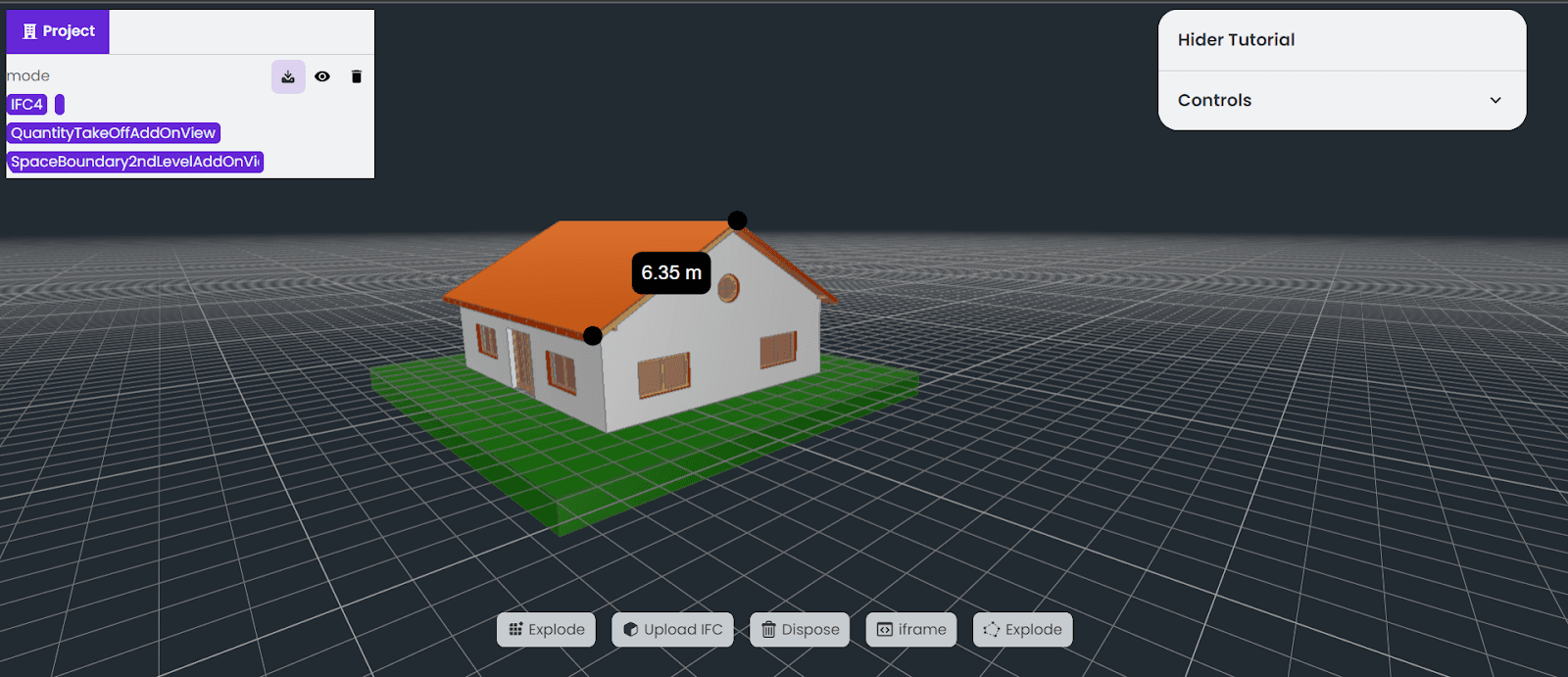
Choose representative model files
Test with real model size and complexity early so performance decisions are grounded in reality.
A web-based IFC viewer should be planned around the project decision it improves. Rendering a model is only one part of the work; teams also need metadata, access control, performance, and a next action after review.
Test with real model size and complexity early so performance decisions are grounded in reality.
Decide whether users need inspection, issue review, RFQ context, dashboard data, or AI assistance.
Identify which object properties, classifications, or model data users need to search and inspect.
Control who can view, share, comment, export, or access project data.
Make sure findings can move into coordination, reporting, procurement, or issue workflows.
IFC/model handling
Viewer performance plan
Metadata access
Permissions
Review workflow
Integration or reporting path
Testing only with small demo files.
Building a viewer without a review workflow.
Ignoring permissions for project data.
Adding AI before defining where it improves coordination.
The hard parts are performance, metadata, permissions, and making the viewer support a real project workflow.
Yes, but AI should support specific review, search, explanation, detection, or reporting tasks.