UI/UX product design

Design the product before build costs pile up.

Turn ideas, dashboards, apps, and landing pages into clearer flows, UI systems, prototypes, and handoff decisions.

See design proof
Design proof

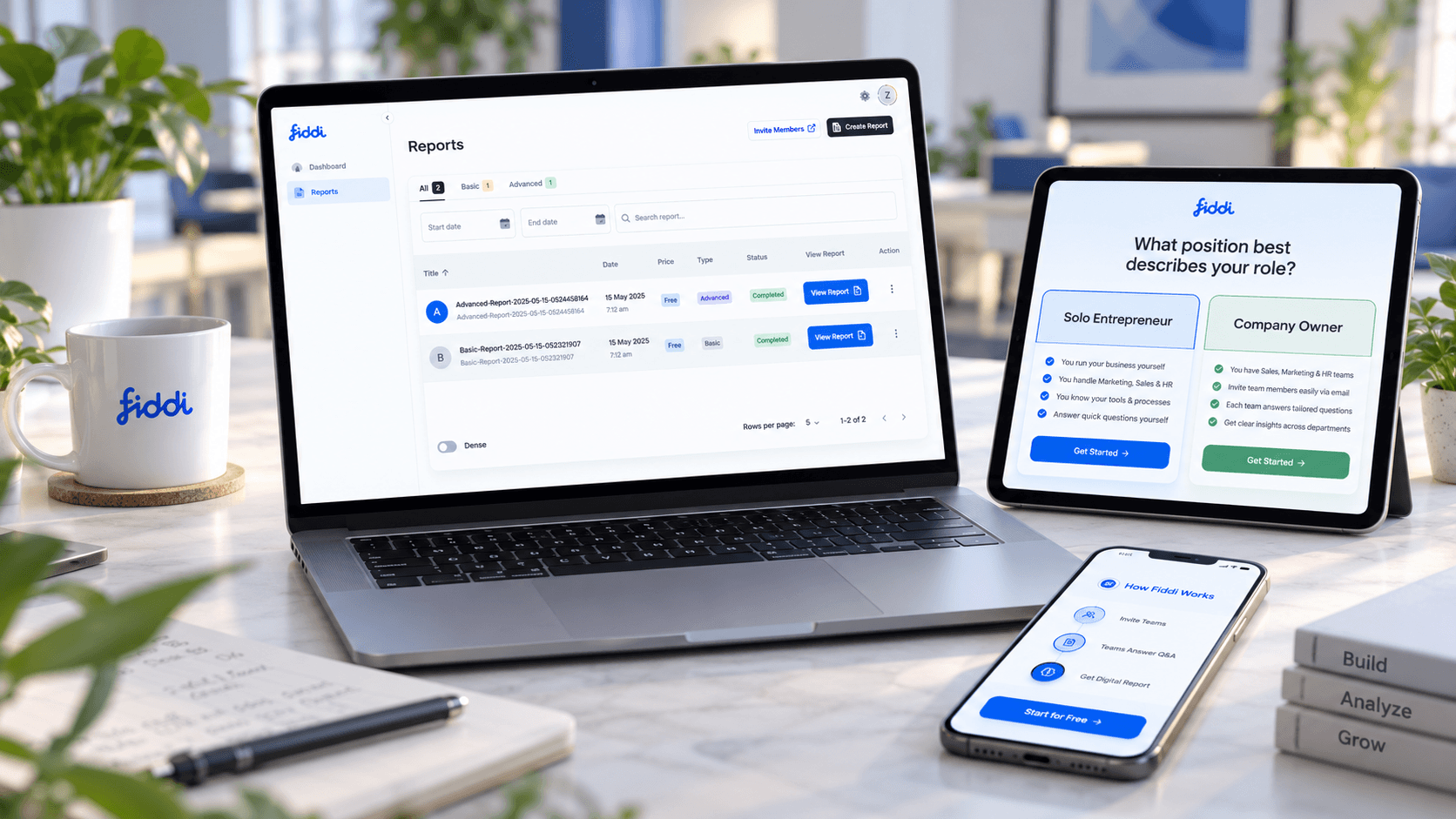
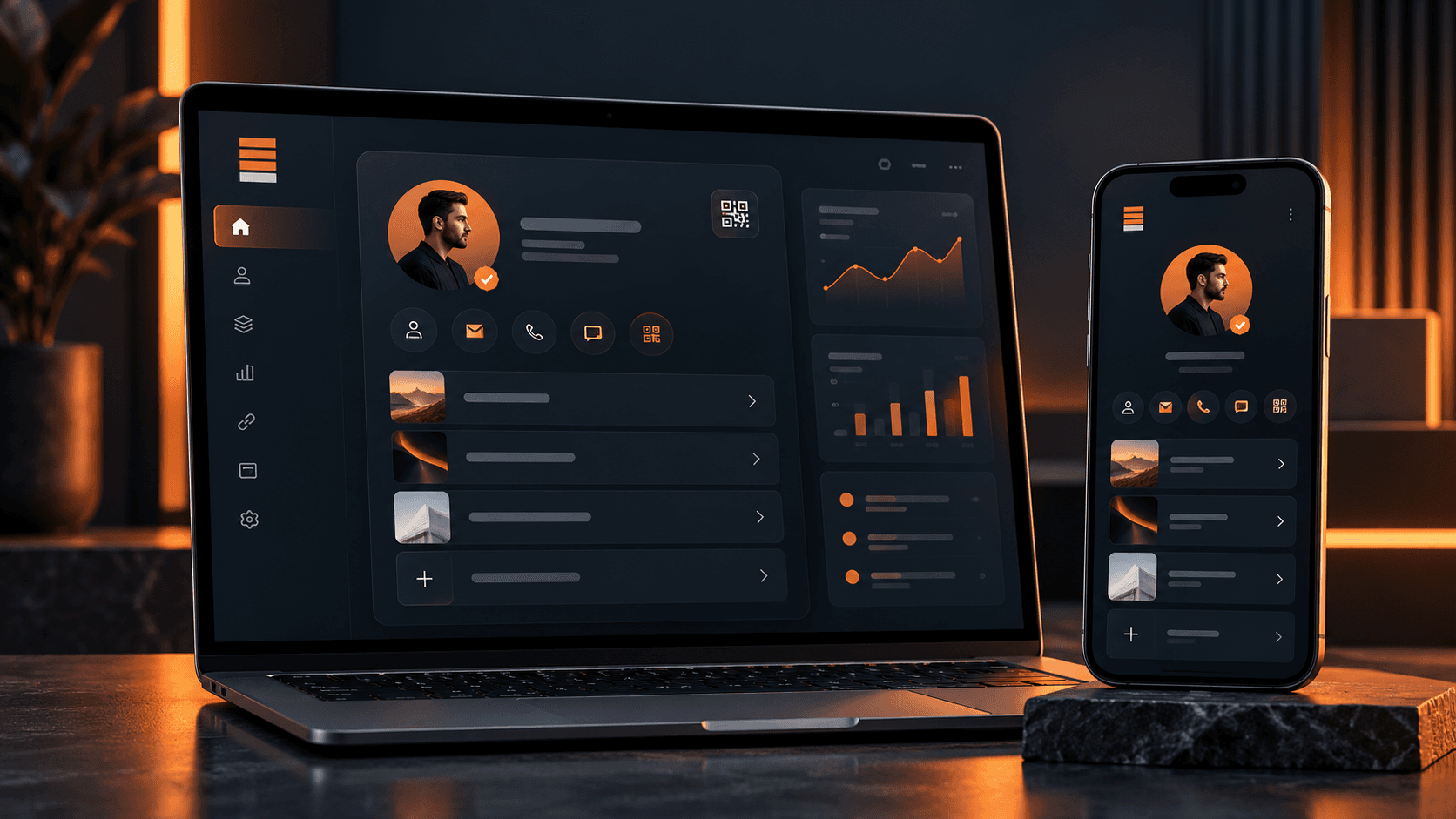
Product surfaces, dashboards, commerce flows, and app experiences shaped before build costs lock in.

View product proof
Outcome
Screens users and builders can understand
Mechanism
Flows, wireframes, UI systems, prototypes, handoff
Risk reducer
Scope and state decisions made before code
Flows
UX before screens
Prototype
Decision support
Design system
Reusable patterns
Handoff
Build-ready specs
Strategy call

Leave with the first move mapped.

The call is useful even if we do not build together. We use it to clarify what should happen next, what can wait, and what could make the project expensive.

Scope map
Users, systems, first release
Risk list
Unknowns to resolve early
Build path
Milestones and ownership
Range
Timeline and budget signals
Free checklist

Product Design Scope Checklist

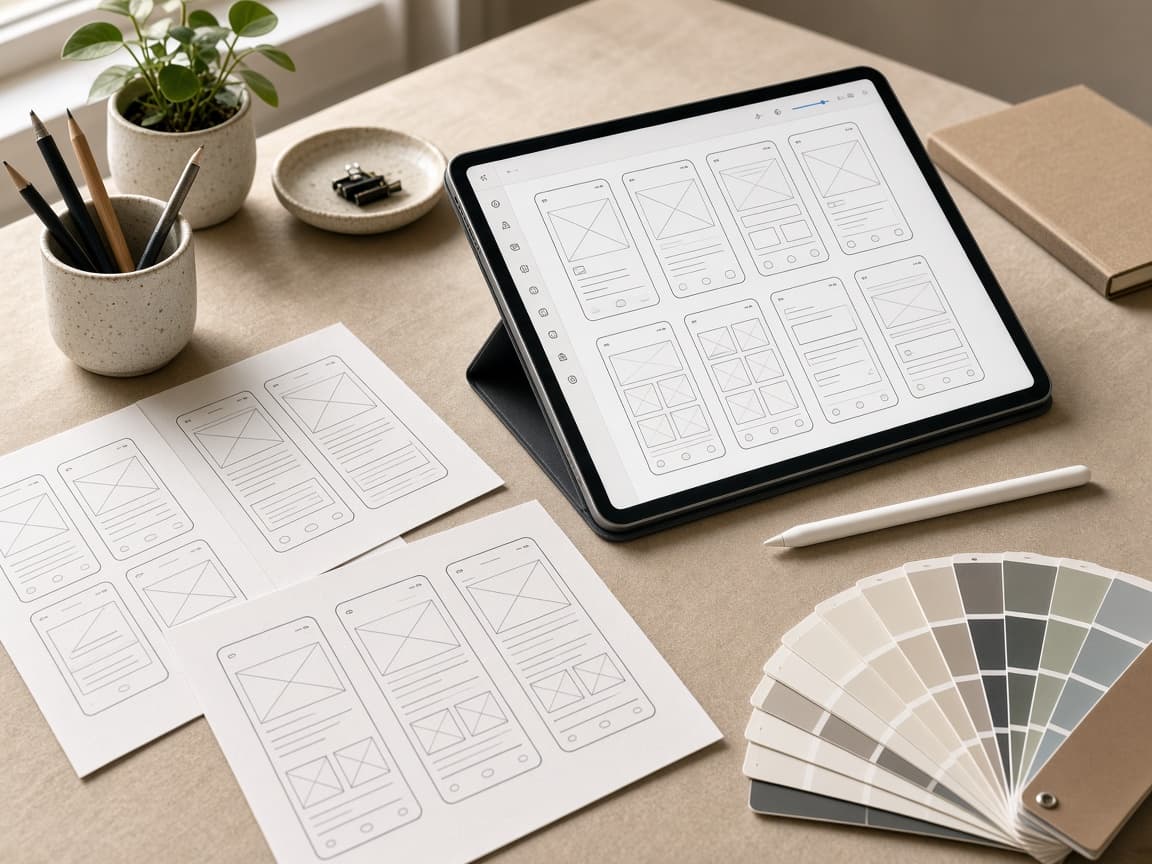
Clarify user flow, screen priority, prototype depth, design-system needs, and handoff expectations before build.

  • User flow
  • Prototype depth
  • Handoff scope
Open design checklist
Problems and use cases

Built for products where unclear UX is slowing the business down.

Good product design reduces development waste by clarifying what users need to do, what the business needs to prove, and what the product should not include yet.

New product

The idea needs a usable shape

The concept needs flows, screens, and scope before development starts.

SaaS

The dashboard is hard to understand

Users need onboarding, navigation, tasks, filters, reports, and actions that match their work.

Mobile

The app needs a tighter user loop

Activation, repeat use, saved state, and mobile ergonomics need clearer design.

Portal

Users cannot find the next step

Customer or staff portals need better status, actions, documents, tasks, and messaging.

Conversion

The page is not turning interest into leads

Landing pages need clearer value, proof, objection handling, CTAs, and trust signals.

Handoff

Design and development keep drifting

The team needs patterns, components, states, and specifications developers can implement cleanly.

Desired transformation

Move from vague screens to a product users can understand.

The outcome is a design direction that clarifies user tasks, supports business goals, reduces build ambiguity, and gives the implementation team a cleaner path.

01

Clearer user journeys

02

Less development waste

03

Better onboarding

04

Reusable UI patterns

05

Higher conversion intent

Service offer

A product design engagement from workflow to handoff.

The engagement can include discovery, user flows, information architecture, wireframes, UI design, prototypes, design system decisions, responsive states, CRO review, and developer handoff.

Scoped offer

Design is tied to what the product must achieve.

We design around user tasks, business proof, conversion goals, technical constraints, and the build path that follows.

01

Discovery

Clarify audience, workflow, goals, and constraints.

View phase checklist
  • User roles
  • Jobs to be done
  • Current friction
  • Success criteria
02

UX structure

Map the product before polishing screens.

View phase checklist
  • Information architecture
  • User flows
  • Wireframes
  • States
03

Interface design

Create polished, responsive, brand-aligned surfaces.

View phase checklist
  • UI screens
  • Components
  • Design system
  • Prototype
04

Handoff

Prepare design for implementation and iteration.

View phase checklist
  • Specs
  • Assets
  • Responsive notes
  • Build support
Capabilities

Design capabilities for product and conversion surfaces.

The work can focus on a new product, a redesign, a specific feature, or a conversion-critical page.

Product strategy

Clarify what the product should do first.

View capabilities
  • Discovery
  • User roles
  • MVP scope
  • Feature priorities

UX design

Structure tasks and decisions before UI polish.

View capabilities
  • User flows
  • Wireframes
  • Information architecture
  • States

UI design

Create polished product surfaces.

View capabilities
  • Dashboards
  • Mobile screens
  • Portals
  • Design systems

Conversion design

Improve pages that need to generate leads.

View capabilities
  • Hero clarity
  • Proof sections
  • CTA hierarchy
  • Objection handling
Design deliverables

What the design engagement can produce.

Deliverables are selected around what reduces decision risk before engineering starts.

01

Clickable prototypes

Useful for validating flows, demos, investor conversations, and stakeholder decisions.

02

SaaS dashboard design

Navigation, widgets, tables, reports, filters, onboarding, and admin surfaces.

03

Mobile app design

Onboarding, device-ready flows, repeat-use loops, and mobile UI states.

04

Landing page design

Conversion-focused service, product, or campaign pages with proof and CTAs.

05

Design systems

Reusable components, states, tokens, and conventions for maintainable implementation.

Process

A design process that prepares the product for build.

The process starts with workflow and conversion goals, then moves toward screens, systems, and implementation-ready decisions.

01

Fit and workflow discovery

We clarify the users, business workflow, systems, constraints, and success criteria before recommending a build path.

02

Roadmap and architecture

The first release, integration boundaries, technical risks, milestones, and acceptance criteria are turned into a practical plan.

03

Design and build iterations

UX, frontend, backend, data, integrations, and QA move in visible increments with working demos at key checkpoints.

04

Launch and handover

Deployment, monitoring guidance, documentation, source-code access, and post-launch stabilization are handled before the work is closed.

Risk reducers

Controls that reduce design and build waste.

Design risk comes from unclear users, weak scope, missing states, and handoff gaps. The engagement makes those decisions explicit.

Design stack

Design tools selected around handoff and speed.

Common tools and outputs include Figma, clickable prototypes, component libraries, responsive specs, content structures, analytics-event plans, and developer handoff notes.

Figma files structured for implementation.

Responsive states for mobile, tablet, and desktop.

Component and token decisions aligned with the codebase.

CRO review for pages that need leads.

Handoff notes that reduce engineering ambiguity.

Milestone-based delivery

The project is broken into decision checkpoints so scope, cost, and quality stay visible while the product is still adjustable.

Staging access

You can review working flows in a controlled environment before they reach customers, staff, or production systems.

Acceptance criteria

Important user flows, integration behavior, edge cases, and handover expectations are agreed before final sign-off.

Source-code access

Repository access and handover expectations are clarified so the product does not become trapped with the delivery team.

QA and release support

Functional testing, responsive checks, deployment support, and post-launch defect handling are treated as part of delivery.

Founder-led scoping

Senior product and engineering judgment stays close to the engagement instead of disappearing after the sales conversation.

Comparison

Why not send a quick mockup straight to developers?

A mockup can look finished while hiding workflow, state, and implementation decisions. Product design should reduce uncertainty before code gets expensive.

Workflow clarity

User tasks, states, roles, and edge cases are mapped.

VS

Workflow clarity

The team discovers missing flows during development.

Conversion clarity

Value, proof, CTA hierarchy, and objections are designed intentionally.

VS

Conversion clarity

Pages look polished but do not move users toward action.

Build readiness

Components, responsive rules, and handoff notes support implementation.

VS

Build readiness

Developers reinterpret ambiguous screens.

Before design

Use design to reduce build risk, not decorate uncertainty.

Strong product design clarifies the decisions engineering will otherwise discover the expensive way.

01

Do we need wireframes, prototype, or final UI?

The design depth depends on what needs validation: workflow, usability, stakeholder approval, or engineering handoff.

02

Will design slow the build down?

The right design pass speeds delivery by resolving flow, states, empty screens, and edge cases before code.

03

Can existing UI be improved instead of rebuilt?

Yes. We can audit the current product, identify friction, and redesign only the flows that carry conversion or workflow risk.

FAQ

Questions buyers ask about ui/ux product design.

These answers reduce the practical uncertainty that usually appears before a serious service conversation.

01

Can TkTurners design before development starts?

Yes. Product design can happen as a standalone engagement or as part of a full build.

02

Do you design SaaS dashboards and portals?

Yes. SaaS dashboards, admin panels, customer portals, internal tools, and reporting interfaces are strong fits.

03

Can you redesign an existing product?

Yes. We can review existing UX, map friction, redesign key flows, and prepare an implementation path.

04

Do you create Figma files?

Yes. Figma files, prototypes, design systems, components, and handoff notes can be included.

05

Can you improve landing page conversion?

Yes. CRO-focused design can improve value proposition clarity, proof placement, CTA hierarchy, objection handling, and form flow.

06

Do developers get implementation specs?

Yes. Handoff can include responsive notes, component rules, states, copy, spacing guidance, and asset expectations.

07

Can design and development be handled together?

Yes. TkTurners can design and build in one engagement when the goal is to move quickly from scope to production.

Next step

Bring the project, workflow gap, or current system to one strategy call.

We will use the conversation to understand fit, scope, risk, required systems, and the first useful release before recommending a delivery path.

Useful call inputs

  • What outcome you need
  • What systems or users are involved
  • What has already been tried