Build desktop and kiosk apps that stay controlled.
Plan installed, offline-friendly, device-connected, or kiosk workflows with packaging, signing, updates, QA, and support path handled early.
What we offer
The delivery can be standalone, connected to a backend, or paired with an existing web platform.
Electron desktop apps
Cross-platform apps with web technology, packaging, signing, and updates.
Learn moreKiosk interfaces
Touch-friendly, guided, or locked-down workflows for shared stations.
Learn moreInternal desktop tools
Focused staff tools with local behavior, file workflows, or device access.
Learn moreViewer and workstation apps
Technical review tools for files, models, dashboards, and controlled workflows.
Learn moreDesktop companions
Installed companions for an existing SaaS, portal, or operating workflow.
Learn moreWorkflow and device map
Define environment, users, hardware, and network realities.
Learn moreUX and architecture
Design the station, desktop, or installed workflow.
Learn moreDesktop stack selected around device and release requirements.
Common options include Electron, React, TypeScript, Next.js where appropriate, native modules, local storage, SQLite, backend APIs, update services, code signing, notarization, installers, and monitoring.
 Electron
 Node.js
 AWSElectronNode.jsAWSElectronNode.jsAWSElectronNode.jsAWSElectronNode.js
 React
React SQLite
 SentryReactSQLiteSentryReactSQLiteSentryReactSQLiteSentryReactSQLite
A practical partner for desktop and kiosk development
The engagement can include workflow mapping, desktop or kiosk UX, Electron or native app implementation, backend/API sync, packaging, signing, installers, updates, QA, documentation, and support.
Expert team
Founder-led implementation across desktop and kiosk development, not ticket-level handoffs.
Tailored solutions
Scoped to your systems, users, and operating constraints.
Fast turnaround
Audit first, then ship the repair or release that creates the clearest lift.
Long-term support
Handoff, ownership, and optional ongoing support so the system holds.
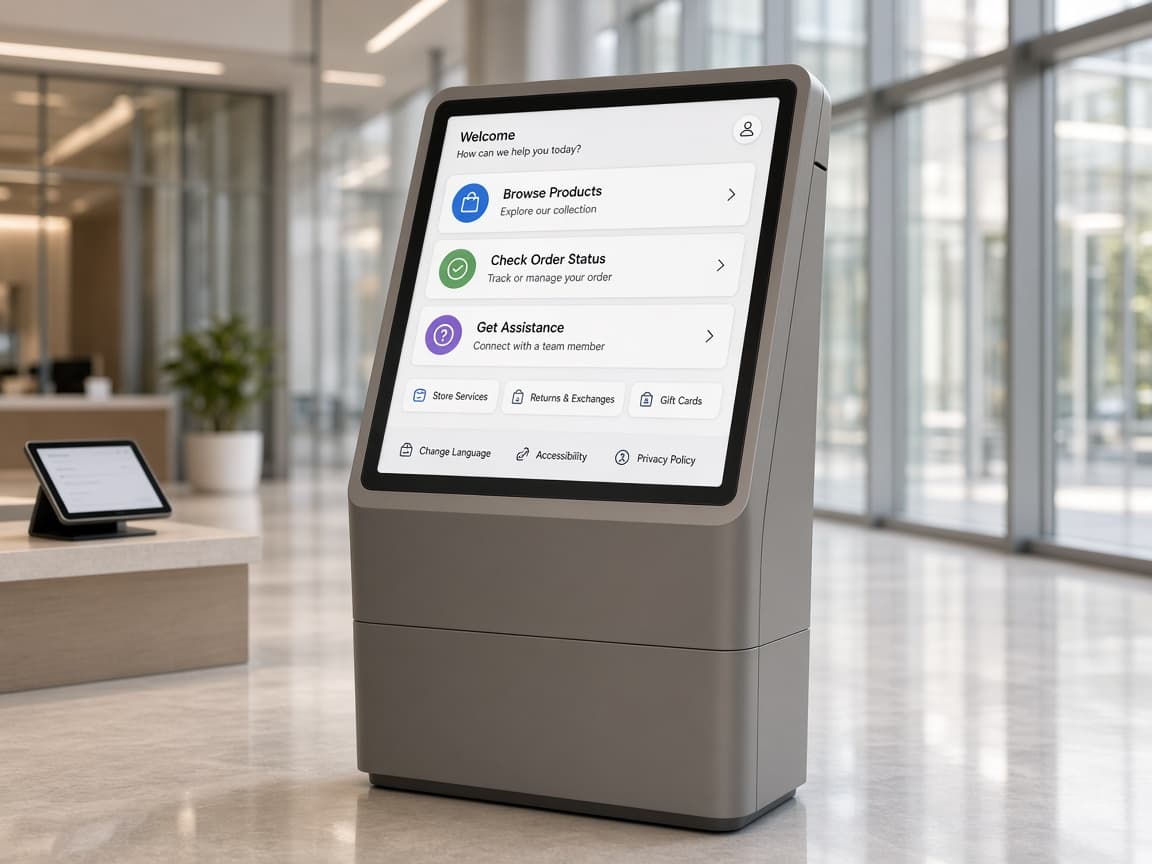
Simple steps to get started
- 01
Book a Systems Check
Review the desktop and kiosk development gap, constraints, and what success should look like.
- 02
Plan & diagnose
Map workflows, systems, risks, and the first useful release path.
- 03
Implement
Build, integrate, and verify the highest-leverage work in production conditions.
- 04
Stabilize & hand off
Document ownership, confirm live behavior, and leave a system the team can run.
Desktop-style and technical product examples.
Review examples where product UX, technical data, viewers, stations, and release context mattered.
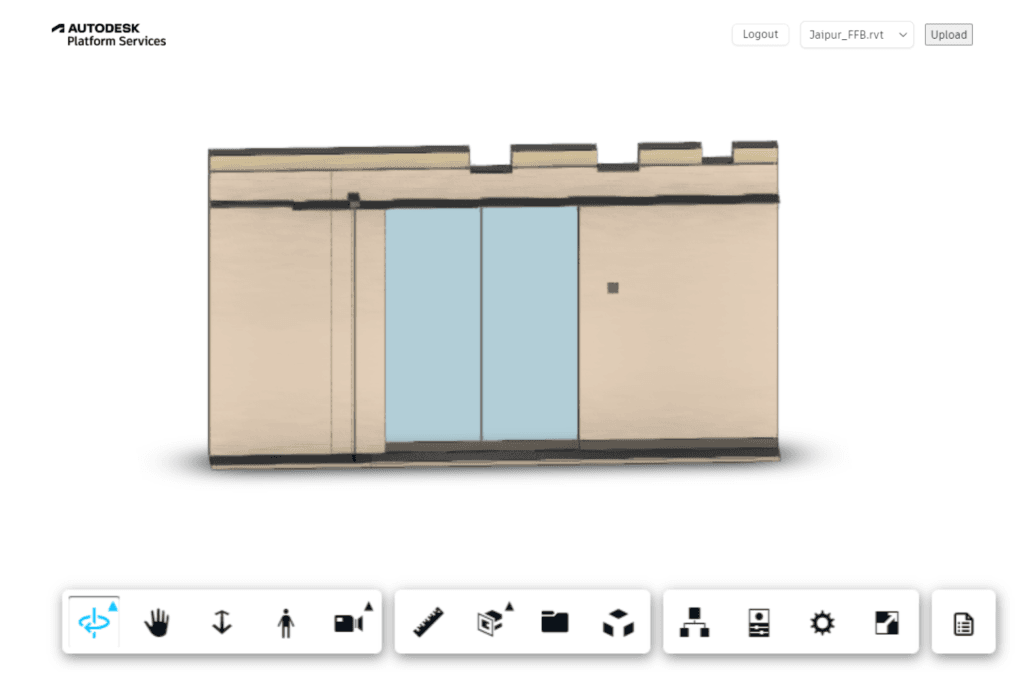
Spool Viewer
Technical product workflow with model/viewer-style interaction patterns.
View project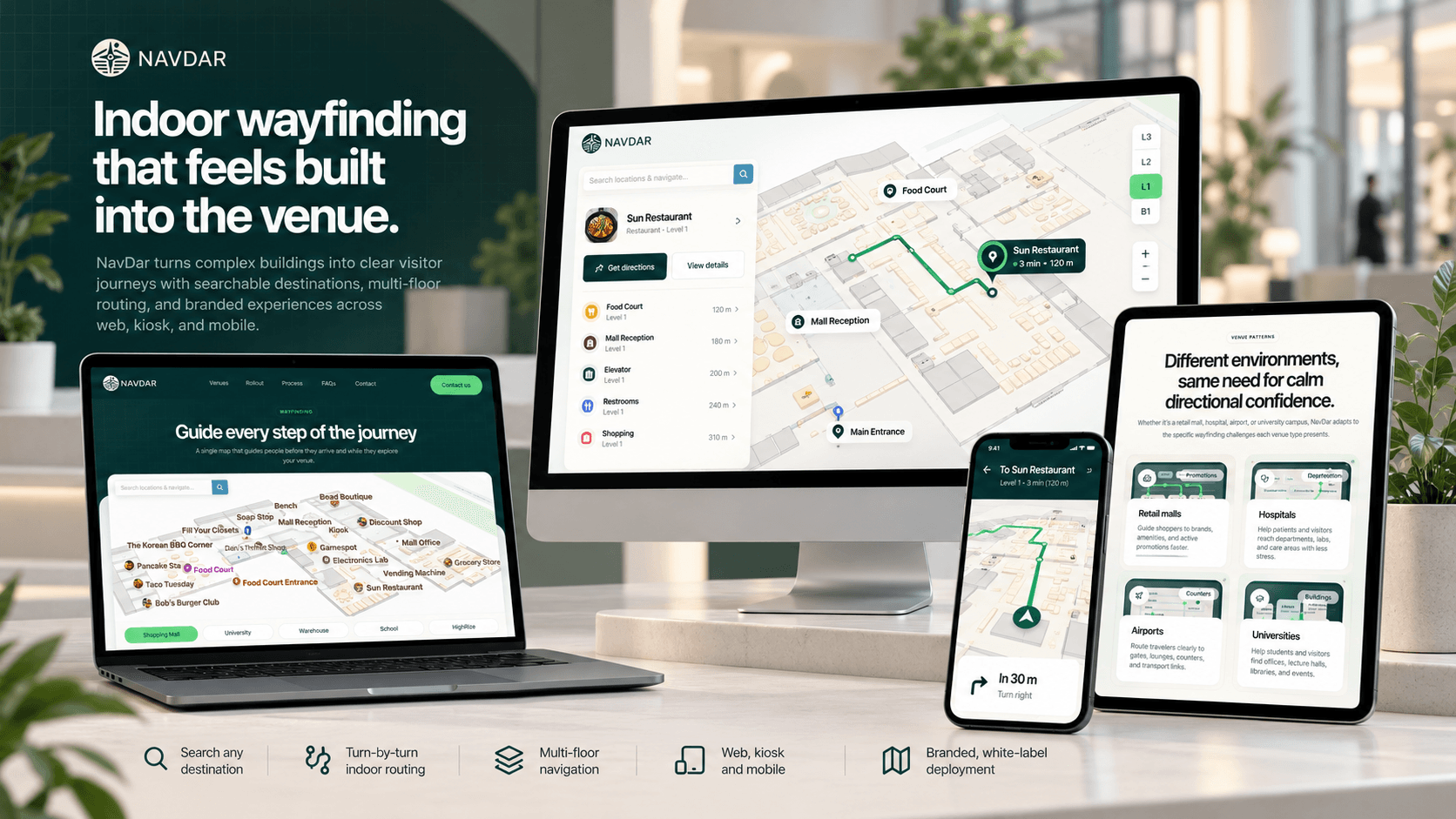
Indoor Navigation
Venue navigation and station-adjacent workflow patterns for controlled environments.
View project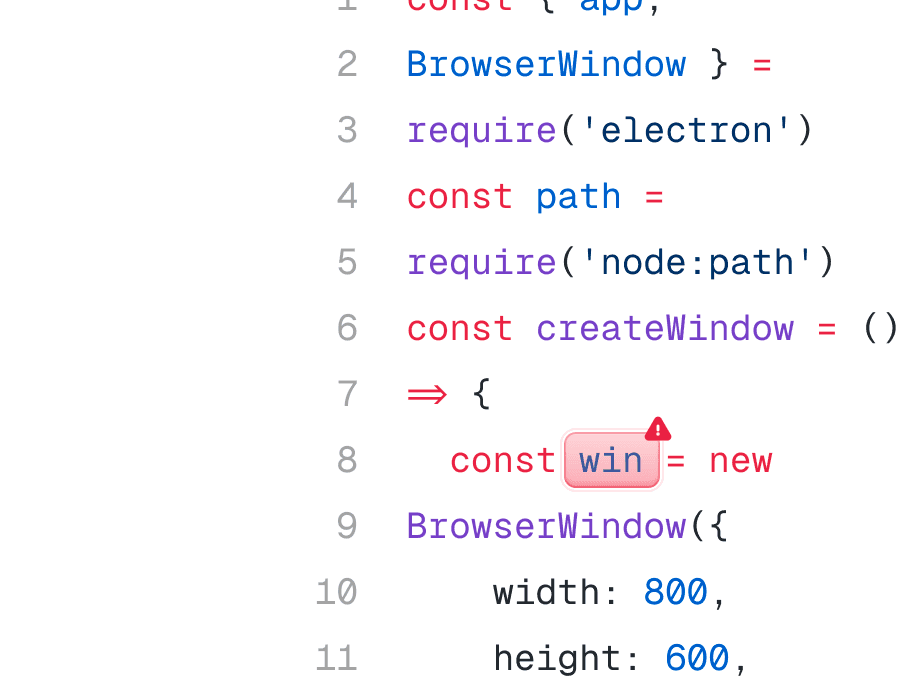
Electron Desktop Apps
Dedicated Electron service covering packaging, signing, updates, and cross-platform release support.
View projectProven results. Clearer execution.
Desktop
Mac, Windows, Linux
Kiosk
Controlled workflows
Offline
Local-first options