The viewer loads models but does not support the team workflow.
All case studiesIndustry problem
BIM Viewer Software Planning
AEC teams, BIM/VDC leaders, construction technology founders, and software teams building model-linked workflows. BIM viewers become valuable when they support project decisions, not just model display. Teams need to inspect geometry, metadata, issues, RFQs, smart building data, or AI outputs without losing performance, permissions, or coordination context.
Common failures
Where the workflow usually breaks
Large files create performance problems in the browser.
Metadata is unavailable or difficult to use.
Permissions and project boundaries are not planned.
AI features are added without a coordination use case.
System requirements
What a custom system needs to handle
Model handling for IFC or relevant BIM formats.
Metadata access and search where project decisions require it.
Review, issue, RFQ, dashboard, or AI workflows around the viewer.
Performance planning for large model files.
Permission and sharing rules for project stakeholders.
First step
Start with the operating map
Define the project decision the viewer must improve before choosing rendering, AI, dashboard, or integration features.
Internal proof cluster
Related proof and next steps
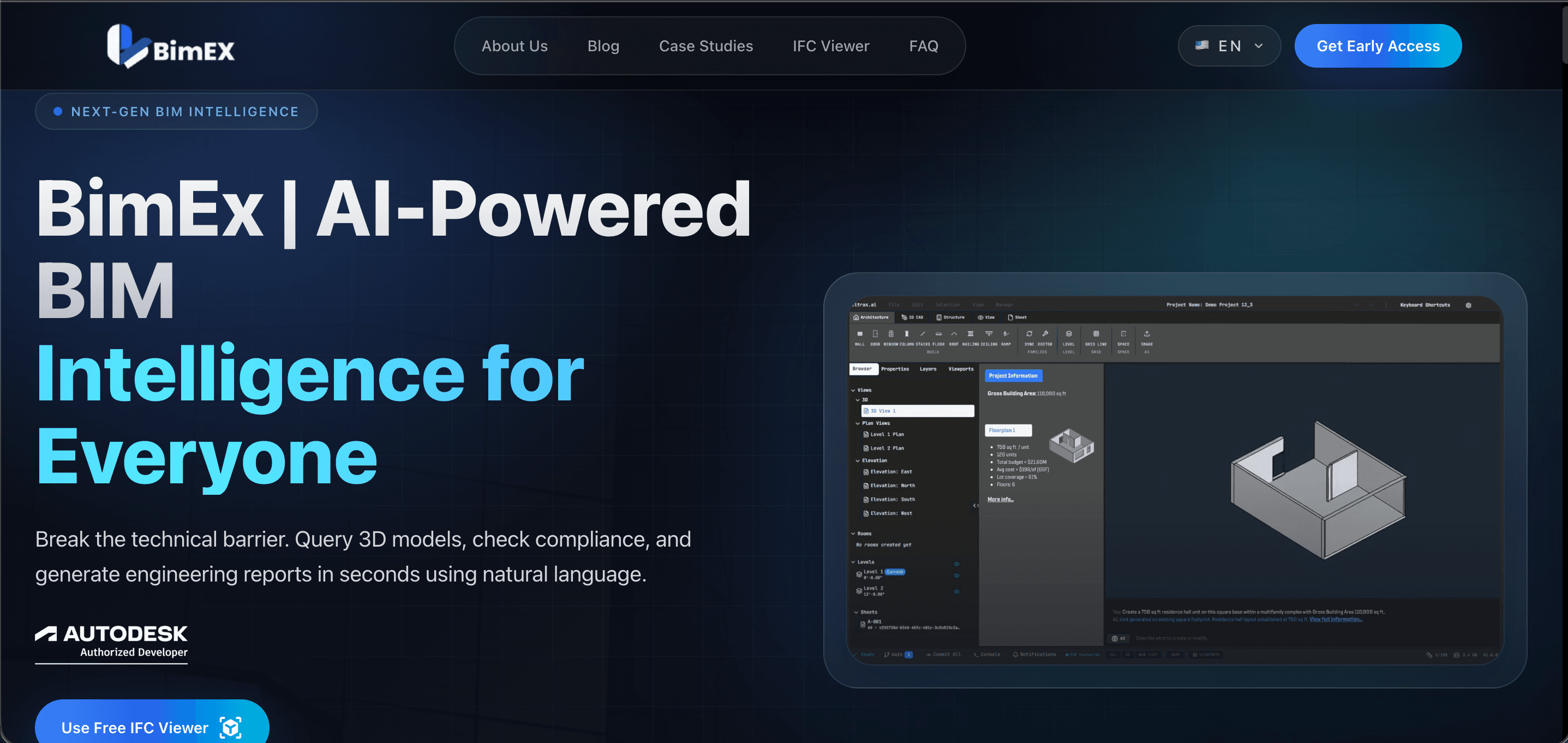
BimEx
BimEx is an AI-driven BIM intelligence platform website with a built-in browser IFC/Revit viewer.
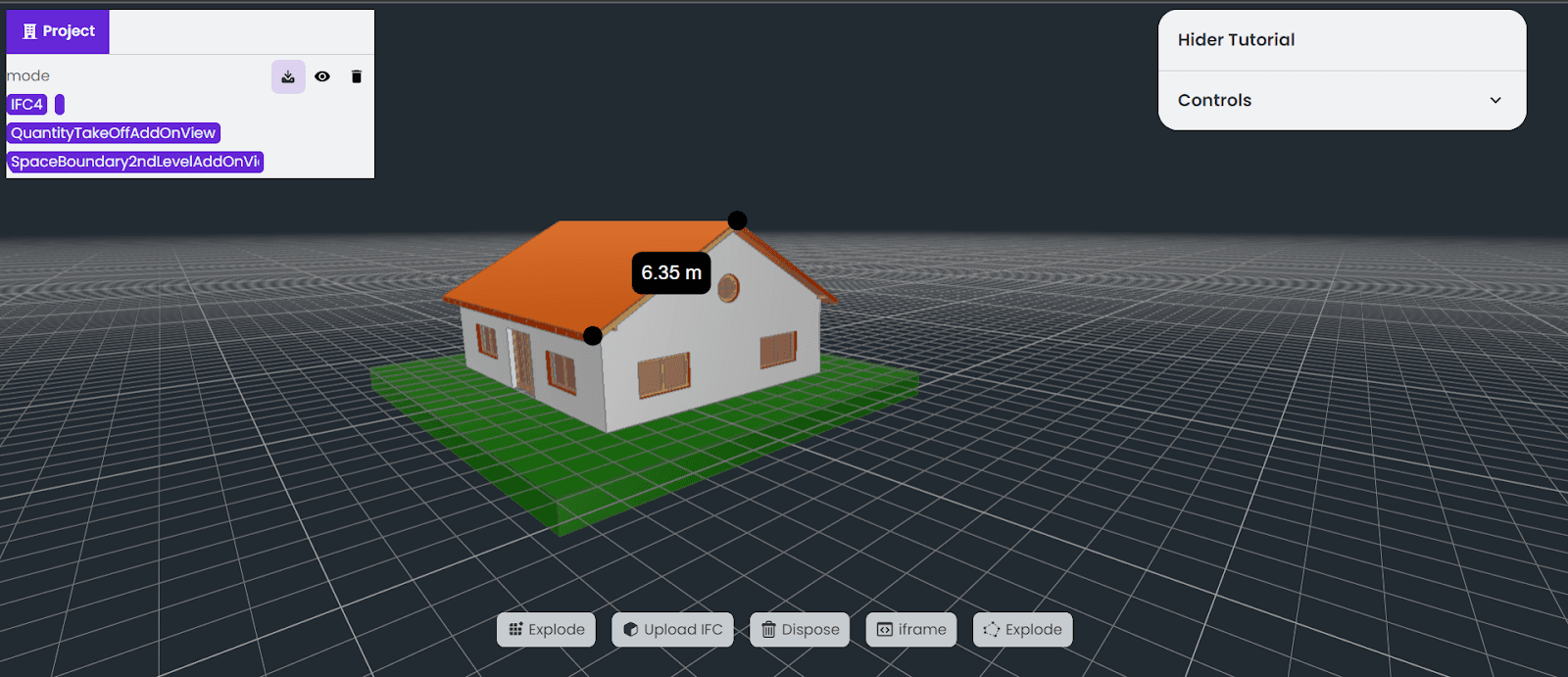
Revit IFC Viewer
Revit IFC Viewer is a browser-based BIM viewer for loading, inspecting, and coordinating IFC models exported from Revit and other BIM tools.
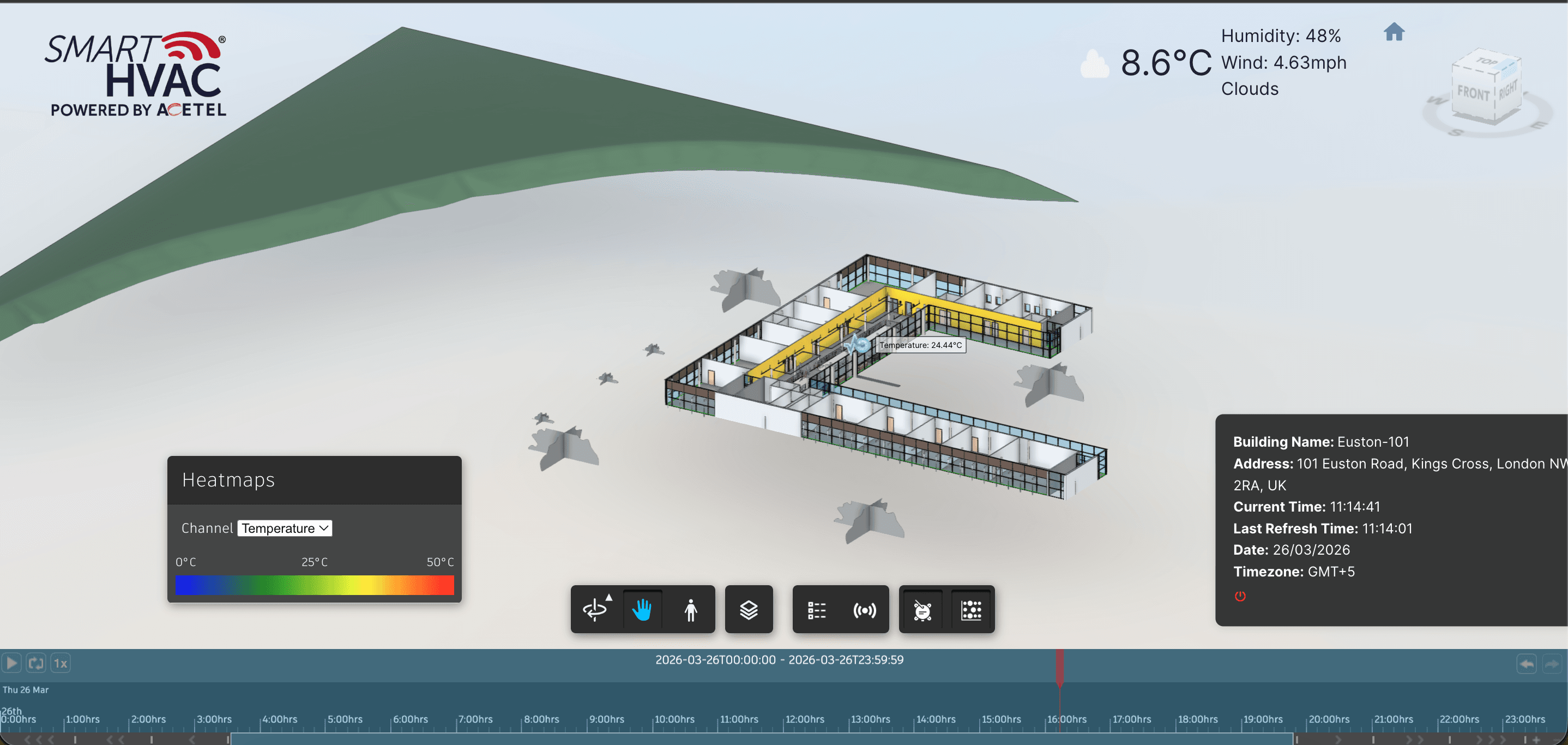
BIM IoT
BIM IoT is a smart building dashboard that connects BIM models with live and historical IoT sensor data.
Search questions
Questions this page helps answer
Can BIM viewers run in the browser?
Yes, but file size, rendering performance, metadata access, permissions, and the review workflow must be planned carefully.
When is a custom BIM viewer worth building?
A custom viewer is worth building when model viewing must connect to project workflows, dashboards, AI, RFQs, issue tracking, or stakeholder access.
What is the biggest risk in BIM viewer projects?
The biggest risk is treating the viewer as a visual demo instead of an operating tool tied to coordination, review, or reporting decisions.