Your stock workflow matches standard inventory tool assumptions.
All case studiesBuild vs buy
Custom Inventory Software vs Off-the-Shelf Tools
Operators deciding whether inventory tools can support their stock workflow or whether custom software is needed. Buy when standard stock management covers your process. Build when inventory data drives custom workflows, exceptions, permissions, customer commitments, or reporting.
Decision framework
When buying is enough and when custom is justified
Buy when
Integrations you need are already supported.
Reporting and permissions are simple.
Build when
Inventory states, approvals, or exceptions are unique.
You need custom dashboards, marketplace logic, or internal workflows.
Existing tools force duplicate entry or spreadsheet workarounds.
Cost factors
What drives implementation cost
Number of inventory states and product attributes.
User roles, permissions, and audit history.
Integrations with storefronts, warehouses, ERPs, or accounting tools.
Reporting requirements and exception workflows.
Operational risks
What can go wrong if the decision is rushed
Operators stop trusting inventory data.
Reports are delayed or manually reconciled.
Duplicate entry creates stock errors.
Exceptions live outside the system.
Implementation checklist
- Define product records and stock states.
- Document exception workflows and approval rules.
- List required integrations and source-of-truth ownership.
- Design reporting around decisions, not vanity dashboards.
Internal proof cluster
Related proof and next steps
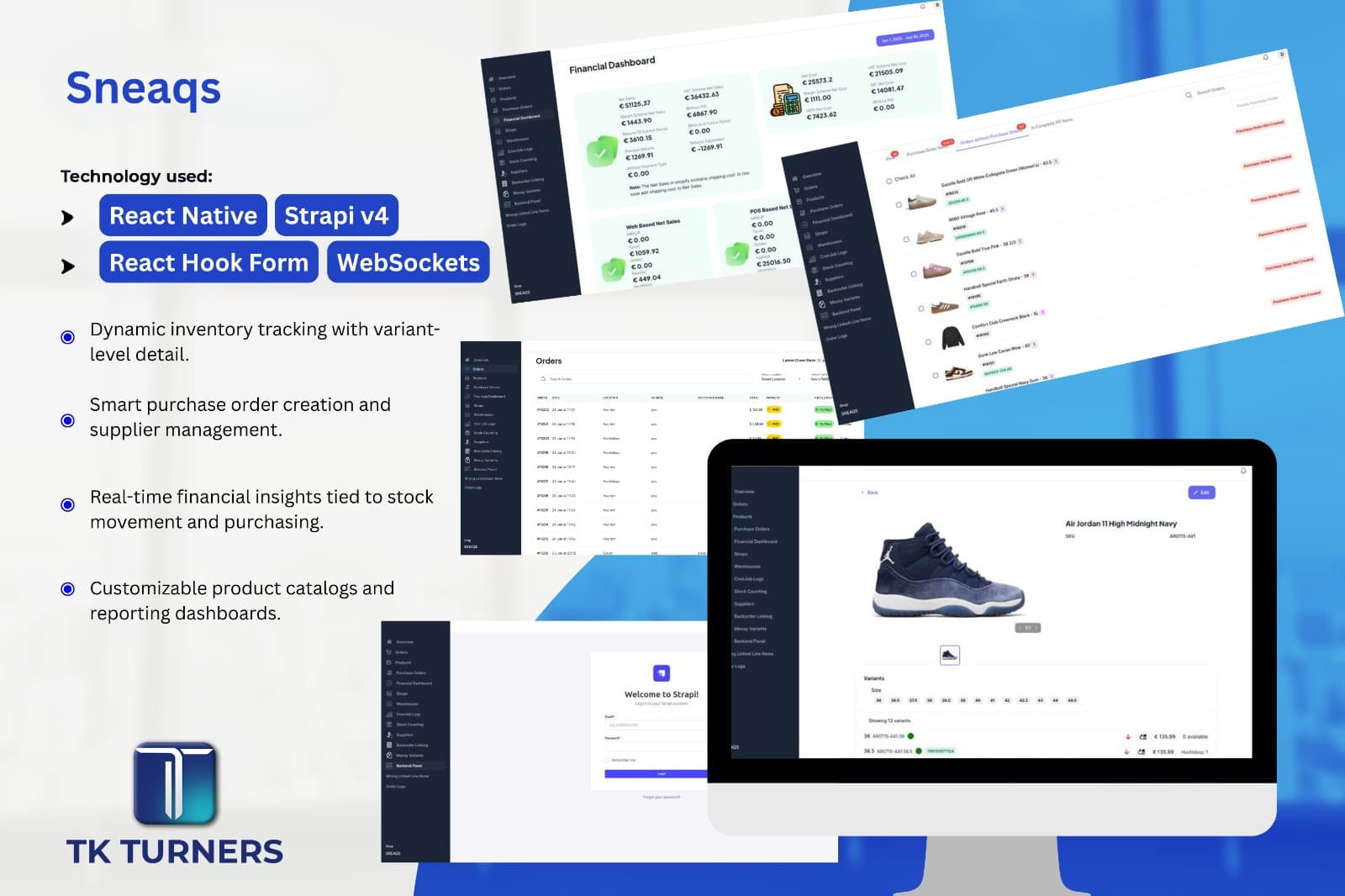
Sneaqa
Sneaqs is a powerful web application designed to streamline stock management, financial tracking, and inventory control for businesses.
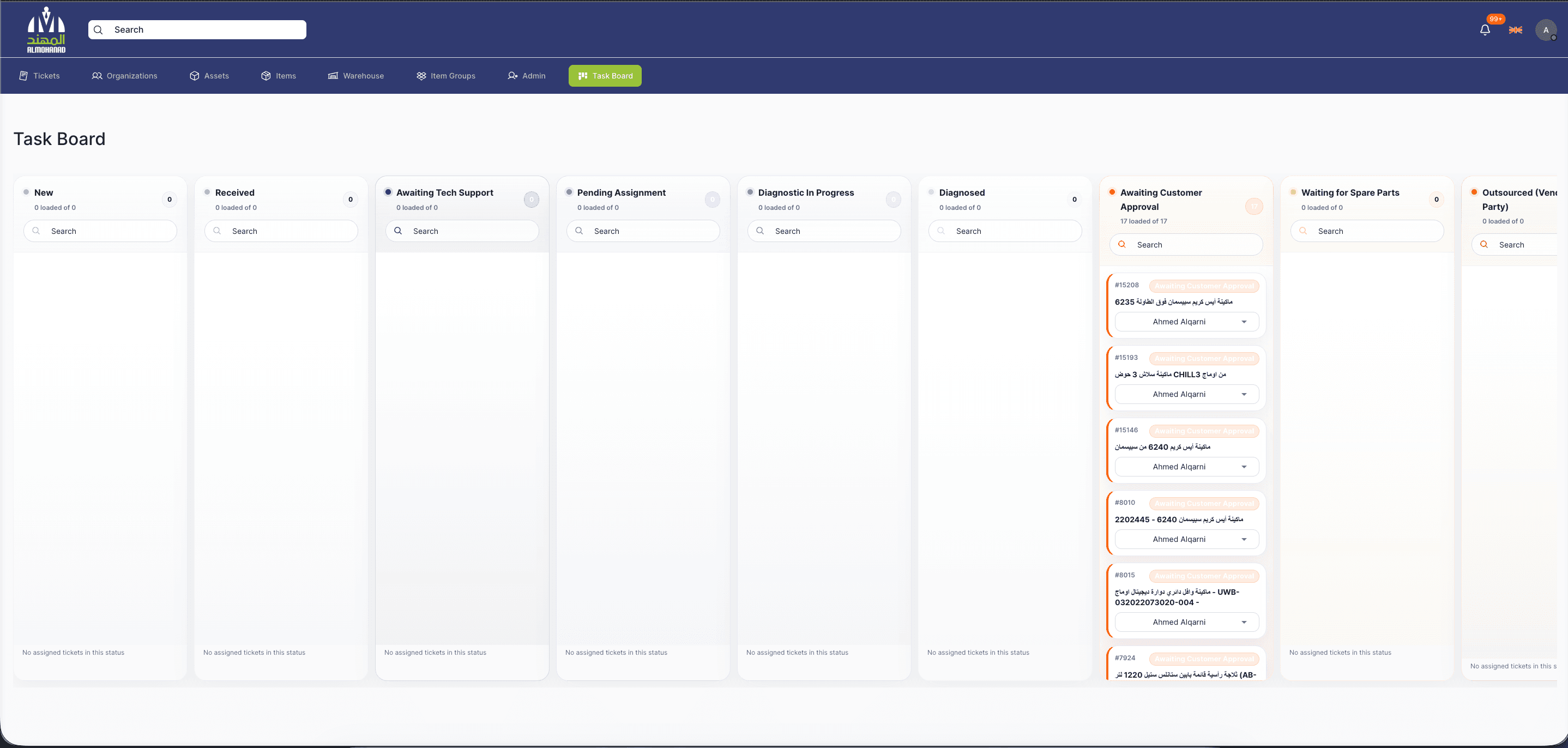
Service Management Software
Service Management Software is a full-stack operations platform for managing service tickets, customer organizations, assets, appointments, SLAs, technicians, inventory, warehouses, notifications, and audit history from...
Search questions
Questions this page helps answer
When is custom inventory software worth it?
It is worth it when inventory accuracy, workflow control, integrations, or reporting cannot be handled cleanly by standard tools.
What should not be customized?
Do not customize commodity workflows unless they create real operating friction. Build around the parts that drive decisions, exceptions, or revenue.