Put product and stock records into a managed data model before optimizing screens.
All case studiesFlagship case study
Sneaqa Inventory Management Platform Implementation
Sneaqa is a strong reference for businesses that need inventory control to move from scattered tracking into a structured operating system. The value is in making stock records, product workflows, and admin decisions easier to inspect and maintain.
Business problem
The operating problem behind the build
Inventory problems become expensive when operators cannot trust the current state of stock, product details, or workflow ownership. Spreadsheets and disconnected admin screens may work early, but they eventually slow fulfillment, reporting, and customer-facing decisions.
Implementation decisions
What mattered in the system design
Design admin flows around the decisions operators make every day.
Make status, ownership, and exceptions visible instead of buried in informal updates.
Keep the interface structured enough for repeated operations, not just one-time setup.
Leave room for reporting and future integrations once the inventory foundation is stable.
Build vs buy
When to buy a tool and when to build
Buy when
The workflow fits a standard inventory tool with minimal customization.
There are few custom rules around products, stock states, permissions, or reporting.
Integrations are simple and already supported by the vendor.
Build when
Inventory logic is tied to a specific commerce workflow, marketplace, or internal operation.
Operators need custom screens, statuses, permissions, or reporting.
Existing tools create workarounds that cause duplicate entry or poor visibility.
Mistakes to avoid
Practical risks this case study helps prevent
Designing dashboards before agreeing on inventory states and ownership.
Creating too many custom fields without a clear operating purpose.
Ignoring exception workflows where most manual work actually happens.
Treating reporting as separate from the operational data model.
Planning assets
Use the guide and checklist before scoping a similar build
Internal proof cluster
Related proof and next steps
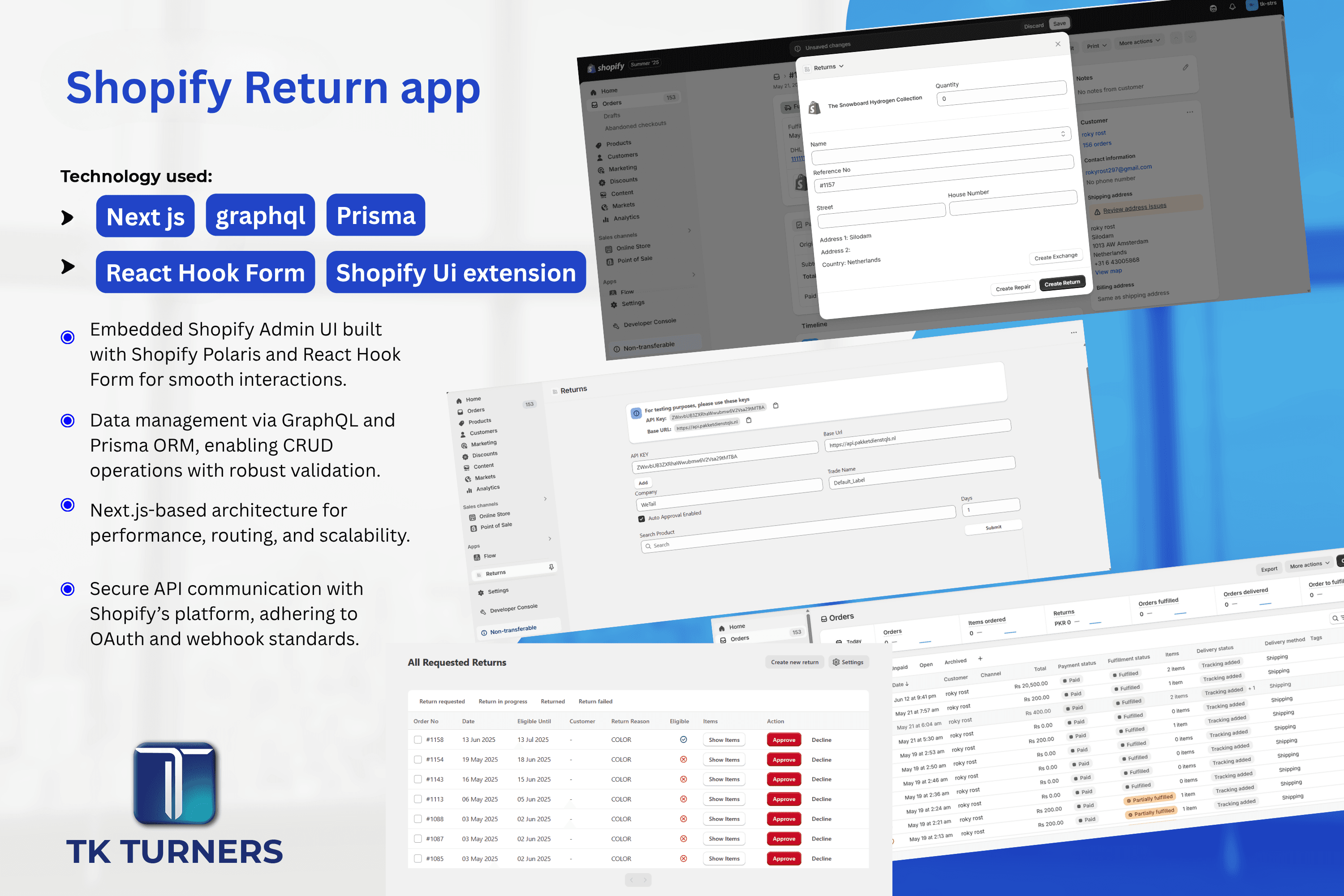
Shopify Return App
This is a custom Shopify app built using Next.js, GraphQL, Prisma, React Hook Form, and Shopify Polaris.
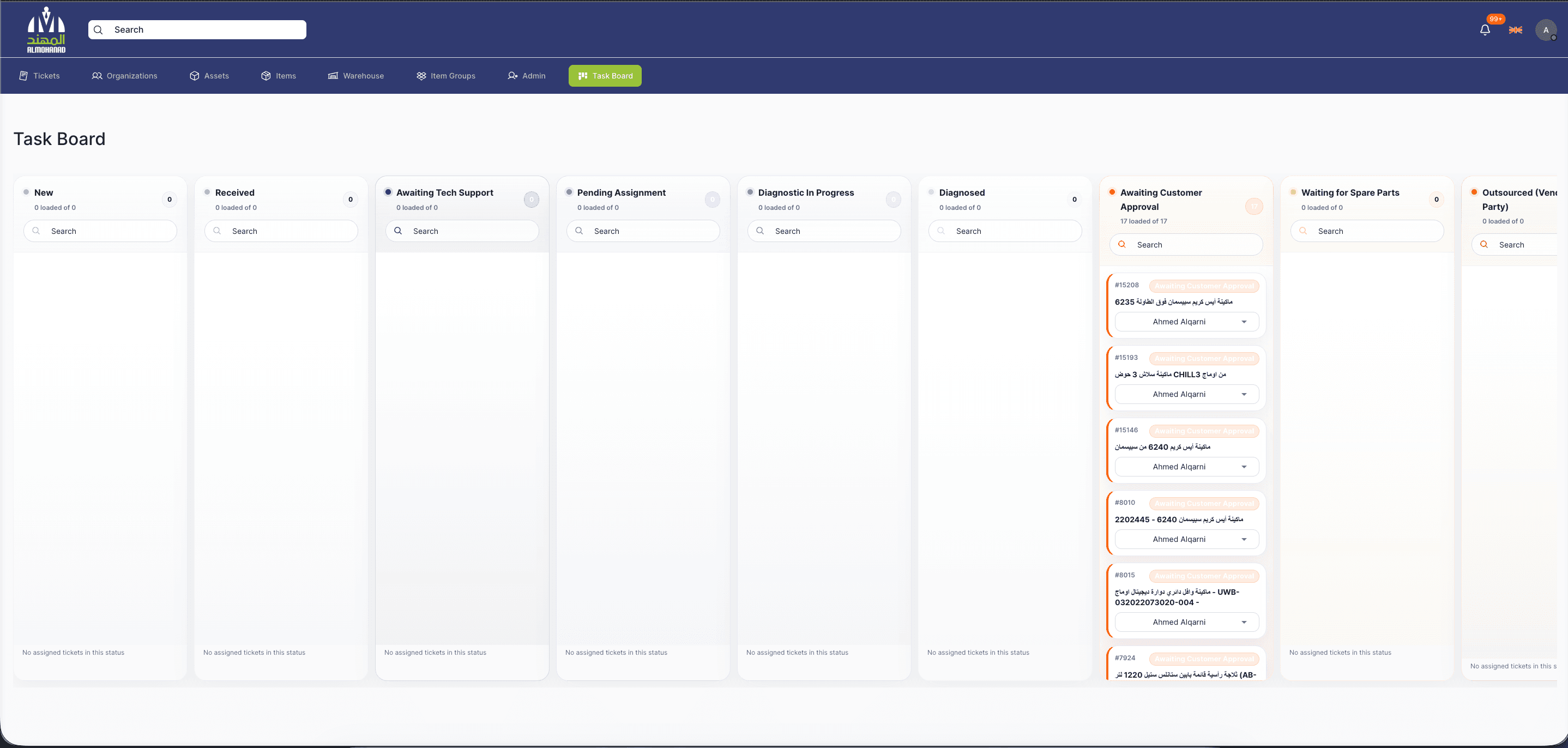
Service Management Software
Service Management Software is a full-stack operations platform for managing service tickets, customer organizations, assets, appointments, SLAs, technicians, inventory, warehouses, notifications, and audit history from...
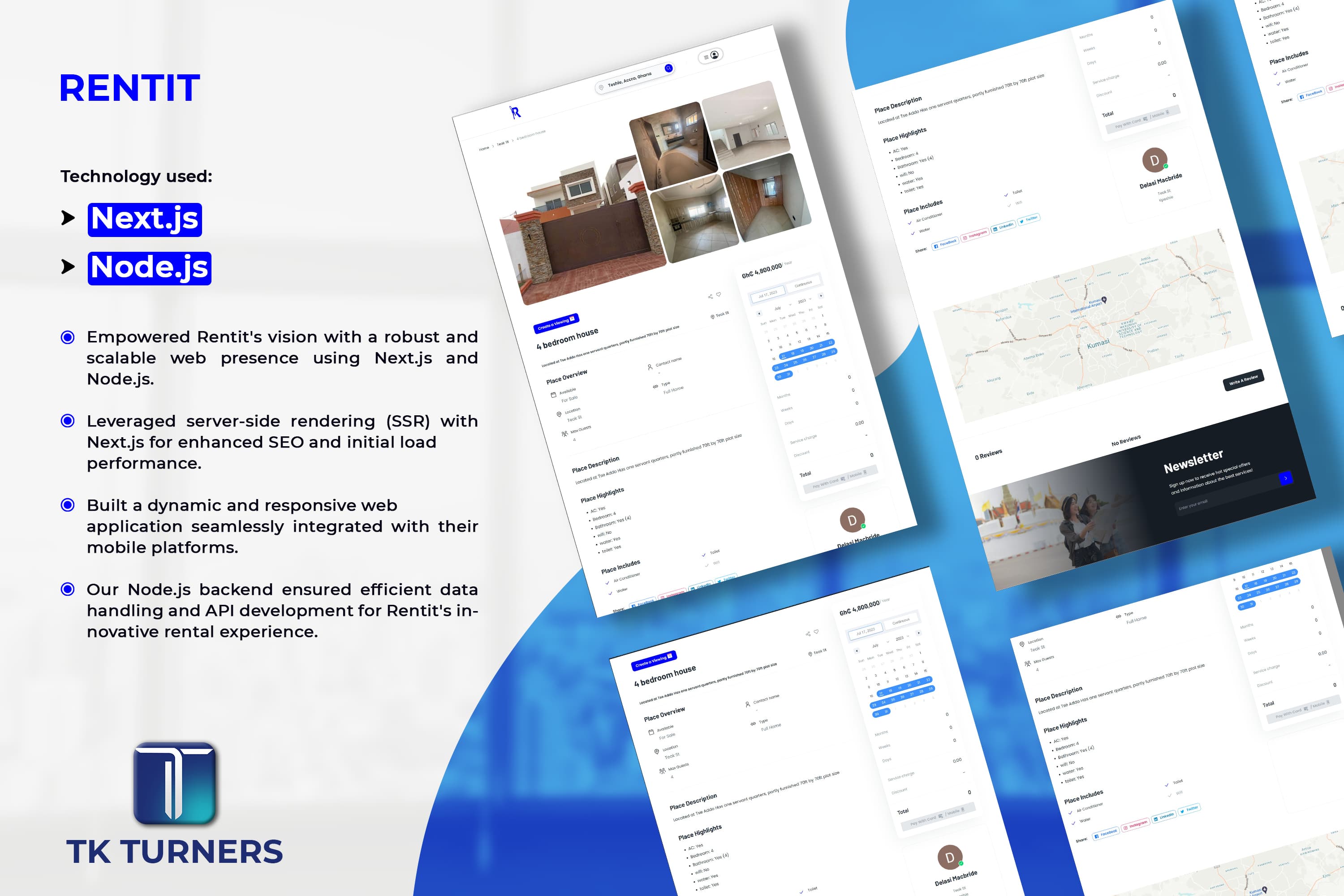
Rentit
Rentit homes is a rental platform that connects travelers with unique accomodations such as cabins, beach houses, apartments and full homes offered by hosts.
Search questions
Questions this page helps answer
When should a business build custom inventory management software?
Custom inventory software makes sense when standard tools cannot model the workflow, permissions, reporting, or integrations the business depends on.
What should an inventory platform include first?
Start with reliable product records, stock state, user roles, exception handling, and the core admin actions operators need every week.
How does custom inventory software reduce manual work?
It reduces manual work by centralizing records, making status visible, removing duplicate updates, and connecting inventory actions to reporting or fulfillment workflows.
Should inventory dashboards be built before integrations?
Usually no. The data model and operating workflow should come first. Dashboards are only useful when the underlying records are trustworthy.