Treat OAuth and account authorization as core product infrastructure, not a background integration detail.
All case studiesFlagship case study
Boom AI Business Data Chatbot Implementation
Boom AI is useful because it shows how AI becomes valuable when it sits on top of connected operating data. The practical work was not just building a chat interface; it was connecting authorized business systems, preparing records for retrieval, and giving operators a faster way to ask questions across orders, invoices, payments, and documents.
Business problem
The operating problem behind the build
Teams using Shopify, QuickBooks, Stripe, Square, and shared files often know the answer exists somewhere, but they lose time opening several tools and reconciling context manually. A generic chatbot cannot solve that. The system needs secure access, normalized records, retrieval logic, and a product workflow that keeps the AI answer tied to the user account.
Implementation decisions
What mattered in the system design
Normalize commerce, accounting, payment, and document data before asking AI to reason over it.
Keep the answer workflow close to the operating question: orders, invoices, transactions, files, and financial records.
Design the AI layer as a retrieval workflow with useful context rather than a disconnected chat box.
Keep future reporting and exception handling in mind so the system can grow beyond the first answers.
Build vs buy
When to buy a tool and when to build
Buy when
The business only needs generic support chat or FAQ-style responses.
Source systems do not need account-specific data access.
The workflow does not require sensitive financial or commerce records.
Build when
The AI answer must use account-specific records from tools like Shopify, QuickBooks, Stripe, or Drive.
Operators need to ask questions across multiple business systems without manual lookup.
Security, authorization, and data ownership matter to the product experience.
The workflow will become part of reporting, reconciliation, support, or operations.
Mistakes to avoid
Practical risks this case study helps prevent
Starting with prompt design before confirming data access and source-of-truth rules.
Letting AI answer from stale exports when live system access is required.
Ignoring permission boundaries between connected accounts and users.
Treating retrieval quality as a nice-to-have instead of the core of the product.
Planning assets
Use the guide and checklist before scoping a similar build
Internal proof cluster
Related proof and next steps
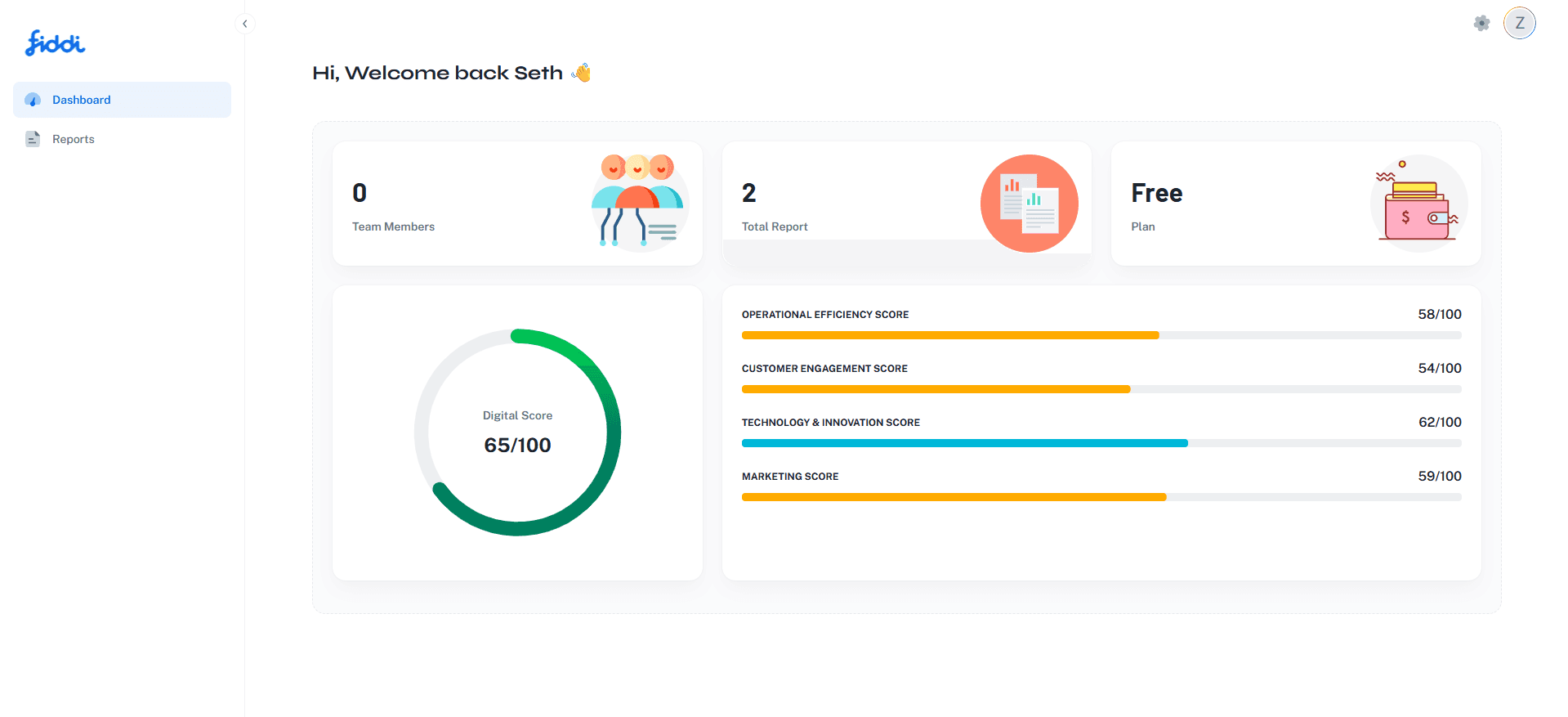
Fiddi.ai — AI Financial Platform, Digital Card & AI Report Builder
Fiddi.ai was one of the major AI-focused SaaS products built around the idea of making financial information, business profiles, and report creation easier for users. The platform was not only a simple dashboard.
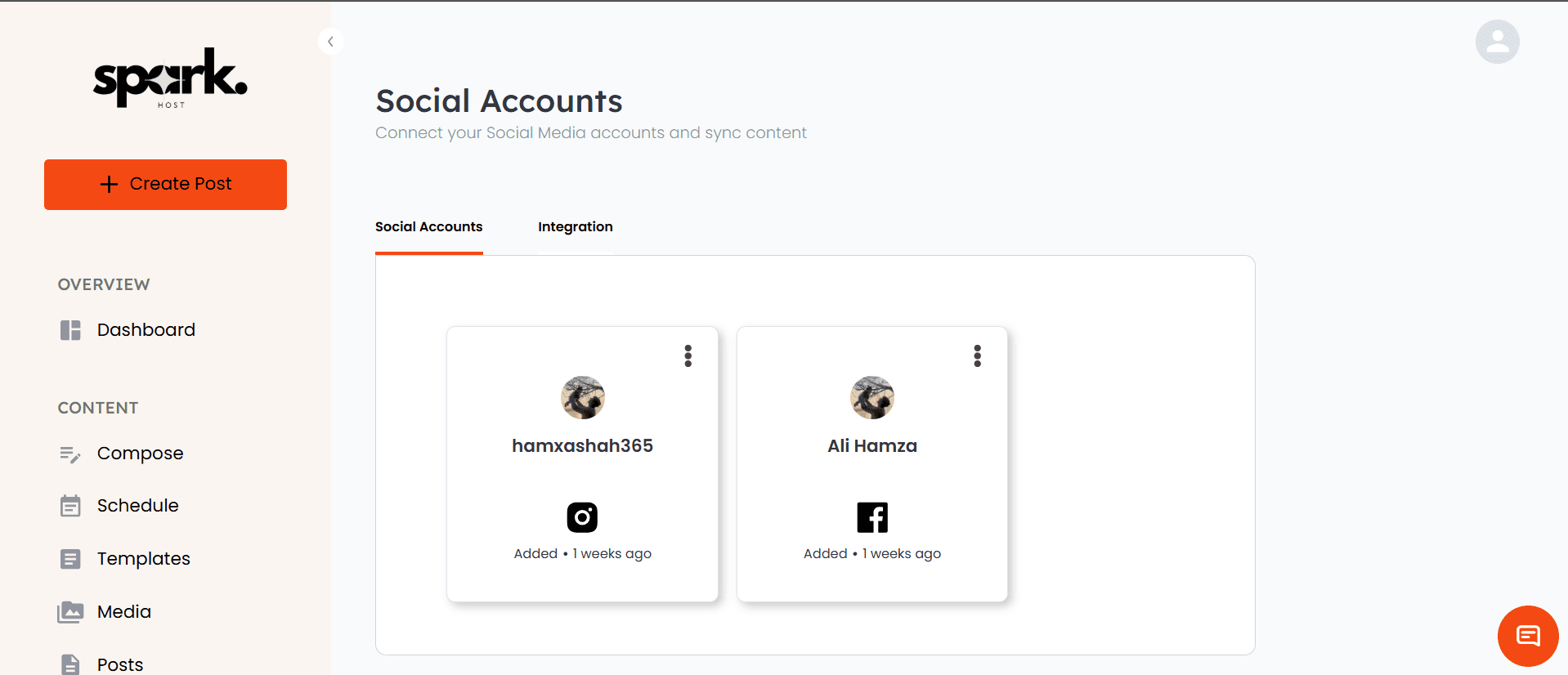
Spark Host
Spark Host is a social media and email marketing dashboard for hospitality and property-focused businesses.

Edu Chat
An emotionally intelligent system that engages students in a supportive, structured manner to understand their intentions and challenges.
Search questions
Questions this page helps answer
Can an AI chatbot answer questions from Shopify and QuickBooks data?
Yes, but only if the implementation connects accounts securely, prepares the records, and retrieves the right context before the model answers. The hard part is the operating data layer, not the chat interface.
When should a company build a custom business data chatbot?
A custom build makes sense when answers depend on private, account-specific business data across several tools. If a public FAQ or simple support bot is enough, a generic chatbot product is usually the better first step.
What systems can be connected to an AI business chatbot?
Common sources include ecommerce platforms, accounting systems, payment processors, CRMs, support tools, shared documents, and internal databases. The right list depends on the decisions operators need to make.
What should be planned before building this kind of AI system?
Plan the authorization model, source systems, data freshness, retrieval strategy, human review points, and how success will be measured after launch.