Pick the business question first
Start with a question operators already ask, such as revenue, unpaid invoices, order status, refunds, or customer history.
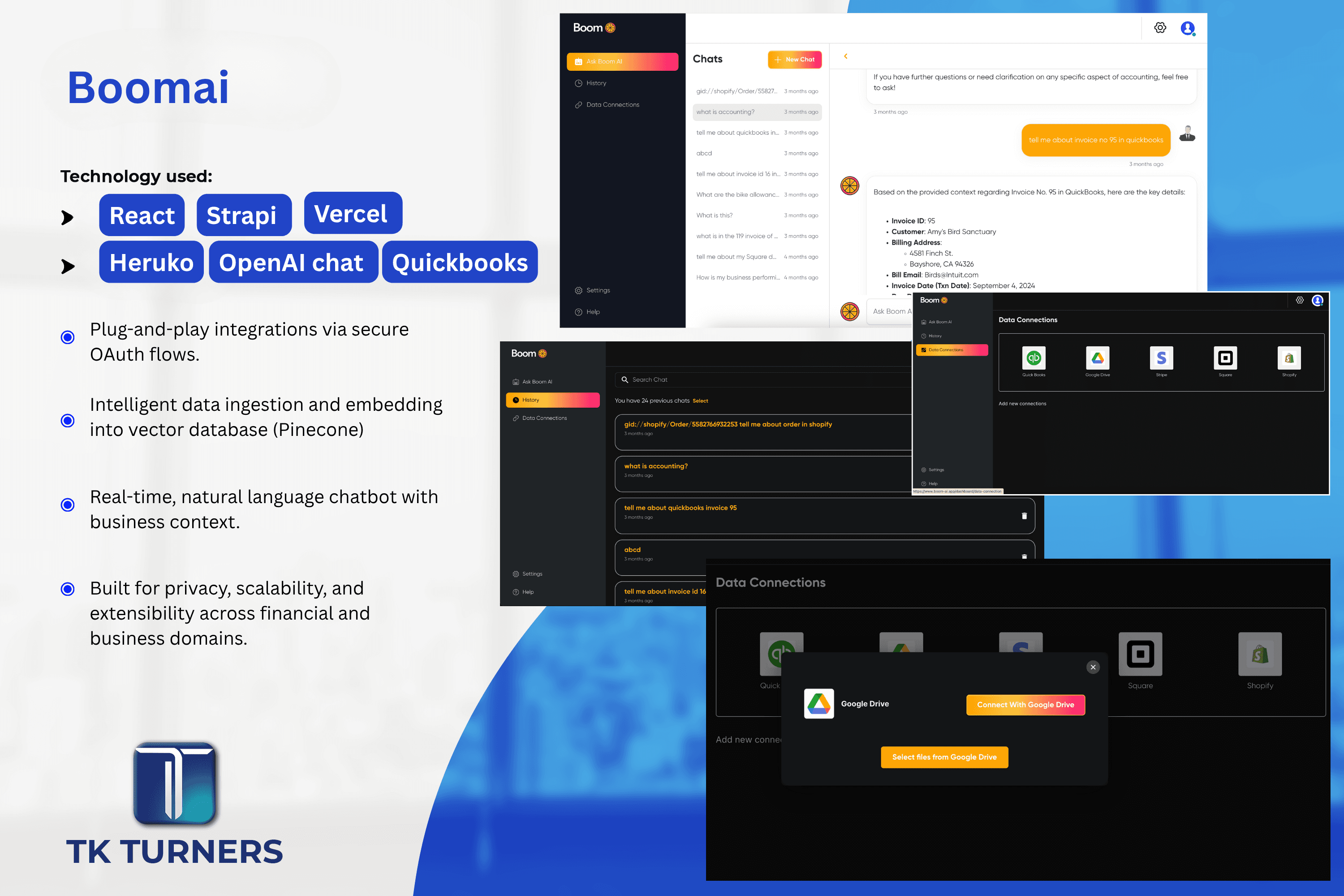
An AI chatbot connected to Shopify and QuickBooks is not a normal support bot. It needs secure account access, data preparation, retrieval, permissions, and a workflow that turns answers into business actions.
Start with a question operators already ask, such as revenue, unpaid invoices, order status, refunds, or customer history.
Identify which answer parts come from Shopify, QuickBooks, payment processors, files, or internal databases.
Make sure connected accounts and users can only access the records they are allowed to see.
The AI layer must retrieve the right records before the interface can produce useful answers.
Measure lookup time saved, answer quality, and where users still verify manually.
OAuth or secure connectors
Data normalization
Retrieval strategy
Permission model
Human review points
Operational success metrics
Using exported spreadsheets as permanent data infrastructure.
Skipping permission design.
Starting with prompts instead of data access.
Letting the model answer without record context.
Yes, but only when account access, permissions, retrieval, and answer grounding are implemented carefully.
Start with read and explanation workflows. Write-back actions should be added only after review, permissions, and audit trails are clear.