Implementation guide
How to Design a Shopify Returns Workflow
A good Shopify returns workflow does more than collect a request. It helps the customer understand the next step, gives merchants a repeatable review process, and keeps inventory, refunds, support, and reporting aligned.

Implementation sequence
A practical sequence for scoping the work
Map the current return journey
Document how a customer starts a return, who reviews it, what data is needed, and how the request is resolved today.
Separate routine returns from exceptions
Decide which cases can move automatically and which need review because of policy, fraud risk, product type, or order value.
Define required system data
List the Shopify order data, customer context, payment status, inventory impact, and support information the workflow needs.
Design merchant status visibility
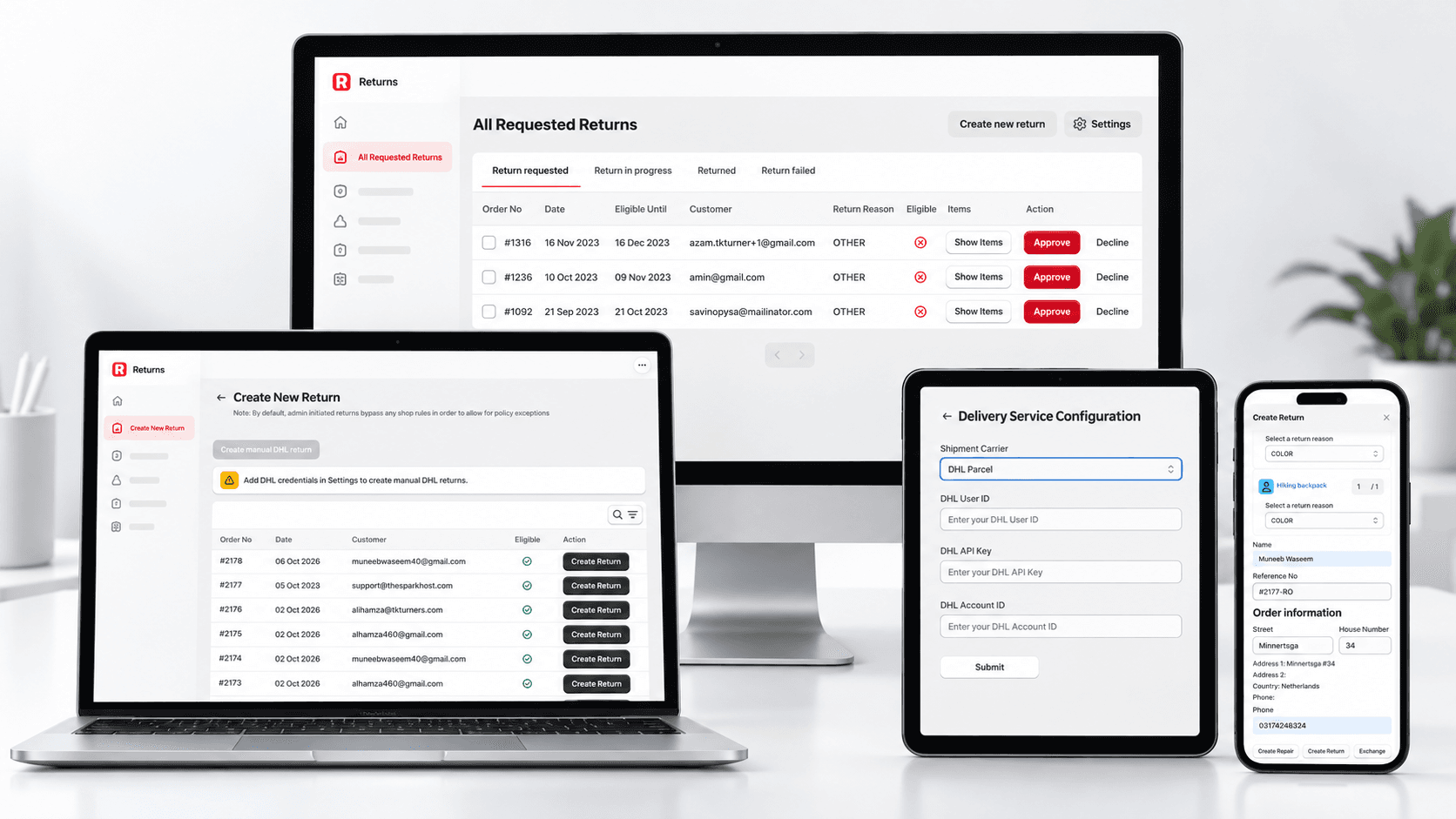
Give operators a clear surface for request state, next action, resolution, and audit history.
Measure friction after launch
Track support questions, approval time, exception volume, and reasons returns require manual review.
System requirements
What to define before build starts
Return request intake
Eligibility logic
Merchant review states
Customer status messaging
Inventory and refund handoff
Reporting for return reasons and exceptions
Mistakes to avoid
Where teams usually lose time
Automating every return before exception rules are understood.
Leaving customers dependent on support for status updates.
Ignoring inventory and refund impact until the end of the workflow.
Building screens before defining return states.
Checklist
Use the matching checklist while planning
Search questions
Questions this page helps answer
What is the first step in a Shopify returns workflow?
Start by mapping the current customer and operator journey, including what data is required at each decision point.
Should return approvals be automatic?
Routine returns can often be automated, but exceptions should stay reviewable until the risk and policy rules are clear.