Specialist desktop review tools already support the workflow.
All case studiesBuild vs buy
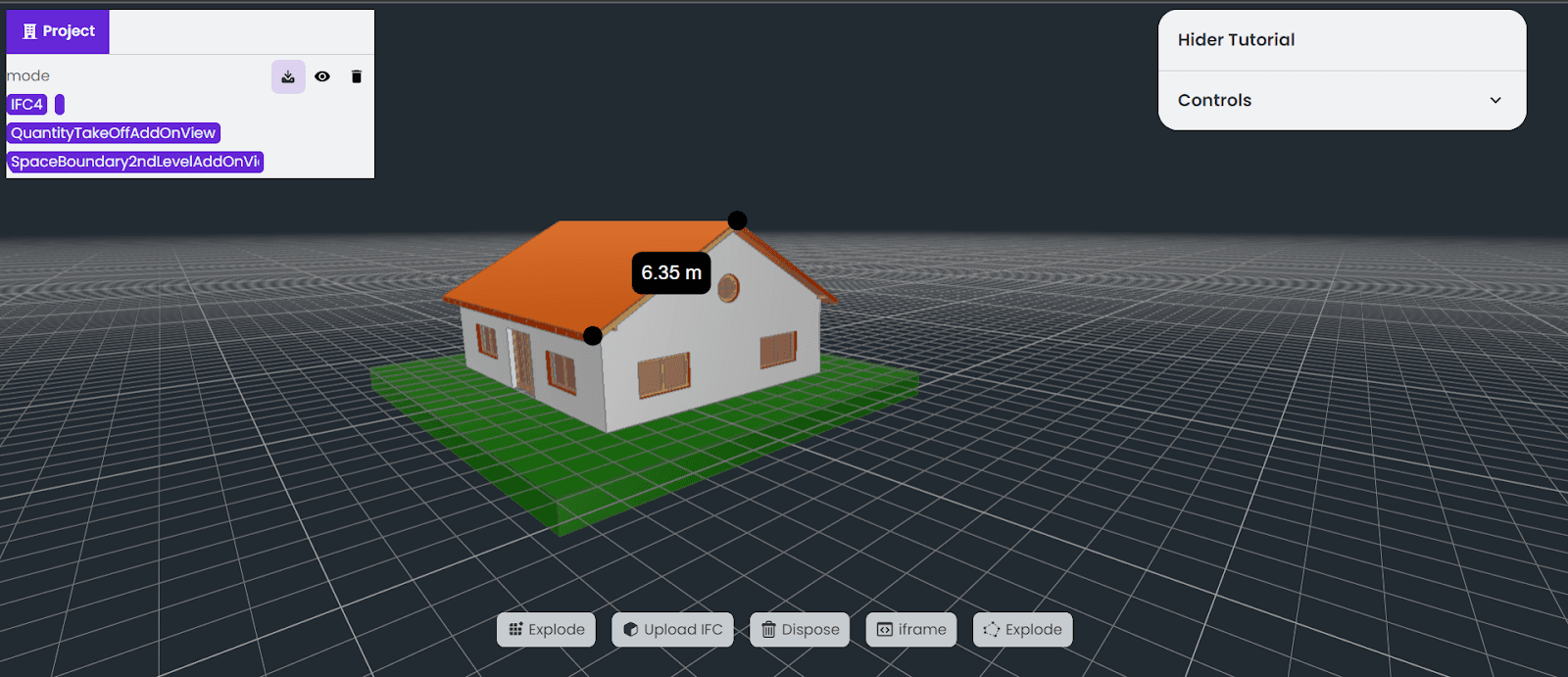
Web IFC Viewer vs Desktop BIM Tools
AEC teams and construction technology founders evaluating model review workflows. Desktop tools are strong for specialist authoring and deep review. Web viewers are useful when broader stakeholders need controlled access to model context, metadata, dashboards, or AI-assisted workflows.
Decision framework
When buying is enough and when custom is justified
Buy when
Model access is limited to trained BIM users.
No custom web experience, dashboard, or integration is needed.
Build when
Stakeholders need browser access to model context.
The viewer must connect to issues, RFQs, dashboards, or AI review.
The product requires custom permissions, metadata, or workflow logic.
Cost factors
What drives implementation cost
Model size and file handling requirements.
Viewer performance and supported formats.
Metadata, search, and coordination features.
Permissions, sharing, and integration requirements.
Operational risks
What can go wrong if the decision is rushed
Large models perform poorly in the browser.
The viewer lacks useful project context.
Stakeholders see geometry but cannot act on findings.
Permissions are too loose for project data.
Implementation checklist
- Define the review decision the viewer supports.
- Test representative model files early.
- Plan metadata, permissions, and collaboration flows.
- Connect viewer output to the next project action.
Internal proof cluster
Related proof and next steps
Search questions
Questions this page helps answer
Can a web IFC viewer replace desktop BIM tools?
Not always. Desktop tools remain important for authoring and specialist workflows. Web viewers are strongest for access, review, coordination, and productized workflows.
What should be tested first in a web BIM viewer?
Test real model files, performance, metadata access, permissions, and the workflow users need to complete after reviewing the model.