Return rules are simple and match common app defaults.
All case studiesBuild vs buy
Custom Shopify Return App vs Returns Tools
Shopify merchants deciding whether default return apps can support their return workflow or whether custom development is justified. Buy a returns tool when the workflow is standard. Build when returns affect policy rules, inventory, support, fraud review, customer experience, or reporting in ways generic apps cannot model.
Decision framework
When buying is enough and when custom is justified
Buy when
The team can accept the vendor's customer flow and admin screens.
Return volume is manageable without custom exception handling.
Build when
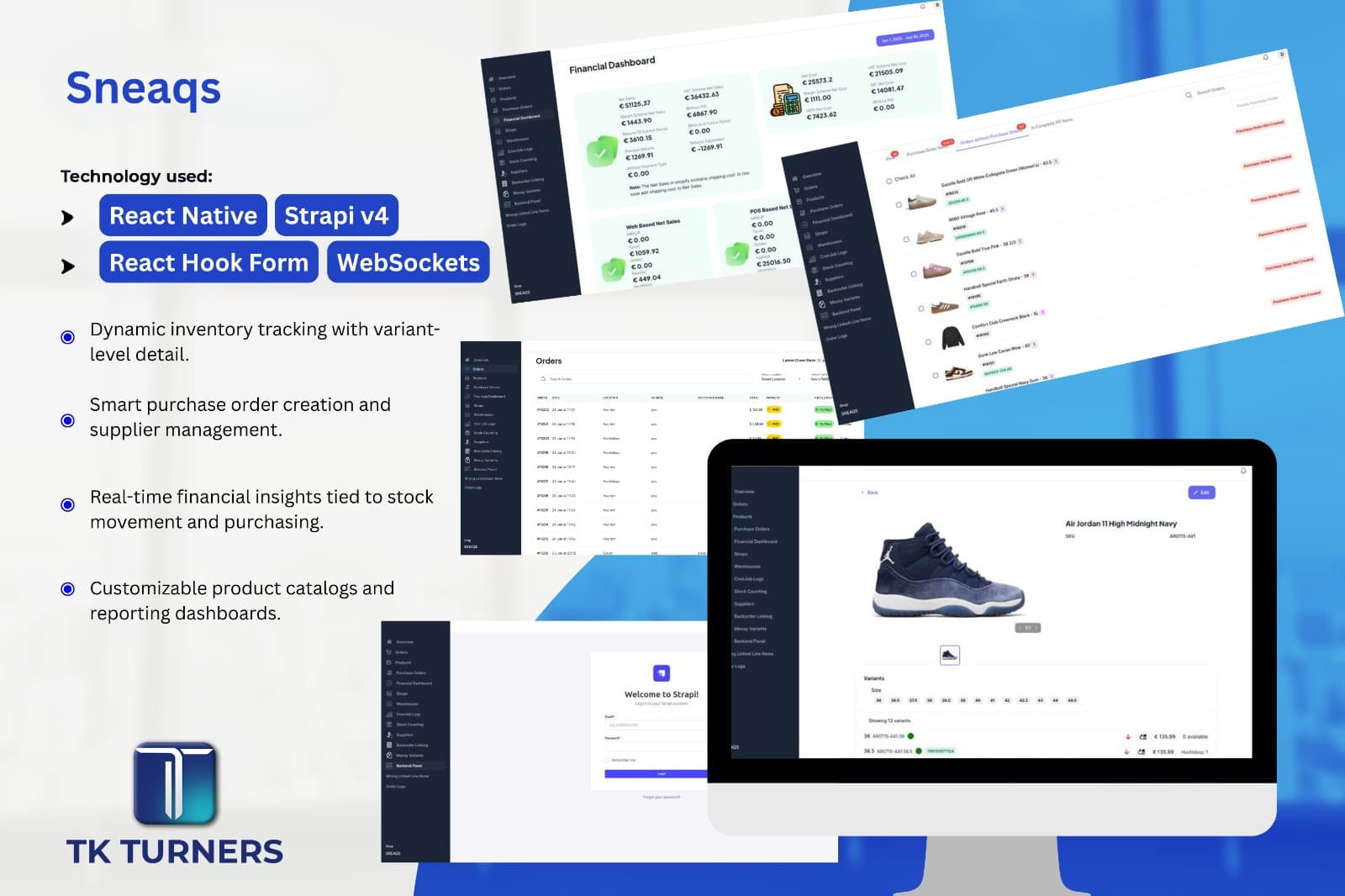
Return state needs to connect with inventory, support, or reporting.
Policy logic is specific to products, order types, customers, or risk.
Customer communication and merchant review need a branded or custom workflow.
Cost factors
What drives implementation cost
Return volume and exception complexity.
Shopify data access and app requirements.
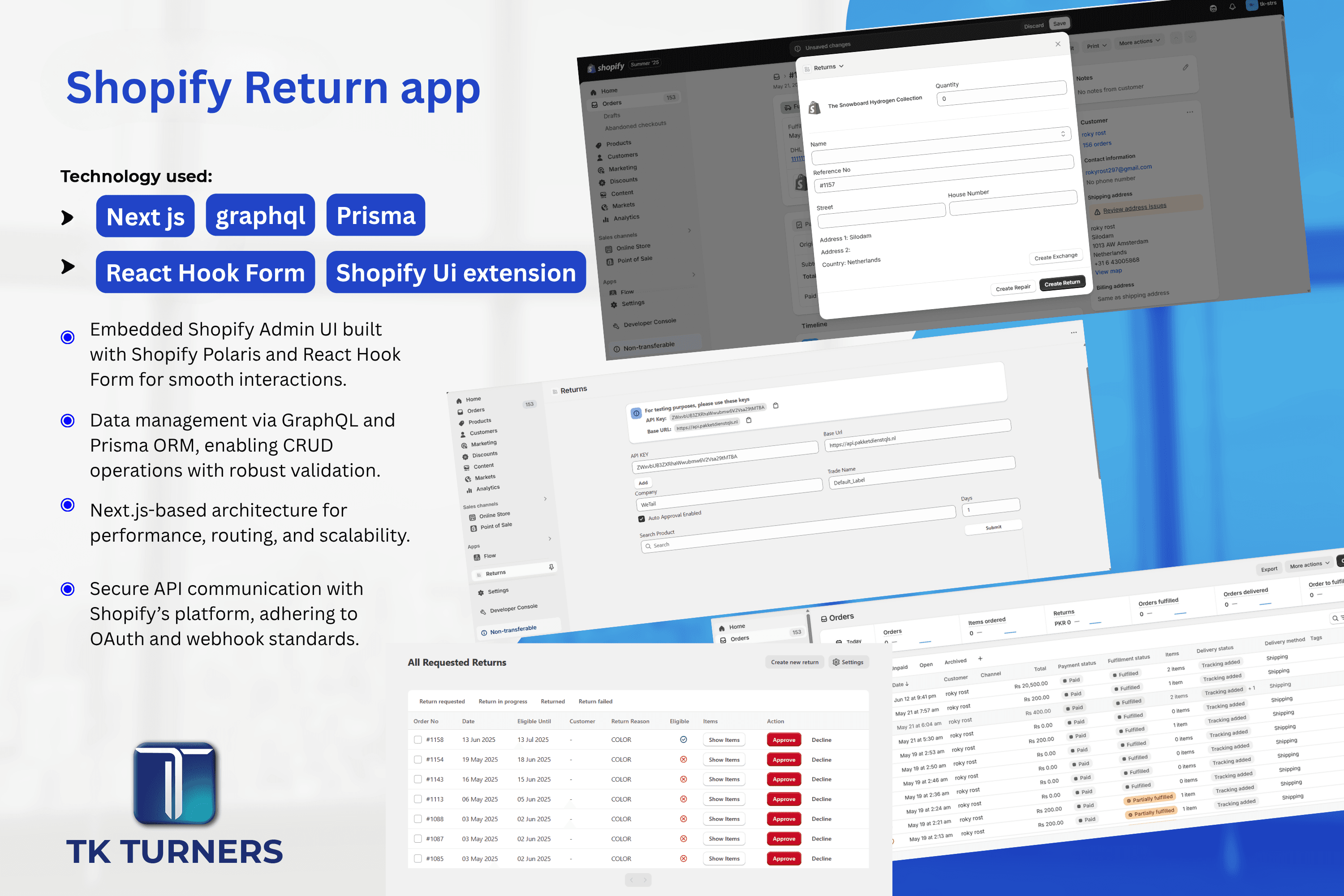
Admin screens, status logic, and customer-facing UX.
Integrations with support, inventory, payments, or warehouse systems.
Operational risks
What can go wrong if the decision is rushed
Support teams become the status system.
Customers receive inconsistent return decisions.
Inventory and refund impact is reviewed too late.
Return data is not available for operations review.
Implementation checklist
- Map request intake, eligibility, review, resolution, and notification steps.
- Define which returns can be automated and which need review.
- Identify required Shopify, inventory, support, and payment data.
- Design merchant screens around real exception workflows.
Internal proof cluster
Related proof and next steps
Search questions
Questions this page helps answer
Is a standard Shopify returns app enough?
It is enough when your workflow is simple. If policy, status, inventory, or review logic is specific to your business, custom development may be better.
What should be customized first?
Customize the return workflow and data model before adding advanced automation. Clear intake and review usually create the first lift.