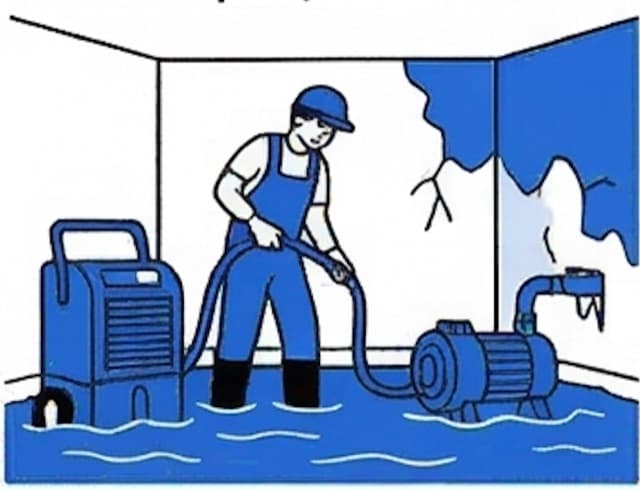
Emergency inquiry capture with urgency tagging
Fast-response routing for the right team
Organized intake details for downstream handoff
Why the funnel helps
How the funnel helps
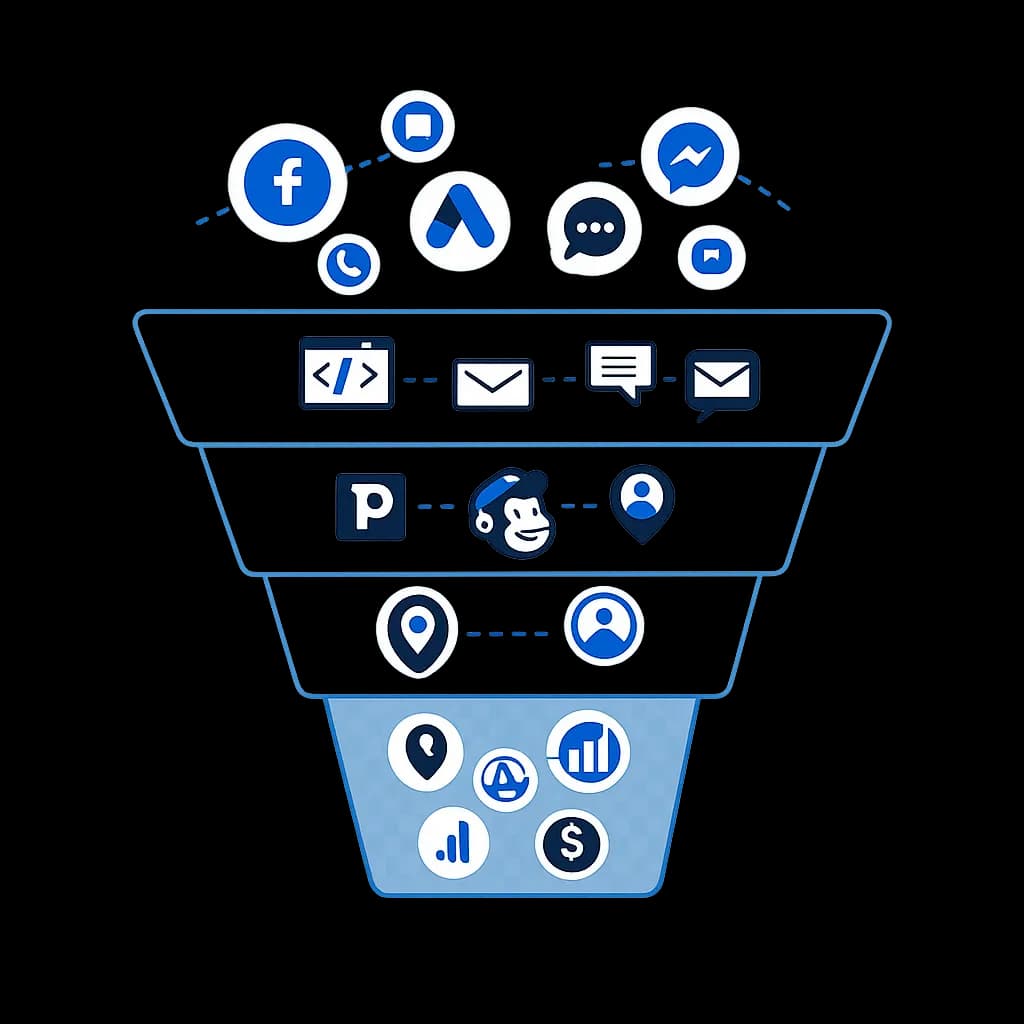
This funnel turns the blueprint into one visible flow: where leads come from, how they enter the CRM, how follow-up happens, and what gets tracked once the opportunity becomes real. It helps buyers understand the system as one connected path instead of a list of disconnected automations.
Top of funnel clarity
It shows how ads, calls, chat, and inbound messages can all feed one intake path instead of being handled in separate silos.
Mid-funnel follow-up and routing
It makes the nurture layer concrete: forms, email, SMS, booking, and CRM stages work together so the team knows what happens after the first inquiry.
Bottom-funnel visibility
It connects routing, reporting, and revenue signals, which helps explain why the build matters operationally and not just visually inside the CRM.