Operational checklist
Desktop and Kiosk Launch Readiness Checklist
Teams planning installed apps, offline-capable tools, kiosk workflows, field stations, or device-connected software. Use this checklist before building desktop or kiosk software. It focuses on the installed environment, operator flow, packaging, updates, and support paths that determine whether launch stays controlled.

Checklist
- Define the target devices, operating systems, permissions, and hardware access.
- Decide which workflows must work offline or recover after connectivity loss.
- Plan installation, signing, distribution, updates, and rollback expectations.
- Map kiosk lock-down, admin access, restart, and support recovery paths.
- List device QA scenarios, peripherals, local storage, and sync behavior.
- Define logging, handover, ownership, and post-launch support needs.
How to use this
Use the checklist to improve decisions before build
Installed software needs a release plan before the final build package.
Offline behavior should be designed as a workflow, not an error message.
Kiosk recovery paths matter when no developer is standing next to the device.
Internal proof cluster
Related proof for this checklist
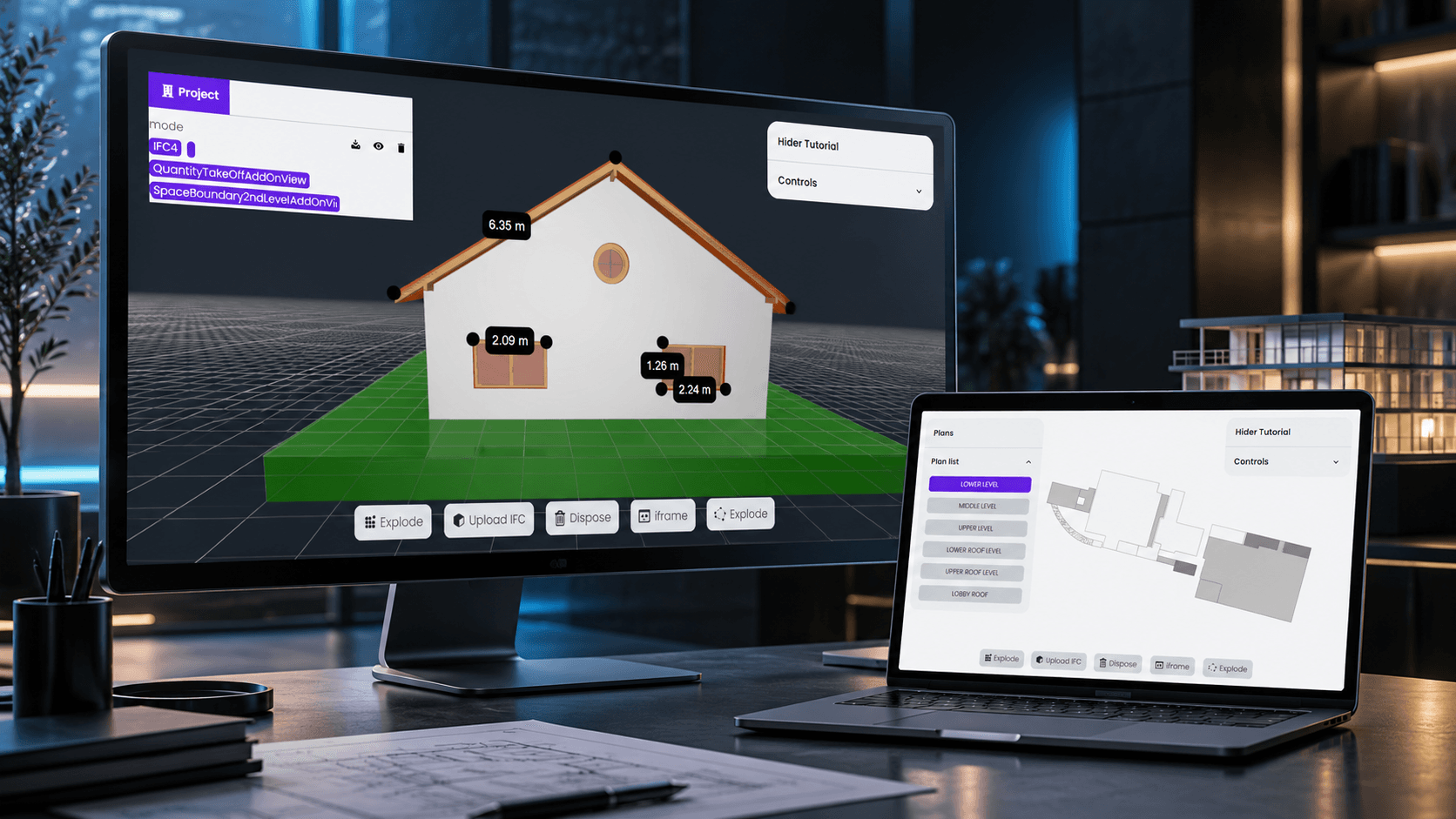
Revit IFC Viewer
Revit IFC Viewer is a browser-based BIM viewer for loading, inspecting, and coordinating IFC models exported from Revit and other BIM tools.
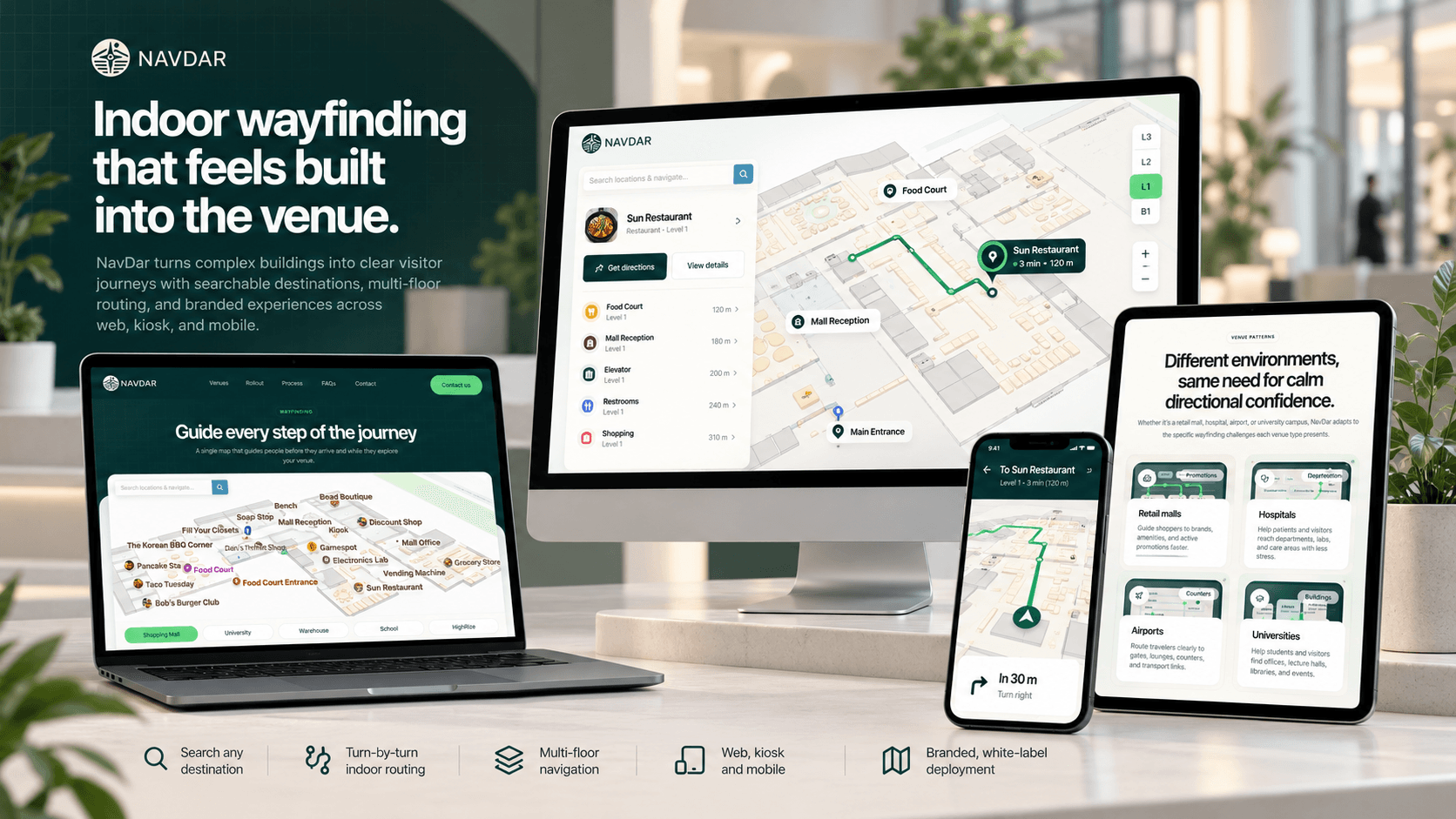
Indoor Navigation
Indoor Navigation is a Next.js web platform that provides interactive indoor maps, venue management, and wayfinding solutions. It serves both end users looking for directions inside complex venues and venue operators.
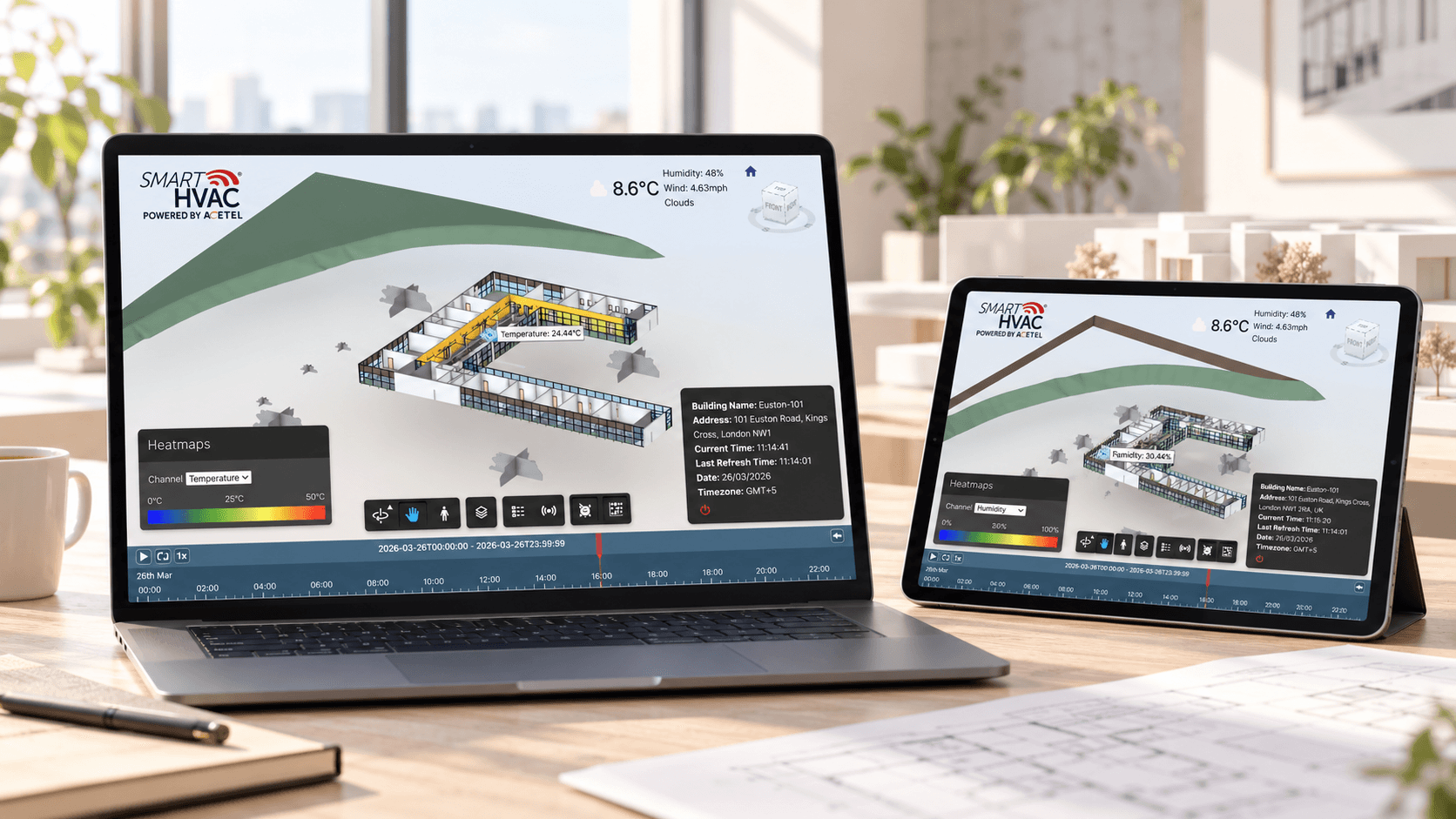
BIM IoT
BIM IoT is a smart building dashboard that connects BIM models with live and historical IoT sensor data. The application lets users view Autodesk models in the browser, inspect building floors, visualize sensor readings.