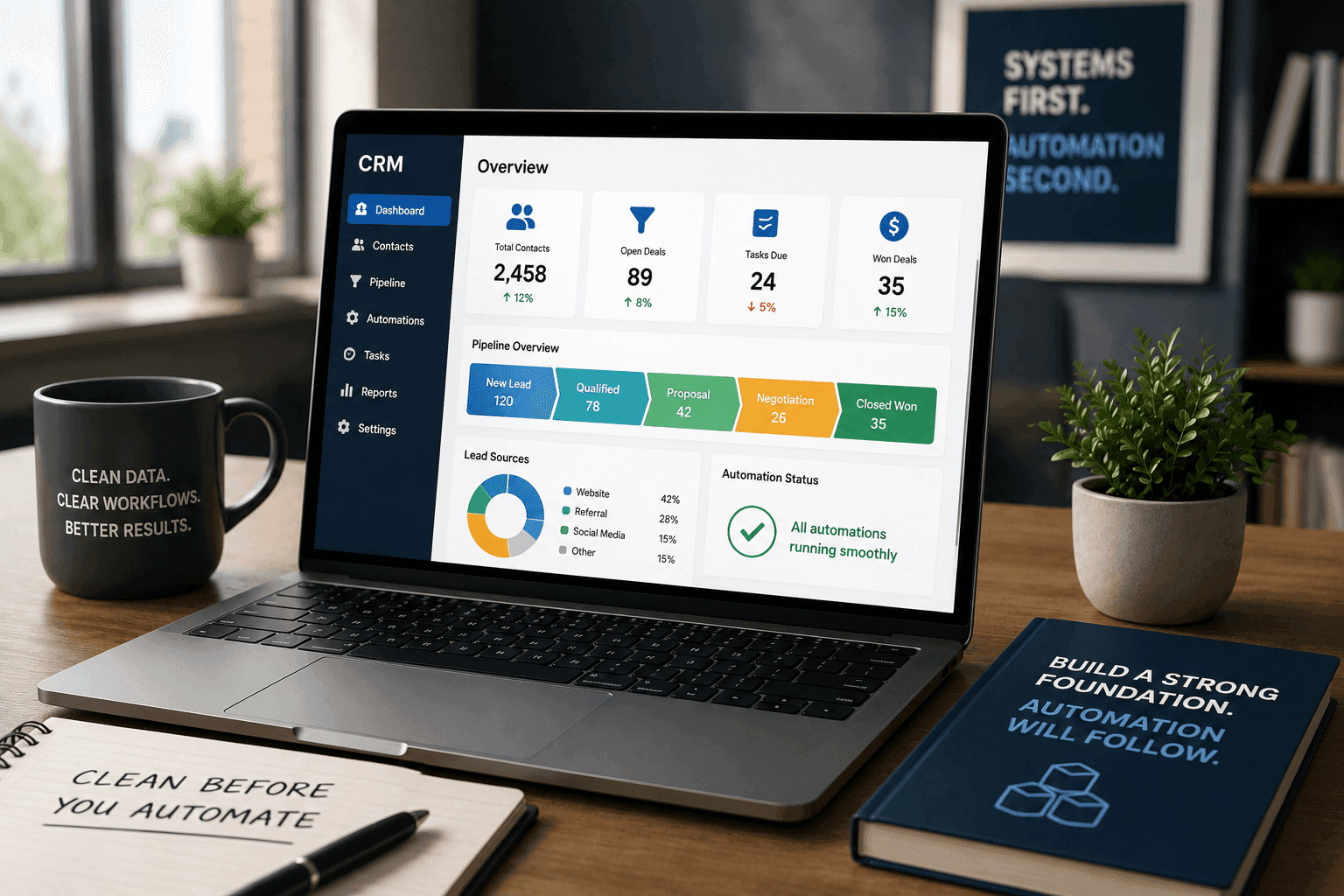
CRM Cleanup Before Automation: The Hidden Reason Most Automations Break
A business decides to automate lead follow-up, customer onboarding, or reporting. The automation gets built, tested, and launched.
Then the problems start.
Contacts enter the wrong pipeline. Duplicate records trigger multiple emails. Sales opportunities disappear between stages. Reports show conflicting numbers. Team members stop trusting the system and go back to manual work.
The automation itself is rarely the problem.
More often, the real issue is the CRM underneath it.
Automation depends on clean data, consistent processes, and clearly defined workflows. When those foundations are missing, automation simply moves existing problems faster.
Before investing in AI agents, workflow automation, or advanced integrations, businesses should ask a simpler question:
Is our CRM actually ready for automation?
Why CRM Data Problems Become Automation Problems
A CRM is more than a contact database. It is the system that defines how information moves through your business.
Every automation relies on triggers, statuses, fields, tags, and pipeline stages. If those elements are inconsistent, the automation will produce inconsistent results.
Consider a simple lead nurturing workflow.
When a new lead enters the CRM, an automation sends a welcome email, creates a follow-up task, and assigns the lead to a sales representative.
That process works only when:
- Contact information is accurate
- Pipeline stages are used consistently
- Lead sources are properly tracked
- Required fields are completed
- Duplicate records are eliminated
If any of those conditions fail, the automation fails too.
The result is not increased efficiency. It is automated confusion.
Common CRM Issues That Break Automation
Duplicate Contacts
Duplicate records are one of the most common CRM problems.
A single customer might exist:
- As a website lead
- As a manually entered contact
- As a sales opportunity
- As an imported spreadsheet record
When automation runs against duplicate contacts, customers may receive multiple messages, sales teams may work the same opportunity twice, and reporting becomes unreliable.
Inconsistent Pipeline Usage
Many businesses create pipeline stages that sound useful but are interpreted differently by different team members.
For example:
| Pipeline Stage | Team Member A | Team Member B |
|---|---|---|
| Qualified | Discovery completed | Contact replied |
| Proposal Sent | Proposal emailed | Proposal viewed |
| Follow-Up | Waiting on prospect | Internal review |
When stage definitions vary, automation triggers become unpredictable.
Unused Fields and Tags
Over time, CRMs accumulate:
- Outdated custom fields
- Unused tags
- Duplicate categories
- Legacy workflows
These create complexity that makes automation difficult to maintain.
A workflow built today may accidentally depend on a field nobody updates anymore.
Broken Ownership Rules
Who owns a lead?
Who receives a task?
Who manages follow-up?
Many CRM systems contain automations built years ago that no longer reflect how the business operates.
When ownership rules are unclear, automation creates bottlenecks instead of removing them.
Signs Your CRM Needs Cleanup Before Automation
You may need a CRM cleanup project if any of the following sound familiar:
- Sales reports never match operational reports
- Team members maintain separate spreadsheets
- Duplicate contacts appear regularly
- Pipeline stages are skipped
- Nobody can explain all existing automations
- Contact records contain missing information
- Team members use different naming conventions
- Lead routing requires manual intervention
- Automated emails occasionally send to the wrong people
The more of these issues you recognize, the greater the likelihood that automation will amplify existing problems.
A Practical CRM Cleanup Framework
Before implementing automation, conduct a structured CRM audit.
Step 1: Review Pipeline Structure
Start with the customer journey.
Document:
- How leads enter the business
- How opportunities move through sales
- How customers are onboarded
- How support requests are managed
Every pipeline stage should have:
- A clear definition
- An owner
- Entry criteria
- Exit criteria
If multiple team members interpret a stage differently, refine it before building automation.
Step 2: Audit Contact Records
Review a representative sample of records.
Look for:
- Missing information
- Duplicate contacts
- Incorrect field values
- Inconsistent formatting
Standardization improves automation reliability.
For example:
| Data Type | Poor Standard | Better Standard |
|---|---|---|
| Phone Number | Mixed formats | Single format |
| Lead Source | Multiple spellings | Controlled list |
| Industry | Free text | Standard categories |
| Status | Custom entries | Defined options |
Step 3: Map Existing Automations
Many businesses discover automations they forgot existed.
Create a list of:
- Active workflows
- Trigger conditions
- Actions performed
- Owners responsible
Documenting existing automation prevents conflicts when new workflows are introduced.
Step 4: Remove Unnecessary Complexity
Not every field, tag, or workflow should survive.
Ask:
- Is this still being used?
- Does this support a current business process?
- Would anyone notice if it disappeared?
Simplifying a CRM often improves automation performance more than adding new tools.
Step 5: Define Automation Readiness Rules
Before launching new automation, establish requirements.
Examples include:
- Required contact fields completed
- Duplicate detection enabled
- Pipeline stages standardized
- Ownership rules documented
- Reporting definitions agreed upon
These become operational guardrails that keep future automations reliable.
Why CRM Cleanup Matters for AI Automation
The same principles apply to AI.
AI agents, assistants, and workflow automation systems rely on structured information.
If CRM data is incomplete or inconsistent, AI tools inherit the same problems.
For example:
- AI-generated follow-ups depend on accurate customer data.
- AI reporting depends on reliable pipeline information.
- AI lead qualification depends on complete records.
- AI customer service workflows depend on clean contact histories.
This is why implementation-led AI projects often begin with systems cleanup rather than AI deployment.
The goal is not simply adding intelligence.
The goal is creating workflows that run without hand-holding.
CRM Cleanup vs. Automation: Which Should Come First?
The answer is almost always CRM cleanup.
| Activity | Priority |
|---|---|
| Remove duplicates | High |
| Standardize pipelines | High |
| Define ownership rules | High |
| Audit workflows | High |
| Deploy automation | After cleanup |
| Deploy AI agents | After cleanup |
Businesses that reverse this order often spend more time troubleshooting than improving operations.
The First Operational Fix
Many organizations assume they have an automation problem.
In reality, they have a systems problem.
Disconnected processes, inconsistent CRM usage, and unclear ownership create operational drag long before automation enters the picture.
The most valuable automation project is often not the most sophisticated one.
It is the one built on a clean, reliable operational foundation.
Before investing in new workflows, AI agents, or integrations, evaluate the system that will support them.
A clean CRM reduces manual drag, improves visibility, and creates the foundation for automation that actually gets used.
Next Steps
If you're planning workflow automation, AI implementation, or a CRM overhaul, start by identifying the operational bottlenecks hiding inside your existing systems.
You can learn more about:
- AI Automation Services
- Integration Foundation Sprint
- Agency Automation Systems
- Web & Mobile Development
Ready to identify your first operational fix?
Book a free strategy call: https://link.tkturners.com/widget/bookings/tkturners-discovery-call
Turn the note into a working system.
Identify the operational bottlenecks hiding inside your CRM and automation workflows.
Book a Free Strategy CallTkTurners Team
Implementation partner
Relevant service
Review the Integration Foundation Sprint
Explore the service lane