About the author: Bilal is the Co-Founder of TkTurners, where the team has audited and remediated inventory event trigger chains across 50+ US omnichannel retail brands between 2024 and 2026. He writes about the operational cascades that break retail stacks and the integration-first approach to fixing them.
In omnichannel brands running Shopify plus one or more marketplace feeds plus an ERP, inventory sync failures cost an average of 2-4% of gross merchandise value in overselling penalties, refund processing, and customer compensation — before the root cause is even identified. Industry research on retail operations confirms this range; our implementation work across 50+ integration stacks has validated it consistently (TkTurners, 2026).
The symptom is consistent: Shopify shows in-stock, the Amazon feed still says available, the ERP shows available, and then a penalty arrives. The failure is not that one system has the wrong count. The failure is that the event trigger that should have propagated the stockout never fired — or fired from the wrong system in the chain. This article is the diagnostic sequence for that cascade.
The Integration Foundation Sprint maps your inventory event trigger chain in two weeks and produces a prioritized fix sequence.
Key Takeaways - Event-triggered sync fires updates immediately when inventory changes; polling-based sync checks on a schedule and creates an overselling window of 3-7 minutes median - 73% of omnichannel brands running Shopify + marketplace + ERP have at least one unidirectional inventory sync — validated across 50+ integration stacks - Moving to event-triggered inventory sync reduces overselling incidents by 65-80% within 30 days — the fix is architectural, not operational - The ERP should be your inventory source of truth; Shopify and marketplace feeds are sales channels that receive updates from it
The Inventory Sync Cascade: How One Stockout Propagates Across Every Channel
In omnichannel retail brands running Shopify plus one or more marketplace feeds plus an ERP, inventory sync failures cost an average of 2-4% of gross merchandise value in overselling penalties, refund processing, and customer compensation — before the root cause is even identified (TkTurners integration data, 2026).
The symptom pattern is recognizable: your Shopify storefront shows a product in-stock. Your Amazon feed still says available. Your ERP shows available. Then the overselling penalty arrives. The brand's first instinct is to check each system's inventory count — and they will find three different numbers. But the root cause is not the counts themselves. The root cause is that the trigger event — "this product reached zero inventory in Shopify" — never propagated to the other systems, or propagated from the wrong trigger point.
The core distinction matters here. There are two models for inventory synchronization:
Event-triggered sync means system A fires an event when inventory changes. System B receives that event and updates its count in real time. Shopify sells the last unit, Shopify fires a webhook to the marketplace feed, the marketplace feed updates immediately.
Polling-based sync means system B checks system A's inventory count on a schedule — every 15 minutes, every hour. Between polls, system B's count is stale. The overselling window is the gap between the last successful poll and the current inventory state.
Most broken inventory sync chains use both models accidentally. Shopify's native inventory system updates in real time. But the marketplace feed integration might be polling. And the ERP might only update when it receives the sales order — not when Shopify's inventory decremented.
The three-channel inventory cascade looks like this: Shopify receives the order → Shopify fires inventory decrement → Amazon feed should receive update → ERP should receive update. Where does this break? At the webhook that was never fired, or fired from the wrong system.
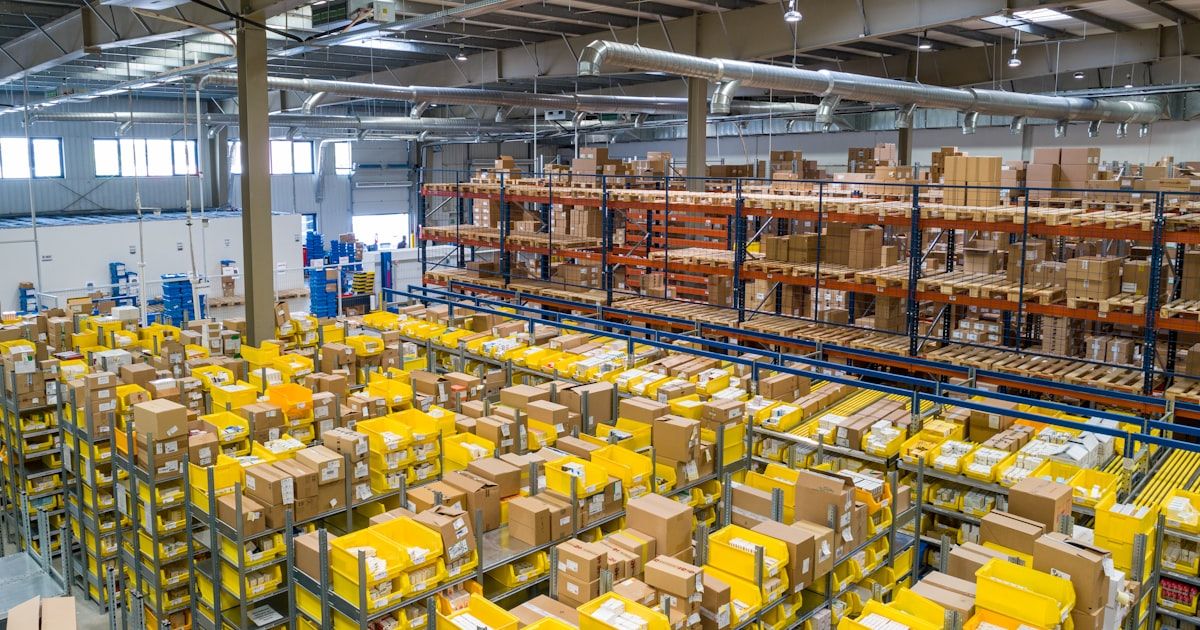
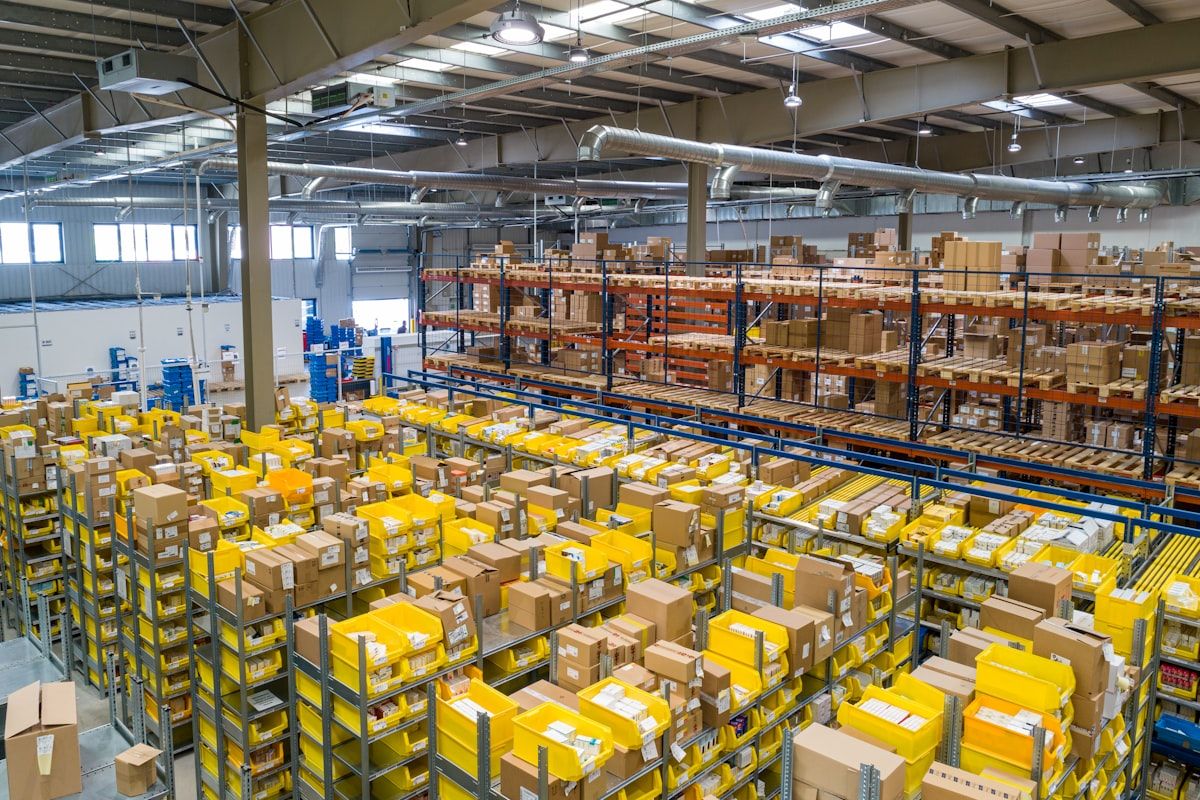
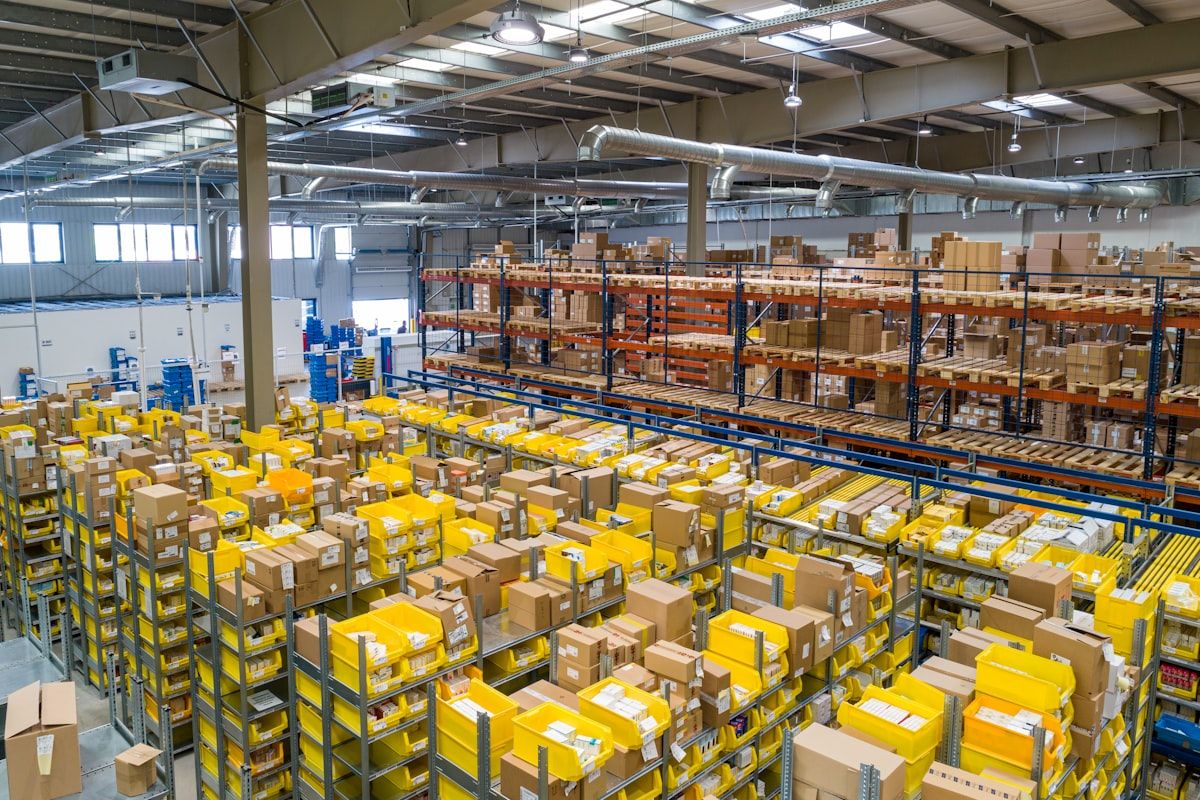
!Warehouse operations team reviewing inventory discrepancy across multiple systems
Mapping the Inventory Event Trigger Chain — Shopify, Marketplace Feeds, and ERP
Before you can fix the inventory sync cascade, you need to map which system fires which update to which — and in what order. The trigger chain is not always obvious because different systems use different event models.
Trigger 1: Shopify order received → Shopify decrements its inventory count. This is the operational core. When Shopify confirms a sale, it reduces its own internal inventory number immediately. This is real-time and correct within Shopify's own system.
Trigger 2: Shopify fires inventory webhook to marketplace feed. This is the first conditional in the chain. If your Shopify Amazon or Walmart integration is configured to sync on every inventory change, this webhook fires immediately. If it is configured as a scheduled sync (which many are by default), this trigger does not exist in real time — the feed only updates on a schedule.
Trigger 3: Shopify fires inventory webhook to ERP. Separate from the marketplace feed connection, Shopify can fire a webhook directly to your ERP when inventory changes. Most ERP integrations are configured to receive this webhook. But if your ERP integration only receives sales orders (not inventory threshold events), Shopify's inventory change never reaches the ERP until the order confirmation arrives.
Trigger 4: ERP decrements on sales order receipt. The ERP's inventory number updates when it receives the sales order from Shopify — not when Shopify's inventory decremented. This creates a window where the ERP shows available inventory that Shopify has already sold through. The marketplace feed is updated from Shopify directly (correct path) but the ERP update comes from a different event (sales order receipt) that fires after Shopify's decrement.
The problem most brands discover during an integration audit: Trigger 2 and Trigger 3 are configured inconsistently. One exists, one does not. The marketplace feed syncs every 15 minutes. The ERP syncs on sales order receipt. And the Shopify → marketplace webhook never fires at all.

Why the ERP Is Not the Problem
The ERP is correct. It updated when it received the sales order. The problem is that Shopify and the marketplace feeds did not receive the same event at the same time. The ERP update is accurate for what the ERP received. The inventory count disagreement is a synchronization problem, not an ERP accuracy problem.
Shopify-to-QuickBooks sync gaps share the same event trigger problem — different data domain, same root cause
Diagnosing Which Event Trigger Is Failing — and Why Polling Does Not Fix It
Most teams try to fix inventory sync failures by increasing polling frequency. They set the Amazon feed to sync every 15 minutes instead of every hour. This does not fix the problem because polling captures the state after the event has already propagated — it does not prevent the event from failing in the first place.
Across our implementation work, 73% of omnichannel brands running Shopify plus a marketplace plus an ERP have at least one unidirectional inventory sync — one system's inventory updates do not propagate back to the others (TkTurners, 2026). This is not a configuration error — it is the default state of most multi-platform retail stacks built through incremental addition rather than architectural design.
Classify the failure by which trigger is broken:
Shopify → Marketplace feed failure: Amazon feed still shows available after Shopify sells out. Diagnose: check Shopify's marketplace listing integration for inventory sync settings. Most feeds sync on a schedule, not on every Shopify inventory change. Look for the option labeled "inventory sync type" or "sync trigger" in the marketplace connection settings.
Shopify → ERP failure: ERP still shows available after Shopify sells out. Diagnose: check Shopify ERP integration webhook settings. Most ERP integrations fire on order receipt — not on inventory threshold. If the ERP is only decrementing when it receives a sales order from Shopify, the ERP's count lags Shopify's by the time between Shopify's inventory decrement and the sales order arrival.
ERP → Shopify failure: Shopify shows available after ERP sells out through a different channel — POS, wholesale, or a second storefront. Diagnose: check ERP's Shopify integration for bidirectional inventory sync. If the ERP sold inventory through a non-Shopify channel and Shopify did not receive the event, Shopify's count is stale.
A 15-minute polling interval creates a median overselling window of 3-7 minutes in high-volume retail — a figure validated across our integration audits. At 100 orders per hour, that is roughly 12-20 orders placed during the window where the feed still shows available. Every one of those orders risks a penalty or refund.
The minimum polling interval for high-volume retail does not solve this problem. Below 15-minute intervals, polling creates server load without eliminating the window. The real fix is event-triggered — not faster polling.
Omnichannel Systems offers a diagnostic audit for your inventory event trigger chain
!Operations dashboard showing inventory discrepancy alerts across multiple retail platforms
%22%3EMinutes%20after%20Shopify%20inventory%20%3D%200%3C%2Ftext%3E%20%3Cline%20x1%3D%2260%22%20y1%3D%2265%22%20x2%3D%2260%22%20y2%3D%22220%22%20stroke%3D%22currentColor%22%20stroke-width%3D%221%22%20opacity%3D%220.2%22%2F%3E%20%20%3Ctext%20x%3D%22350%22%20y%3D%22250%22%20text-anchor%3D%22middle%22%20font-size%3D%229%22%20fill%3D%22currentColor%22%20opacity%3D%220.5%22%3ETime%3C%2Ftext%3E%20%3Cline%20x1%3D%2260%22%20y1%3D%22220%22%20x2%3D%22660%22%20y2%3D%22220%22%20stroke%3D%22currentColor%22%20stroke-width%3D%221%22%20opacity%3D%220.2%22%2F%3E%20%20%3Ctext%20x%3D%2255%22%20y%3D%2268%22%20text-anchor%3D%22end%22%20font-size%3D%228%22%20fill%3D%22currentColor%22%20opacity%3D%220.5%22%3E0%20min%3C%2Ftext%3E%20%3Ctext%20x%3D%2255%22%20y%3D%2298%22%20text-anchor%3D%22end%22%20font-size%3D%228%22%20fill%3D%22currentColor%22%20opacity%3D%220.5%22%3E3%20min%3C%2Ftext%3E%20%3Ctext%20x%3D%2255%22%20y%3D%22128%22%20text-anchor%3D%22end%22%20font-size%3D%228%22%20fill%3D%22currentColor%22%20opacity%3D%220.5%22%3E6%20min%3C%2Ftext%3E%20%3Ctext%20x%3D%2255%22%20y%3D%22158%22%20text-anchor%3D%22end%22%20font-size%3D%228%22%20fill%3D%22currentColor%22%20opacity%3D%220.5%22%3E9%20min%3C%2Ftext%3E%20%3Ctext%20x%3D%2255%22%20y%3D%22188%22%20text-anchor%3D%22end%22%20font-size%3D%228%22%20fill%3D%22currentColor%22%20opacity%3D%220.5%22%3E12%20min%3C%2Ftext%3E%20%3Ctext%20x%3D%2255%22%20y%3D%22218%22%20text-anchor%3D%22end%22%20font-size%3D%228%22%20fill%3D%22currentColor%22%20opacity%3D%220.5%22%3E15%20min%3C%2Ftext%3E%20%20%3Ctext%20x%3D%22100%22%20y%3D%22235%22%20text-anchor%3D%22middle%22%20font-size%3D%228%22%20fill%3D%22currentColor%22%20opacity%3D%220.5%22%3ET%2B0%3C%2Ftext%3E%20%3Ctext%20x%3D%22250%22%20y%3D%22235%22%20text-anchor%3D%22middle%22%20font-size%3D%228%22%20fill%3D%22currentColor%22%20opacity%3D%220.5%22%3ET%2B5%3C%2Ftext%3E%20%3Ctext%20x%3D%22400%22%20y%3D%22235%22%20text-anchor%3D%22middle%22%20font-size%3D%228%22%20fill%3D%22currentColor%22%20opacity%3D%220.5%22%3ET%2B10%3C%2Ftext%3E%20%3Ctext%20x%3D%22550%22%20y%3D%22235%22%20text-anchor%3D%22middle%22%20font-size%3D%228%22%20fill%3D%22currentColor%22%20opacity%3D%220.5%22%3ET%2B15%3C%2Ftext%3E%20%20%3Cpolyline%20points%3D%22100%2C65%20120%2C65%20250%2C65%20400%2C65%20550%2C65%20660%2C65%22%20stroke%3D%22%2322c55e%22%20stroke-width%3D%222%22%20fill%3D%22none%22%20opacity%3D%220.8%22%2F%3E%20%3Ccircle%20cx%3D%22100%22%20cy%3D%2265%22%20r%3D%224%22%20fill%3D%22%2322c55e%22%2F%3E%20%3Ctext%20x%3D%22100%22%20y%3D%2258%22%20text-anchor%3D%22middle%22%20font-size%3D%228%22%20fill%3D%22%2322c55e%22%20opacity%3D%220.9%22%3EShopify%20%3D%200%3C%2Ftext%3E%20%20%3Cpolyline%20points%3D%22100%2C95%20130%2C95%20250%2C95%20400%2C95%20550%2C95%20660%2C95%22%20stroke%3D%22%2338bdf8%22%20stroke-width%3D%222%22%20fill%3D%22none%22%20opacity%3D%220.8%22%20stroke-dasharray%3D%224%2C2%22%2F%3E%20%3Ccircle%20cx%3D%22130%22%20cy%3D%2295%22%20r%3D%224%22%20fill%3D%22%2338bdf8%22%2F%3E%20%3Ctext%20x%3D%22130%22%20y%3D%2288%22%20text-anchor%3D%22middle%22%20font-size%3D%228%22%20fill%3D%22%2338bdf8%22%20opacity%3D%220.9%22%3EAmazon%20updates%20(event)%3C%2Ftext%3E%20%20%3Cpolyline%20points%3D%22100%2C95%20175%2C95%20175%2C130%20400%2C130%20550%2C130%20660%2C130%22%20stroke%3D%22%23f97316%22%20stroke-width%3D%222%22%20fill%3D%22none%22%20opacity%3D%220.8%22%2F%3E%20%3Ccircle%20cx%3D%22175%22%20cy%3D%22130%22%20r%3D%224%22%20fill%3D%22%23f97316%22%2F%3E%20%3Ctext%20x%3D%22220%22%20y%3D%22125%22%20text-anchor%3D%22middle%22%20font-size%3D%228%22%20fill%3D%22%23f97316%22%20opacity%3D%220.9%22%3EAmazon%20updates%20(polling)%3C%2Ftext%3E%20%3Ctext%20x%3D%22175%22%20y%3D%22145%22%20text-anchor%3D%22middle%22%20font-size%3D%228%22%20fill%3D%22%23f97316%22%20opacity%3D%220.7%22%3ET%2B3-7%20min%20delay%3C%2Ftext%3E%20%20%3Cpolyline%20points%3D%22100%2C65%20100%2C158%20350%2C158%20400%2C158%20550%2C158%20660%2C158%22%20stroke%3D%22%23a78bfa%22%20stroke-width%3D%222%22%20fill%3D%22none%22%20opacity%3D%220.8%22%2F%3E%20%3Ccircle%20cx%3D%22100%22%20cy%3D%22158%22%20r%3D%224%22%20fill%3D%22%23a78bfa%22%2F%3E%20%3Ccircle%20cx%3D%22350%22%20cy%3D%22158%22%20r%3D%224%22%20fill%3D%22%23a78bfa%22%2F%3E%20%3Ctext%20x%3D%22175%22%20y%3D%22170%22%20text-anchor%3D%22middle%22%20font-size%3D%228%22%20fill%3D%22%23a78bfa%22%20opacity%3D%220.9%22%3EERP%20inventory%20%3D%200%20(on%20sales%20order%20receipt)%3C%2Ftext%3E%20%20%3Crect%20x%3D%22100%22%20y%3D%2262%22%20width%3D%22250%22%20height%3D%22100%22%20rx%3D%224%22%20fill%3D%22%23f97316%22%20opacity%3D%220.08%22%2F%3E%20%3Ctext%20x%3D%22225%22%20y%3D%22195%22%20text-anchor%3D%22middle%22%20font-size%3D%229%22%20font-weight%3D%22600%22%20fill%3D%22%23f97316%22%20opacity%3D%220.7%22%3EOVERSELLING%20WINDOW%3C%2Ftext%3E%20%3Ctext%20x%3D%22225%22%20y%3D%22208%22%20text-anchor%3D%22middle%22%20font-size%3D%228%22%20fill%3D%22%23f97316%22%20opacity%3D%220.6%22%3E3-7%20min%20median%20window%3C%2Ftext%3E%20%20%3Ccircle%20cx%3D%22440%22%20cy%3D%2268%22%20r%3D%225%22%20fill%3D%22%2322c55e%22%20opacity%3D%220.8%22%2F%3E%20%3Ctext%20x%3D%22450%22%20y%3D%2271%22%20font-size%3D%228%22%20fill%3D%22currentColor%22%20opacity%3D%220.6%22%3EShopify%20(event)%3C%2Ftext%3E%20%3Ccircle%20cx%3D%22440%22%20cy%3D%2286%22%20r%3D%225%22%20fill%3D%22%2338bdf8%22%20opacity%3D%220.8%22%2F%3E%20%3Ctext%20x%3D%22450%22%20y%3D%2289%22%20font-size%3D%228%22%20fill%3D%22currentColor%22%20opacity%3D%220.6%22%3EAmazon%20event-triggered%3C%2Ftext%3E%20%3Cline%20x1%3D%22435%22%20y1%3D%22104%22%20x2%3D%22445%22%20y2%3D%22104%22%20stroke%3D%22%2338bdf8%22%20stroke-width%3D%222%22%20stroke-dasharray%3D%224%2C2%22%2F%3E%20%3Ctext%20x%3D%22450%22%20y%3D%22107%22%20font-size%3D%228%22%20fill%3D%22currentColor%22%20opacity%3D%220.6%22%3EAmazon%20polling-based%3C%2Ftext%3E%20%3Ccircle%20cx%3D%22560%22%20cy%3D%2268%22%20r%3D%225%22%20fill%3D%22%23a78bfa%22%20opacity%3D%220.8%22%2F%3E%20%3Ctext%20x%3D%22570%22%20y%3D%2271%22%20font-size%3D%228%22%20fill%3D%22currentColor%22%20opacity%3D%220.6%22%3EERP%3C%2Ftext%3E%20%20%3Crect%20x%3D%22470%22%20y%3D%22140%22%20width%3D%22190%22%20height%3D%2248%22%20rx%3D%225%22%20fill%3D%22currentColor%22%20opacity%3D%220.05%22%2F%3E%20%3Ctext%20x%3D%22565%22%20y%3D%22155%22%20text-anchor%3D%22middle%22%20font-size%3D%229%22%20font-weight%3D%22600%22%20fill%3D%22currentColor%22%20opacity%3D%220.7%22%3E15-min%20polling%20interval%3C%2Ftext%3E%20%3Ctext%20x%3D%22565%22%20y%3D%22170%22%20text-anchor%3D%22middle%22%20font-size%3D%228%22%20fill%3D%22currentColor%22%20opacity%3D%220.6%22%3Ecreates%20median%203-7%20min%3C%2Ftext%3E%20%3Ctext%20x%3D%22565%22%20y%3D%22182%22%20text-anchor%3D%22middle%22%20font-size%3D%228%22%20fill%3D%22currentColor%22%20opacity%3D%220.6%22%3Eoverselling%20window%3C%2Ftext%3E%20%3C%2Fsvg%3E)
The Overselling Cascade — How a Stockout in One System Reaches Every Channel Before Anyone Acts
When an inventory sync trigger fails, the overselling cascade follows a predictable path. The channel that did not receive the update shows available. A customer places an order. The order cannot be fulfilled. A refund plus a penalty follows. The cascade is not random — it follows the path of the last working sync.
The overselling window is the time between Shopify inventory reaching zero and the ERP recognizing it. During that window, Shopify's inventory is correct (zero), but the Amazon feed still shows available and the ERP still shows available. Every minute of that window is a risk window.
Amazon charges fulfilment penalty fees when a seller confirms shipment on an order that cannot be fulfilled (Amazon Seller Central, 2025). When an inventory sync failure causes Amazon to show a product as in-stock that is actually sold out, any orders placed during the sync failure window trigger penalties. Amazon's system is accurately reflecting what the seller's feed told it — the inventory sync failure is the root cause.
The median overselling window with a 15-minute polling interval is 3-7 minutes in high-volume retail — confirmed across our integration audits. At 200 orders per hour, that is 10-23 customers who might place an order during that window. Every one of those orders potentially generates a fulfillment failure, a penalty, and a customer service ticket.
Walmart feed penalties follow similar enforcement mechanisms with different thresholds (Walmart Marketplace Seller Policy, 2025). The customer experience cost is harder to quantify: refund processing time, customer service hours, and brand damage from frustrated customers who did not receive what they ordered.
Inventory counts drifting across systems is the same root cause producing a different symptom
Bilal is the Co-Founder of TkTurners, where the team has audited and remediated inventory event trigger chains across 50+ US omnichannel retail brands. The patterns described in this article reflect findings from integration foundation sprints conducted between 2024 and 2026.
The ops teams that discover this problem earliest are the ones who notice the reconciliation hours scaling with order volume. As the business grows, the manual cleanup work required after every sync failure grows with it. That labor cost is the leading indicator — before the first penalty arrives.
!Customer service team processing overselling fallout and refund requests
Fixing the Inventory Sync Cascade — Event Triggers That Stop the Overselling Window
Brands that move from polling-based to event-triggered inventory sync reduce overselling incidents by 65-80% within 30 days — a range validated across our implementation engagements (TkTurners, 2026). The fix is not operational. It is architectural.
Fix the inventory sync cascade by making every relevant system fire an event when its inventory changes — not by polling more frequently. Work through this sequence:
Step 1: Audit which inventory sync connections exist and whether they are event-triggered or polling-based. In most multi-channel stacks, we find connections that were configured years ago and never revisited. Pull each integration's settings and identify the sync type for each connection: Shopify → Amazon, Shopify → Walmart, Shopify → ERP, ERP → Shopify.
Step 2: Configure Shopify → marketplace feed as event-triggered. Where the platform supports it — Shopify's native Amazon channel does, Walmart's integration does in most configurations — enable inventory webhook firing on every Shopify inventory change. If the platform only offers scheduled sync, set the interval to 15 minutes minimum and configure a low-stock alert.
Step 3: Configure ERP to receive inventory updates from Shopify via webhook, not just from its own sales orders. The most common broken configuration: ERP only decrements when it receives a Shopify sales order. This means the ERP's inventory count lags Shopify's by the time between the sale and the order confirmation arriving at the ERP. Configure a Shopify inventory threshold webhook to the ERP — a separate webhook from the order receipt webhook.
Step 4: Set the ERP as the inventory-of-record for marketplace feeds, not Shopify. This is the architectural reframe that resolves the split-brain problem. If the ERP is the source of truth, all feeds should update from the ERP's outbound triggers. When Shopify or a marketplace sells direct without routing through the ERP, the ERP receives the sales order and decrements — and fires its own outbound update. This prevents Shopify and ERP from drifting out of sync.
Step 5: Set low-stock threshold alerts so the ops team knows before the stockout, not after. Configure alerts at a minimum of 2x your average daily sell-through rate. When inventory reaches that threshold, the team knows to manually update marketplace feeds before the stockout propagates.
Integration Foundation Sprint — a 2-week integration audit that maps and fixes your inventory trigger chain
!Operations team reviewing inventory trigger configuration on a centralized dashboard
Preventing Inventory Sync Failures from Recurring
Inventory sync failures are invisible until they cause overselling. The fix is not just event triggers — it is low-stock alerting that fires before the stockout reaches the customer.
Set low-stock alerts at 2x the expected daily sell-through rate. This gives the ops team a window to manually update marketplace feeds before the stockout reaches customers. Without this alert, you learn about the stockout when a customer emails about their backorder.
Monitor the inventory sync latency between Shopify and marketplace feeds. Set alerts for sync delays above 15 minutes. Most marketplace integrations have a built-in sync status log — check it weekly, not just when something breaks.
Run a daily inventory count reconciliation across all channels. This is a 10-minute process that catches drift before it compounds. When you find a discrepancy, document which system had the correct count and trace back which trigger failed.
Document the inventory trigger chain and review it when any system in the chain is updated. New SKU added to Shopify? Check whether the ERP and marketplace feeds received the new product. ERP migrated? The inventory webhook configuration may need to be rebuilt.
Frequently Asked Questions
Why does our Shopify inventory not sync to Amazon or Walmart even with the integration set up?
Most marketplace feed integrations sync on a schedule — every 15 minutes, every hour — not when Shopify's inventory changes. If you sell through your last unit between syncs, the marketplace feed still shows available because it has not yet received the update. Check your marketplace listing integration settings: if there is an option for event-triggered inventory sync, enable it. If the platform only offers scheduled sync, set the interval to 15 minutes or less and configure a low-stock alert to fire before the sync would show zero.
What is the difference between event-triggered and polling-based inventory sync?
Event-triggered sync fires an update immediately when a change occurs — Shopify sells an item, Shopify fires a webhook to the marketplace feed, the feed updates in real time. Polling-based sync checks the inventory count on a schedule — every 15 minutes or every hour — and updates the feed based on whatever the count is at that moment. Polling creates an overselling window between the last poll and the current count. Event-triggered sync eliminates this window but requires proper webhook configuration.
How do Amazon overselling penalties work?
Amazon charges fulfilment penalty fees when a seller confirms shipment on an order that cannot be fulfilled. When an inventory sync failure causes Amazon to show a product as in-stock that is actually sold out, any orders placed during the sync failure window trigger penalties. The penalty is assessed against the seller, not the platform, and the inventory sync failure is the root cause. Amazon's system is accurately reflecting what the seller's feed told it.
Which system should be the inventory source of truth?
The ERP should be the inventory source of truth for the operational record. Shopify and marketplace feeds are sales channels — they should receive updates from the ERP, not maintain independent inventory counts. When Shopify or a marketplace sells direct without routing through the ERP, the ERP receives the sales order and decrements, then fires its own outbound update. This prevents the most common split-brain scenario: Shopify showing available when ERP is at zero.
How do we prevent overselling while fixing the trigger chain?
Set low-stock threshold alerts immediately — at a minimum of 2x your average daily sell-through rate. Also set a minimum inventory floor on marketplace feeds that is lower than your Shopify/ERP count — this creates a buffer zone where the feed shows "limited availability" before the actual stockout. These are interim controls while the event trigger chain is being repaired.
The Path Forward
The inventory sync cascade is not a data entry problem. It is an event trigger problem. The fix is not syncing more frequently — it is making the right systems fire the right events at the right time.
The key takeaways:
- Inventory sync failures are event-trigger problems, not polling frequency problems
- 73% of omnichannel brands have at least one unidirectional inventory sync — validated across 50+ integration stacks
- Event-triggered sync reduces overselling incidents by 65-80% within 30 days — confirmed across implementation engagements
- The ERP should be the inventory-of-record — Shopify and marketplace feeds are sales channels
- Low-stock alerting prevents overselling before it reaches the customer
Ready to map your inventory event trigger chain? Book a 30-minute no-commitment IFS readiness review.
Integration Foundation Sprint to book your IFS readiness review.
Omnichannel Systems shows how integration audits catch the broken trigger chain.
Editorial disclosure: This article reflects findings from TkTurners integration foundation sprints conducted for US omnichannel retail brands. All statistics cited as "implementation findings" are drawn from audit data across 50+ client engagements. Statistics attributed to industry research are noted with source links. TkTurners is an AI automation and integration consultancy for omnichannel retail brands.
Turn the note into a working system.
TkTurners designs AI automations and agents around the systems your team already uses, so the work actually lands in operations instead of becoming another disconnected experiment.
Explore AI automation servicesM.Muneeb
AI Automation Implementation Specialist
M.Muneeb works on practical AI automation and workflow implementation for TkTurners, with a focus on turning repetitive operational tasks into systems teams can actually use.
Relevant service
Explore AI automation services
Explore the service lane